

Take every screen over in seconds when it matters
CloudyFy TV's alerts push an emergency message to your whole fleet over a live MQTT connection, with an HTTP pull and legacy polling as backup so the message still lands if one channel is down. Choose a banner overlay on top of whatever is already playing, or a full takeover that clears the screen until you end it.
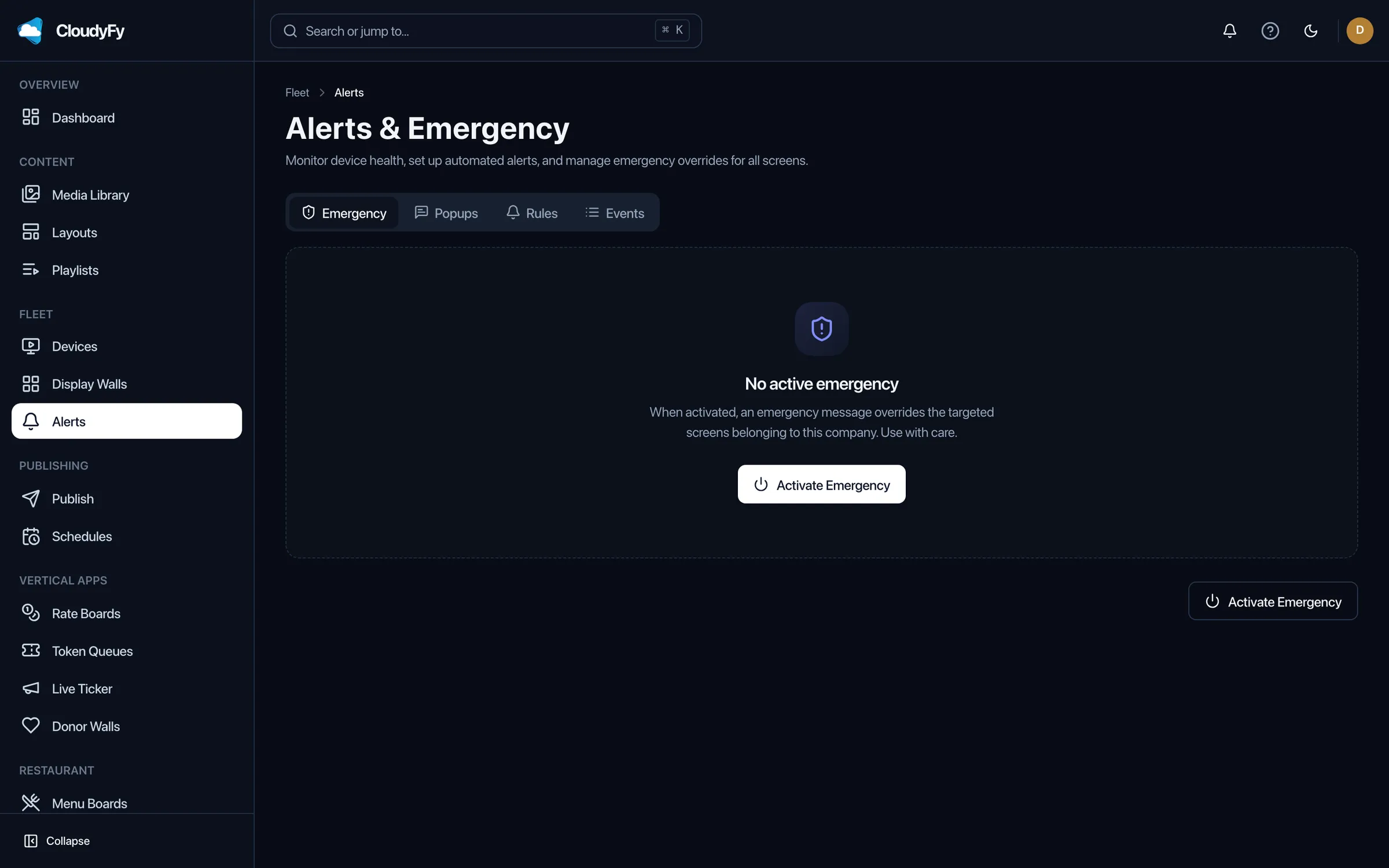
What is an emergency alert in CloudyFy TV?
An emergency alert is a message you push to some or all of your screens outside the normal publish and schedule flow, for situations that cannot wait for the next scheduled change. It arrives through the same live data channel used for rates, tokens and other real-time content, so a screen does not have to be mid-cycle through a polling interval to receive it.
How do emergency alerts work?
Trigger the alert manually from the CMS
An operator writes the message, picks the screens or groups it should reach, and releases it in one action from the console, with no device visit needed.Choose overlay or takeover
An overlay shows as a banner on top of whatever content is already playing; a full manifest takeover clears the screen and shows the alert alone until it ends.Delivery reaches every targeted screen
The message goes out over a live MQTT connection to every connected device in the target group, with an HTTP pull path and legacy polling as fallbacks for any screen that misses the realtime push.End the alert
Ending it from the CMS returns every affected screen to its normal manifest automatically; nobody has to touch a device.
Why do emergency alerts matter?
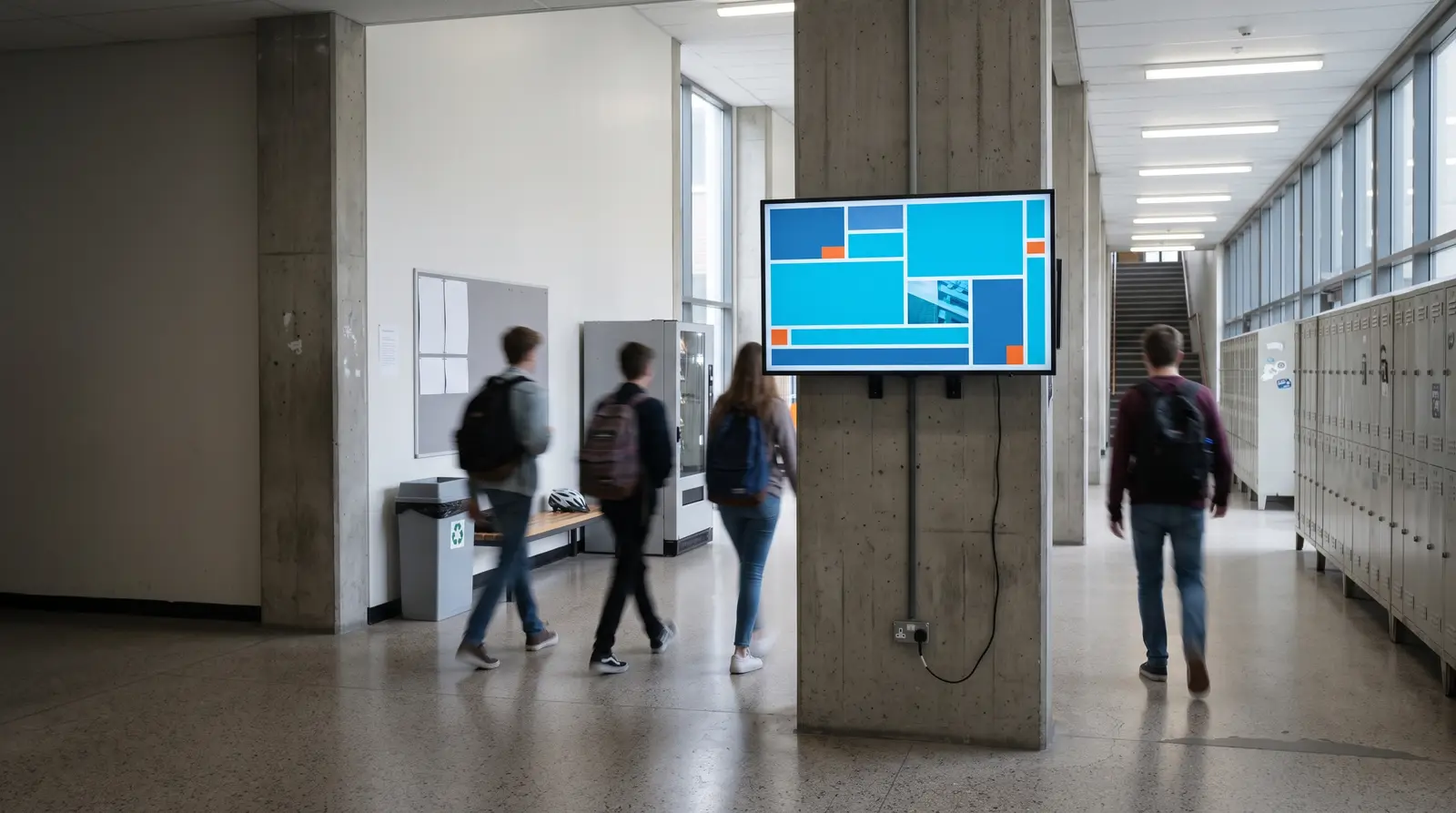
Schools and campuses
Can push a lockdown or all-clear message to every hallway and classroom screen at once, the use case CloudyFy TV ships as a standard feature rather than a paid add-on.
Healthcare facilities
Can put a code alert or a facility-wide notice on waiting-room and ward screens without a separate PA-only workflow.
Corporate offices and campuses
Can push a severe-weather or evacuation notice to lobby, floor and cafeteria screens in one action.
Bank and financial branches
Can post a fraud alert or a security notice to every branch screen from a single console, not branch by branch.
How is an emergency alert different from a manual announcement?
A phone tree, an intercom or an email blast each depend on someone being near the right device, listening, or checking their inbox at the right moment, and none of them updates the screens people are already looking at. A signage fleet with no dedicated alert path is worse: someone has to walk to each device and manually swap content, which costs exactly the minutes an emergency cannot spare.
CloudyFy TV's alerts skip both problems by using the screens that are already on and already visible, delivered over the same realtime channel used for live rates and token queues rather than a slow polling cycle, with two independent fallback paths so the message is not resting on a single point of failure.
How does CloudyFy TV make sure an alert actually reaches every screen?
An alert does not rely on one delivery channel working perfectly; it runs three at once.
Resources
Education
Campus safety is the most common reason a school deploys emergency alerts.
Read the guideHealthcare
Code alerts and facility notices on waiting-room and ward screens.
Read the guideGlossary
Plain-language definitions for playlist, schedule and other terms an alert temporarily overrides.
Read the guide
FAQs
Start your free trial
Set up your first alert group. Configure device groups today so an alert is one click away when you need it: start your 7-day free trial of Starter, no commitment.