

What Is Digital Signage?
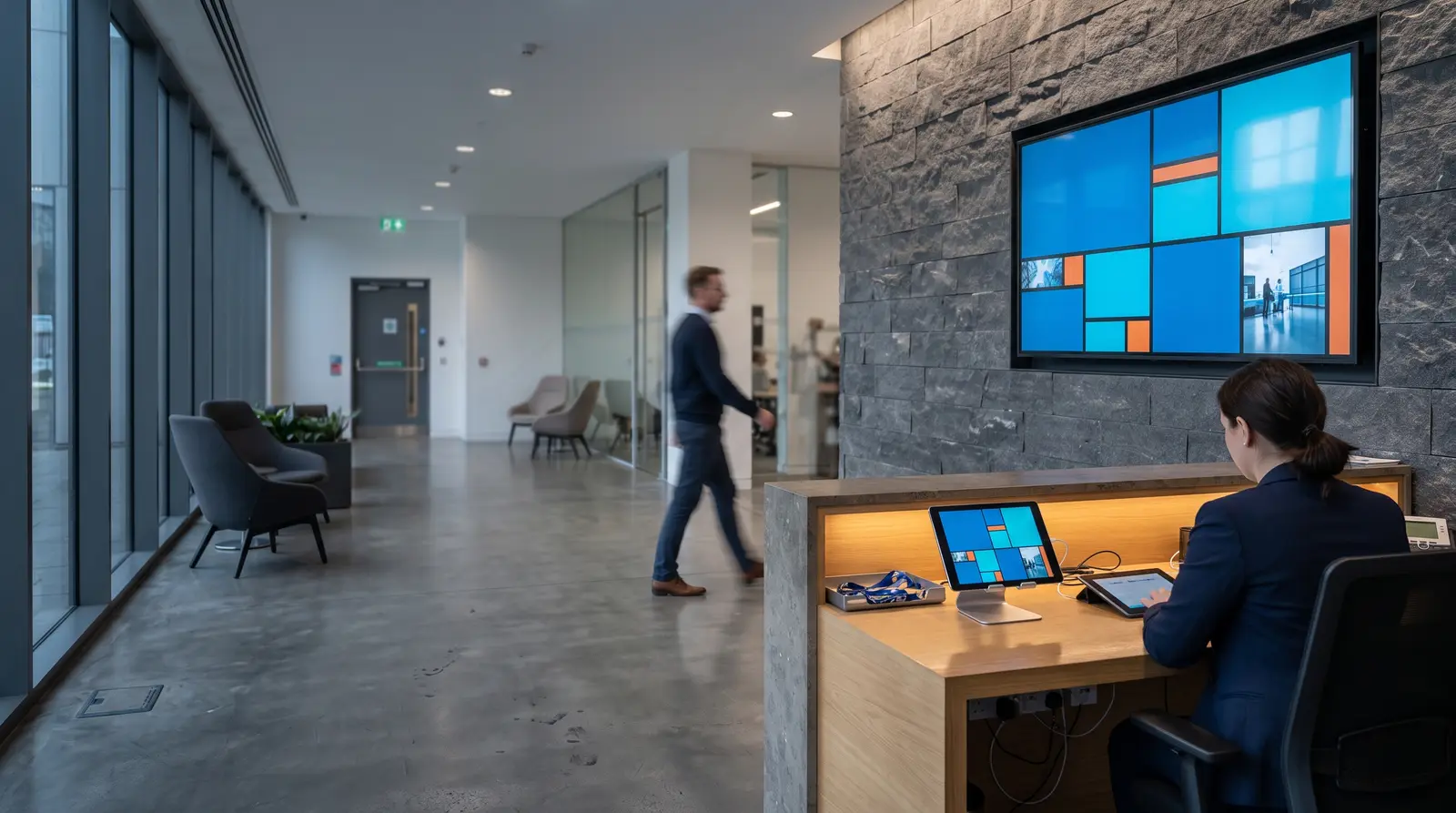
Digital signage is a network of screens, each running a small player application, that shows content designed, scheduled, and published from one central, cloud-based system, in place of a printed poster or a USB stick carried from screen to screen. This guide defines the term plainly, walks through the pieces, and points you to the next page depending on what you actually need to decide.
7-day free trial of the plan you choose, Starter by default. No commitment.
What is digital signage?
- Digital signage
- Digital signage is a network of screens, each running a small player application, that displays content designed, scheduled, and published from one central, cloud-based system. An operator builds a layout once, in a browser, and pushes it to any number of connected screens at once, rather than printing a poster or walking a USB stick from screen to screen.
How is digital signage different from just plugging in a TV?
It is different because a TV on its own has no memory of what it showed, no way to change on a schedule, and no way to tell you if it stopped working. Digital signage adds exactly those three things: a record, a schedule, and a report.
| Capability | How content updates | How far it scales | What happens when something breaks |
|---|---|---|---|
USB stick or SD card in the TV's own media player | Someone physically swaps the file, on site | One screen at a time, in person | No record of what played; a power cut can corrupt the loop with no alert to anyone |
A laptop or PC left running, cabled to the screen | Manual, tied to whichever machine is plugged in | Rarely more than a handful of screens before it becomes unmanageable | The machine crashes or updates itself and the screen goes dark until a person notices |
A cloud digital signage platform (CloudyFy TV is a worked example) | Design once in a browser, publish to every assigned screen at once | Hundreds of screens across many locations from one login | The screen keeps playing from a local cache if the network drops, and a fleet dashboard flags the outage before a customer does |
How content updates
- USB stick or SD card in the TV's own media player
- Someone physically swaps the file, on site
- A laptop or PC left running, cabled to the screen
- Manual, tied to whichever machine is plugged in
- A cloud digital signage platform (CloudyFy TV is a worked example)
- Design once in a browser, publish to every assigned screen at once
How far it scales
- USB stick or SD card in the TV's own media player
- One screen at a time, in person
- A laptop or PC left running, cabled to the screen
- Rarely more than a handful of screens before it becomes unmanageable
- A cloud digital signage platform (CloudyFy TV is a worked example)
- Hundreds of screens across many locations from one login
What happens when something breaks
- USB stick or SD card in the TV's own media player
- No record of what played; a power cut can corrupt the loop with no alert to anyone
- A laptop or PC left running, cabled to the screen
- The machine crashes or updates itself and the screen goes dark until a person notices
- A cloud digital signage platform (CloudyFy TV is a worked example)
- The screen keeps playing from a local cache if the network drops, and a fleet dashboard flags the outage before a customer does
The gap shows up fastest at scale. A retailer with 12 branches updating a weekend price change on USB sticks needs someone to visit every store, or courier the sticks and trust each manager to swap them on time before Saturday. On a cloud platform, the same change is one edit and one publish click. CloudyFy TV compiles it into a per-device manifest and pushes it over MQTT, typically landing on screen in about a second, and a screen that already has that file does not download it again.
Does digital signage actually work?
Yes, and there is independent research behind the spend, not just vendor claims. Two market research firms track the category growth, and one peer-reviewed field experiment measured its effect on actual purchases.
The two market-size figures come from different firms with different scopes, which is why they are shown side by side rather than combined into one number. Read together with the purchase-probability study, the pattern is consistent: organizations keep buying screens because changing what a screen shows, without printing anything new, measurably changes what people do next.
That one-sentence definition above covers a lot of ground on purpose. "Screens" can mean a single TV behind a reception desk or a thousand screens across a retail chain. "Player application" is the small piece of software, running on a streaming stick, a tablet, or built into the TV itself, that actually renders what you designed. And "one central system" is the part a poster or a USB stick cannot do: change what every screen shows, at once, from anywhere, without visiting any of them.
CloudyFy TV is a working example of exactly this: a browser-based system where you design a layout from positioned blocks (video, image, PDF, live data, and more), publish it to the screens you choose, and see confirmation that it played. Everything below uses CloudyFy TV as the worked example, but the underlying idea, a screen controlled remotely rather than a screen you feed content into by hand, is the industry, not one vendor.
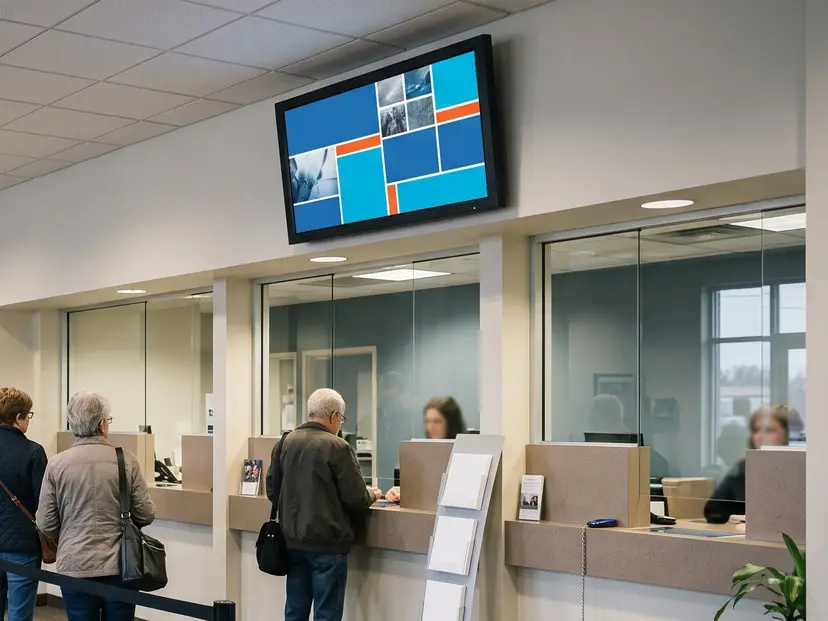
The term also overlaps with digital-out-of-home advertising, usually shortened to DOOH, which describes the same networked-screen mechanism used specifically for paid advertising in public places, like a screen in a mall or a transit station selling ad slots to outside brands. Most digital signage is not DOOH: a restaurant menu board or a bank queue display is signage the business runs for itself, not inventory it sells to advertisers. The two terms get used interchangeably in casual conversation, but the distinction matters when you are researching vendors, since a platform built for selling ad inventory optimizes for different things than one built for a business managing its own screens.
What kinds of digital signage are there?
Most deployments fall into a handful of recognizable jobs, and the software underneath is usually the same platform wearing a different layout.
What digital signage is not
A few common mix-ups are worth clearing up before you start comparing vendors.
It is not just any TV
A television with a HDMI port is the display, not the signage. The software layer, the part that designs, schedules, publishes, and reports on content, is what makes something digital signage rather than just a screen someone happened to plug a device into.
It is not a digital photo frame
A consumer photo frame loops a folder of images with no scheduling, no remote management, and no way to know whether it is even switched on. Digital signage adds all three, which is also why business software costs more than a $30 frame.
It is not the same as a video wall
A video wall is one specific type of digital signage, a coordinated grid of screens acting as one canvas. Most digital signage deployments are a single screen, or many independent single screens, not a wall.
It is not free, in most cases
A handful of vendors offer a genuinely free tier limited to one or a few screens. The CloudyFy TV free entry point is a 7-day trial of a real plan rather than a permanently limited free tier, which means you are testing the actual product rather than a stripped-down version of it.
Where digital signage shows up
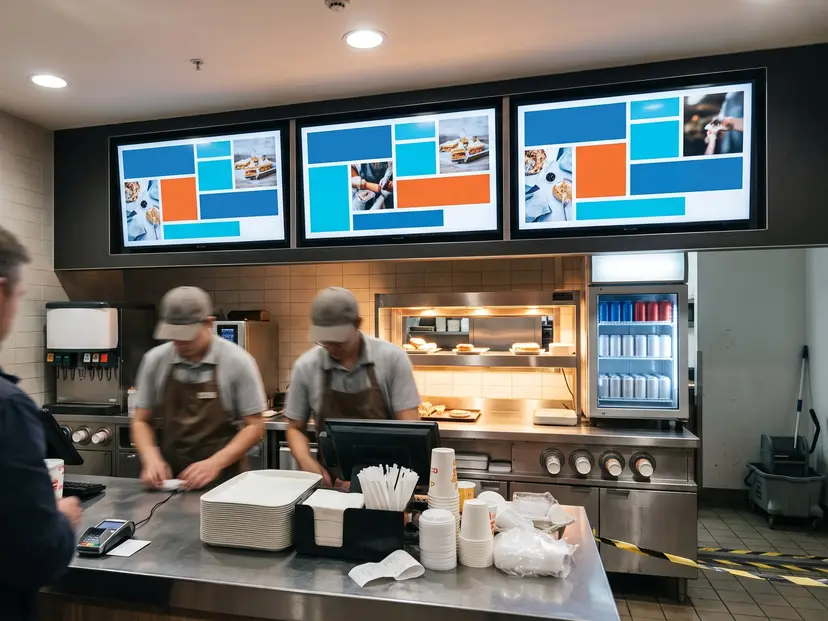
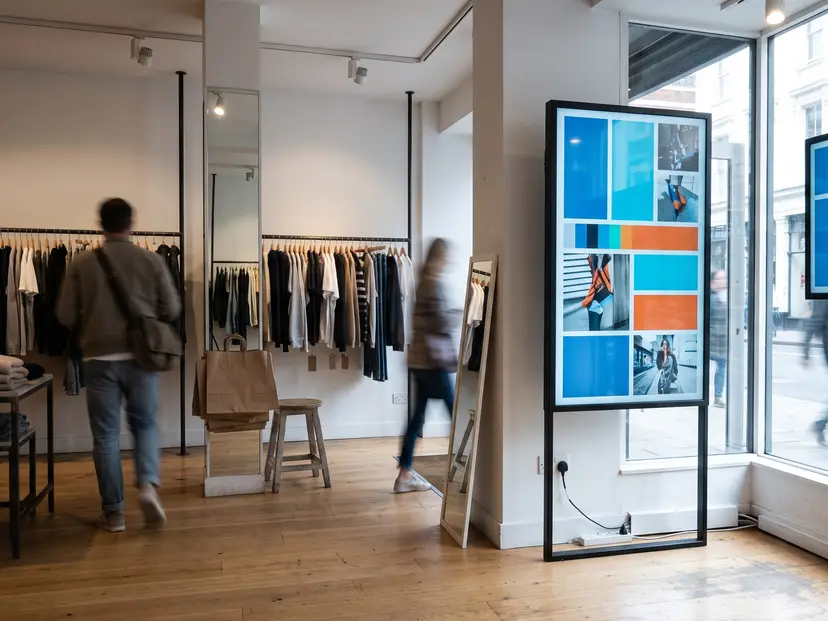
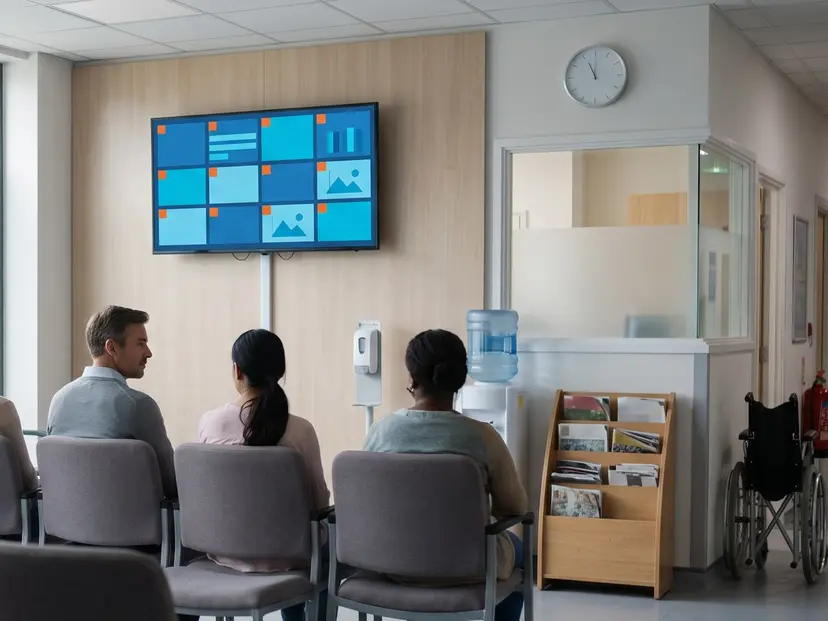
Digital signage is used wherever a business has more than one thing to say and more than one place to say it. The shape of the problem changes by industry, but the underlying platform does not.
By industry
Continue learning about digital signage
This page is the starting point. Five pages go deeper into specific decisions.
- 01How does digital signage work?The mechanics: designing a layout, scheduling it, publishing it, and what happens on the screen itself when the network drops.Read the chapter
- 02What hardware do you need?A buying guide with three real tiers, real prices, and the one Fire TV Stick to avoid.Read the chapter
- 03Android TV vs Fire TV vs Samsung TizenA head-to-head comparison for picking a specific device once you know you need one.Read the chapter
- 04How much does digital signage cost?Software and hardware costs broken out separately, with a worked example.Read the chapter
- 05How to turn a TV into digital signageThe shortest path from a TV you already own to a working screen.Read the chapter
Put your first screen up
Fifteen days on the plan you choose, Starter by default, with that plan full screen cap and AI credits. No commitment.