

Digital signage for restaurants and QSR chains
Update menu prices, rotate breakfast-to-dinner dayparting, and route tickets to the kitchen, all from one browser tab across one location or two hundred. CloudyFy TV runs your menu boards, order-confirmation screens and kitchen display system on the same account, with a 7-day free trial of Starter and no commitment.
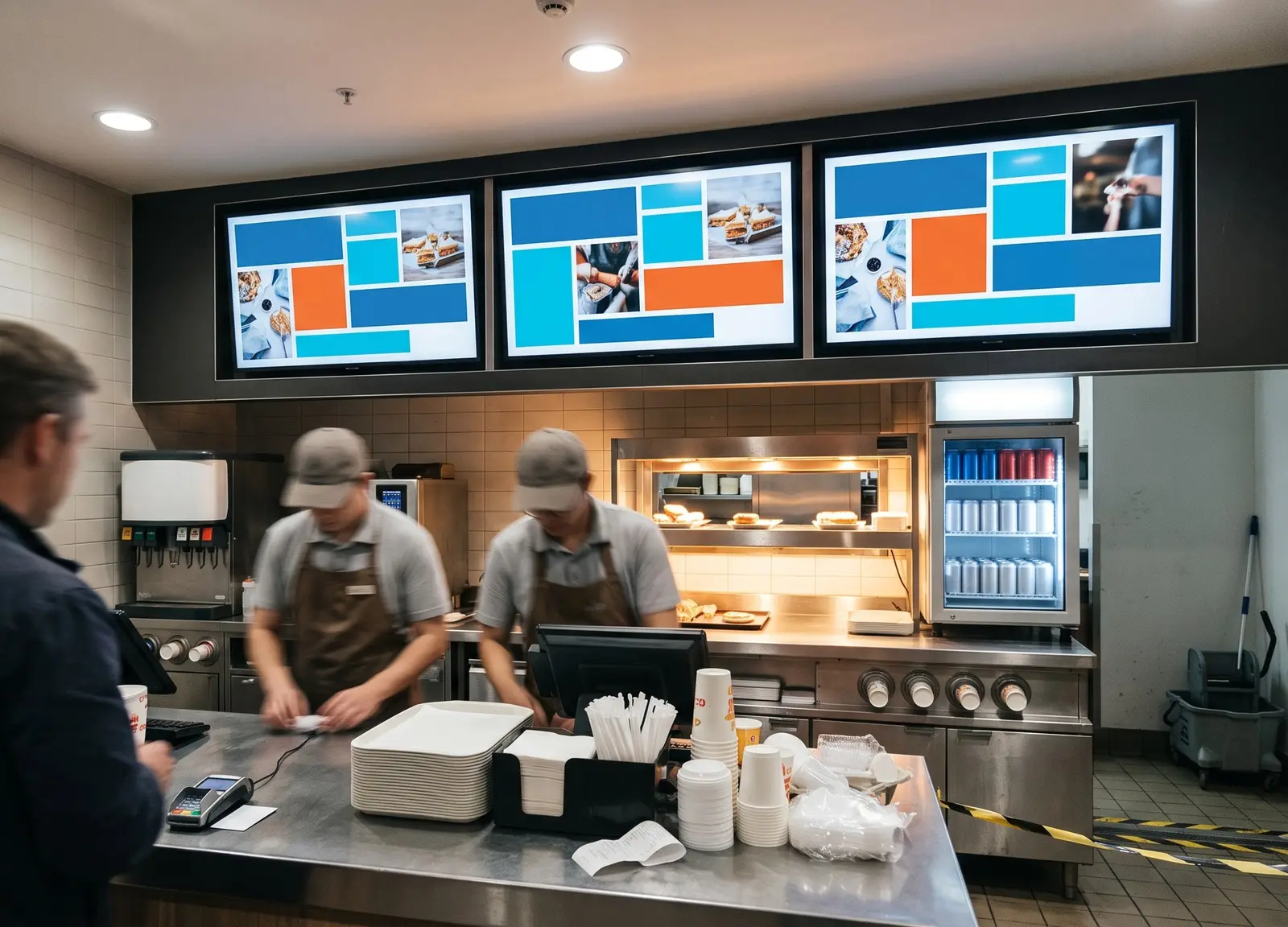
How restaurant digital signage powers your business
Restaurant digital signage uses networked screens at the counter, drive-thru, and kitchen pass to replace printed menu boards and paper order tickets with content you can update from a browser instead of printing and shipping new materials.
Built for every kind of food and beverage business
Quick-service and fast-food chains
Drive-thru order-confirmation boards and counter menu boards that daypart automatically, commonly running on an Amazon Fire TV Stick 4K Max.
Cafes and coffee shops
A single combo board covering drinks, food and the day's special.
Casual and full-service dining
Table-side promo screens and host-stand wait updates.
Cloud kitchens and food courts
One kitchen switching between multiple brand menus from a single account.
Bars and pubs
Happy-hour dayparting and event promotion that changes itself at closing time.
Before CloudyFy TV, and after
| Capability | Without digital signage | With CloudyFy TV (CloudyFy TV) |
|---|---|---|
Menu or price change | Reprint physical menu boards for every price or seasonal change | Edit the price in the layout and publish it to every location from one browser tab |
Daypart switch | Manually swap breakfast, lunch and dinner signage by hand at set times | Automatic dayparting rotates menus on schedule, with no on-site action |
Order routing | Orders relayed to the kitchen by printer or verbal ticket | A kitchen display system shows incoming orders on screen |
Network drop | A router reboot blanks the menu board | Offline-first players keep the last published content playing from local cache |
Power cut | The menu board goes dark with no automatic recovery | The player restarts and resumes the last published content on its own |
Checking a screen is live | A franchise owner phones every store to check a screen is live | Fleet health shows every device’s status, with "never online" instead of a fake reading |
Menu or price change
- Without digital signage
- Reprint physical menu boards for every price or seasonal change
- With CloudyFy TV
- Edit the price in the layout and publish it to every location from one browser tab
Daypart switch
- Without digital signage
- Manually swap breakfast, lunch and dinner signage by hand at set times
- With CloudyFy TV
- Automatic dayparting rotates menus on schedule, with no on-site action
Order routing
- Without digital signage
- Orders relayed to the kitchen by printer or verbal ticket
- With CloudyFy TV
- A kitchen display system shows incoming orders on screen
Network drop
- Without digital signage
- A router reboot blanks the menu board
- With CloudyFy TV
- Offline-first players keep the last published content playing from local cache
Power cut
- Without digital signage
- The menu board goes dark with no automatic recovery
- With CloudyFy TV
- The player restarts and resumes the last published content on its own
Checking a screen is live
- Without digital signage
- A franchise owner phones every store to check a screen is live
- With CloudyFy TV
- Fleet health shows every device’s status, with "never online" instead of a fake reading
Why restaurant operators choose a cloud platform
What the research shows
Independent research provides useful benchmarks, though every operation differs. A Forrester Consulting Total Economic Impact study commissioned by Samsung modeled a 9.1% increase in drive-thru volume and roughly $30,000 per store per year in eliminated printing costs for a composite QSR chain. Separately, SeeLevel HX’s 2020 annual drive-thru study found that order-confirmation boards cut average service time by 12.3 seconds. Faster, clearer ordering can help move more orders through the same shift, while browser-based menu updates eliminate the need to reprint physical signage.
Sized for your business
Consider a 12-location QSR chain running one drive-thru order-confirmation board, one counter menu board, and one kitchen display screen per store. That is three screens per location and 36 devices in total, which fits within the Standard plan’s 50-device ceiling. At ₹1,000 or $12$12 or ₹1,000 per device a month, the total comes to ₹36,000 or $432$432 or ₹36,000 a month, with room to add a second kitchen screen at every location before an upgrade is needed.
How it works
Design your menu layout
Build a menu board from the catalogue of 93 templates or a blank canvas with 36 block types, then set breakfast, lunch, and dinner as separate layouts.Pair your screens
Pair the counter board, drive-thru board, and kitchen display by code, then group them by location so a single publish reaches every screen in that store.Publish on a schedule
The publish wizard shows a green, amber, or red readiness check for each screen, while dayparting handles the breakfast-to-dinner switch without anyone touching a remote.
Works with the tools your restaurant already uses
- LiveContent Creation
Google Slides
Turn a marketing team's existing promotion deck into a rotating menu-board screen without having to redesign it.
Layout templates for restaurants
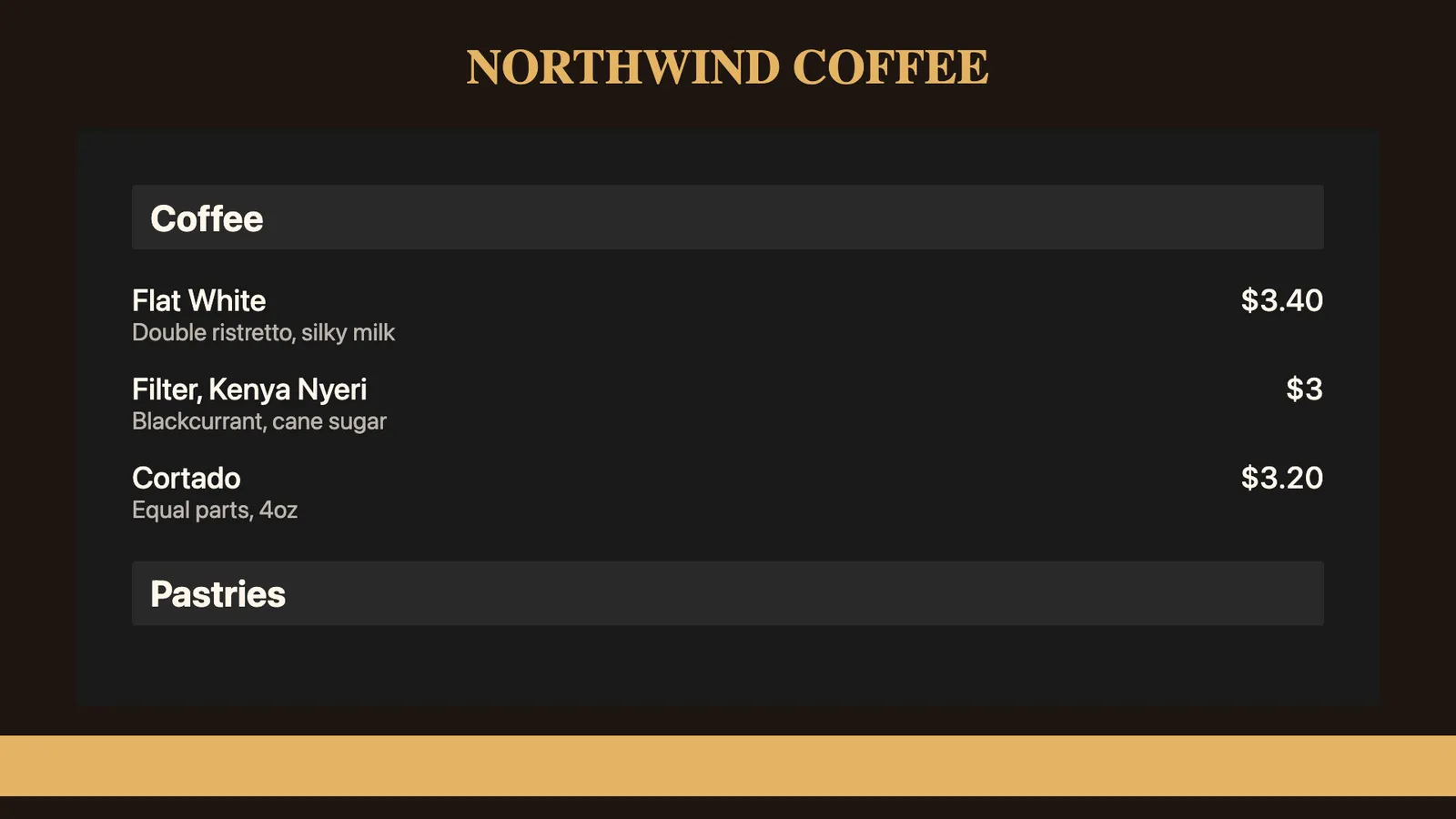
The 93-template catalogue includes menu-board layouts with category and price zones ready to fill in, kitchen-display order layouts, and limited-time-offer banners sized for counter or drive-thru screens. A single-location cafe can open a menu-board template and edit it directly, while a chain’s marketing team can edit one master layout and roll it out everywhere with per-branch overrides for local exceptions.
Why restaurant teams choose CloudyFy TV
Per-device pricing as locations are added
A 12-location chain running three screens per store has 36 devices, which fits on Standard. At ₹1,000 or $12$12 or ₹1,000 per device a month, the total comes to ₹36,000 or $432$432 or ₹36,000 a month, with room to grow to the full 50-device ceiling before an upgrade is needed.
Kitchen display and menu boards on the same account
No separate KDS and menu-board subscriptions to manage.
Offline-first playback
Screens keep the last published menu playing through a back-of-house Wi-Fi drop and automatically resync once the network returns.
Kiosk lock with a staff PIN
Lock a counter screen to menu content only, with a server-issued PIN so only authorized staff can exit it.
Support while you set up
Most of the trial focuses on the menu board: building categories and prices in the layout canvas, then setting breakfast, lunch, and dinner as separate dayparted layouts. Getting the daypart switch times right for your local time zone is the part operators usually want a second pair of eyes on. Contact the team for that, or start a guided demo instead of the self-serve trial.
FAQs
Put your first menu board live this week
Start a 7-day free trial on Starter, Standard, or Pro with no commitment.