

Digital signage for corporate offices
Put performance updates, company news, and employee recognition on lobby or break-room screens that your comms team can update directly, without relying on IT for every change. Run one office or a multi-city company from the same account, with a 7-day free trial and no commitment.
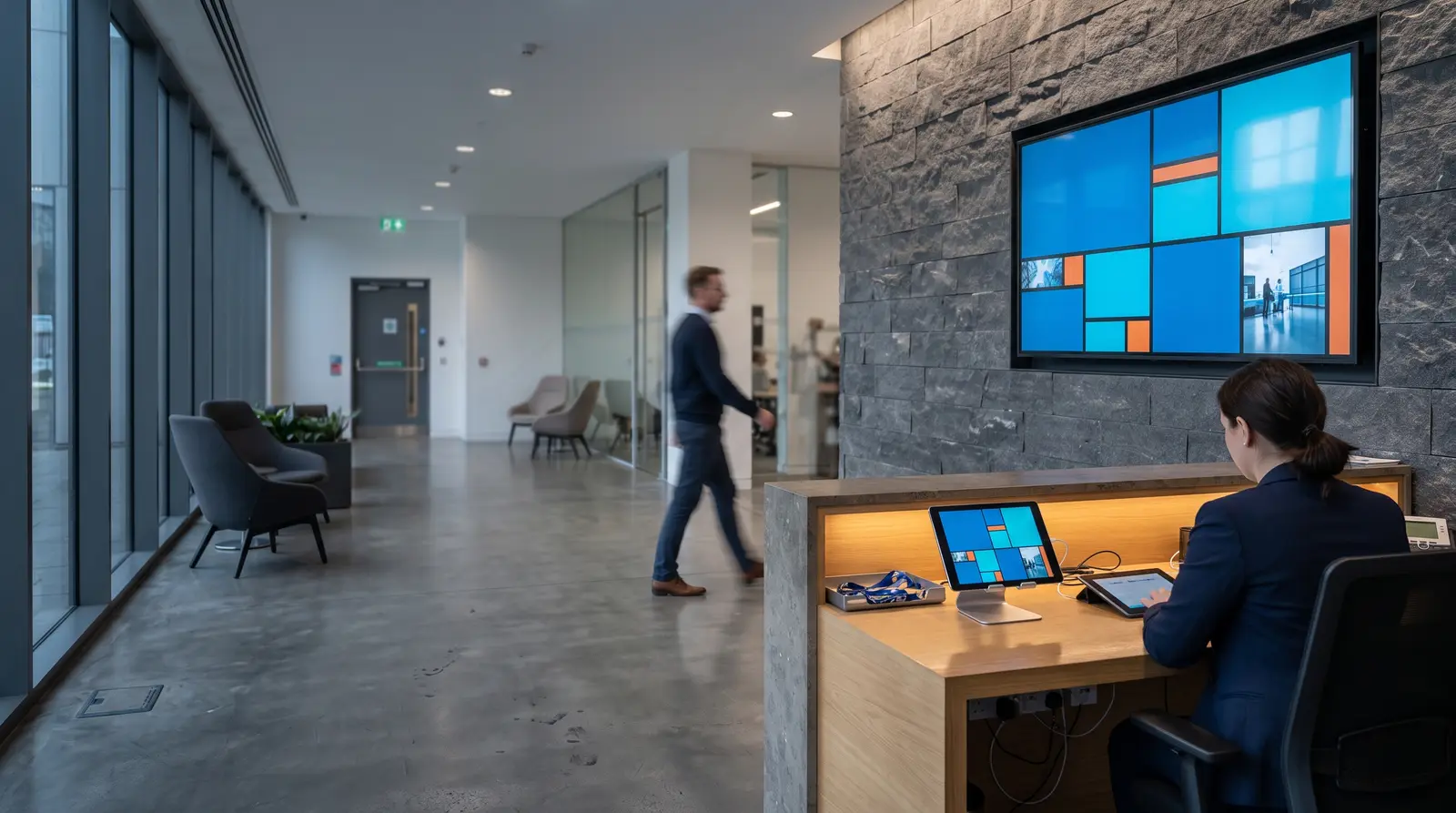
Ways corporate signage powers your workplace
Corporate digital signage powers workplace communication through a network of lobby, break-room, and department screens managed from one browser dashboard. It replaces email-chain announcements and occasional printed performance posters with content that a comms team can update as soon as information changes.
Built for every kind of workplace
Headquarters lobbies and reception
A welcome screen with visitor information and company news.
Satellite and branch offices
The same content published from head office, reaching every location at once.
Co-working and shared workspaces
A shared screen for building-wide announcements alongside a member company’s own content.
Call centers and BPOs
Performance and recognition boards on the floor.
Break rooms and cafeterias
A lighter mix of news, menus and recognition content, separate from the lobby feed.
Manufacturing and warehouse office areas
Safety reminders and shift information for staff moving between the floor and the office.
Before CloudyFy TV, and after
| Capability | Without digital signage | With CloudyFy TV (CloudyFy TV) |
|---|---|---|
Performance reporting | A KPI report emailed monthly and rarely opened | Performance updates displayed on lobby and break-room screens |
All-hands announcements | An all-hands announcement relayed through an email chain | One publish updates every office’s screen at once |
Content change requests | Every content change routed through an IT ticket | The comms team publishes directly with a scoped role |
A dark branch screen | A branch office’s screen going dark, unnoticed for weeks | Fleet health flags it "never online" instead of a fake reading |
Employee recognition | Employee recognition mentioned once in a newsletter | Recognition content loops on screen company-wide |
Performance reporting
- Without digital signage
- A KPI report emailed monthly and rarely opened
- With CloudyFy TV
- Performance updates displayed on lobby and break-room screens
All-hands announcements
- Without digital signage
- An all-hands announcement relayed through an email chain
- With CloudyFy TV
- One publish updates every office’s screen at once
Content change requests
- Without digital signage
- Every content change routed through an IT ticket
- With CloudyFy TV
- The comms team publishes directly with a scoped role
A dark branch screen
- Without digital signage
- A branch office’s screen going dark, unnoticed for weeks
- With CloudyFy TV
- Fleet health flags it "never online" instead of a fake reading
Employee recognition
- Without digital signage
- Employee recognition mentioned once in a newsletter
- With CloudyFy TV
- Recognition content loops on screen company-wide
Why companies choose a cloud platform for internal comms
What the research shows
Gallup’s State of the Global Workplace 2026 report found global employee engagement fell to 20% in 2025, at an estimated cost of roughly $10 trillion in lost productivity, about 9% of global GDP, with manager engagement falling from 31% in 2022 to 22% in 2025. Gallup did not study digital signage, so this is context for why visible, current internal communication matters, not a claim that a screen fixes an engagement number. What a screen can concretely do is reduce the lag between a decision and employees seeing the update, while allowing the comms team to publish it directly instead of waiting on IT.
Sized for your business
Consider a company with a lobby welcome screen, company-update boards in two department areas, and a break-room announcement screen across two floors, five screens in total. This fits comfortably within the Starter plan’s 25-device ceiling, and five devices at ₹550 or $7$7 or ₹550 per device a month cost ₹2,750 or $35$35 or ₹2,750 a month. A business running the same setup across five offices, with 25 devices in total, would fit within the Pro plan’s 100-device ceiling at ₹37,500 or $500$500 or ₹37,500 a month, with the same roles and playlist tools scaling from one office to the entire company.
How it works
Design your layouts
Build a lobby welcome screen, a company-update board and a break-room announcement layout from the template catalogue or a blank canvas.Assign screens by office
Pair each screen by code and group it by office or floor, so headquarters and branch offices can run independent content where needed.Publish with a scoped role
The comms team publishes directly with access limited to its assigned screens, while IT retains control of emergency and infrastructure settings.
Works with the tools your company already uses
- LiveContent Creation
YouTube
Add a recorded town hall or culture video from YouTube directly to a rotating lobby layout.
Layout templates for corporate offices
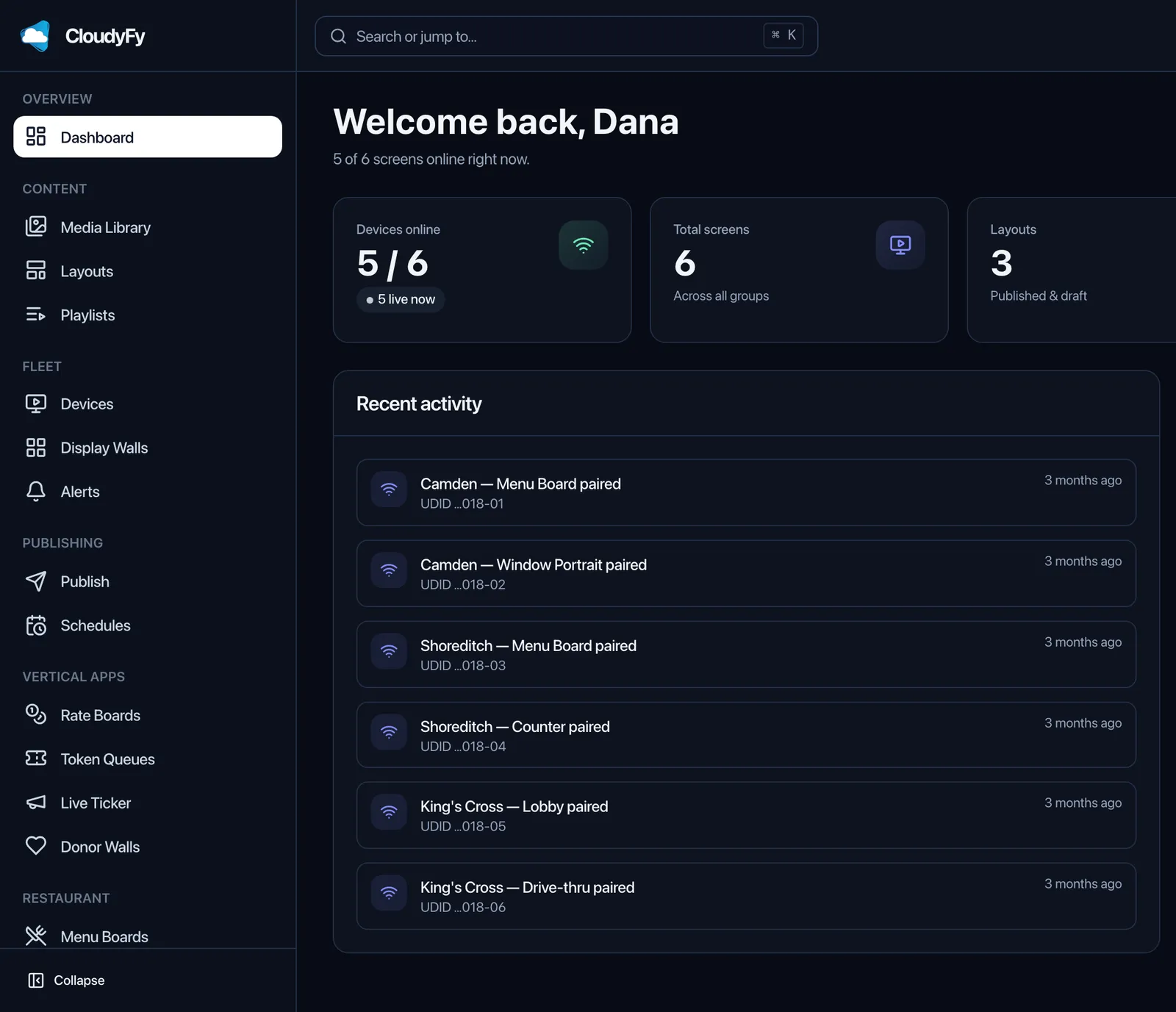
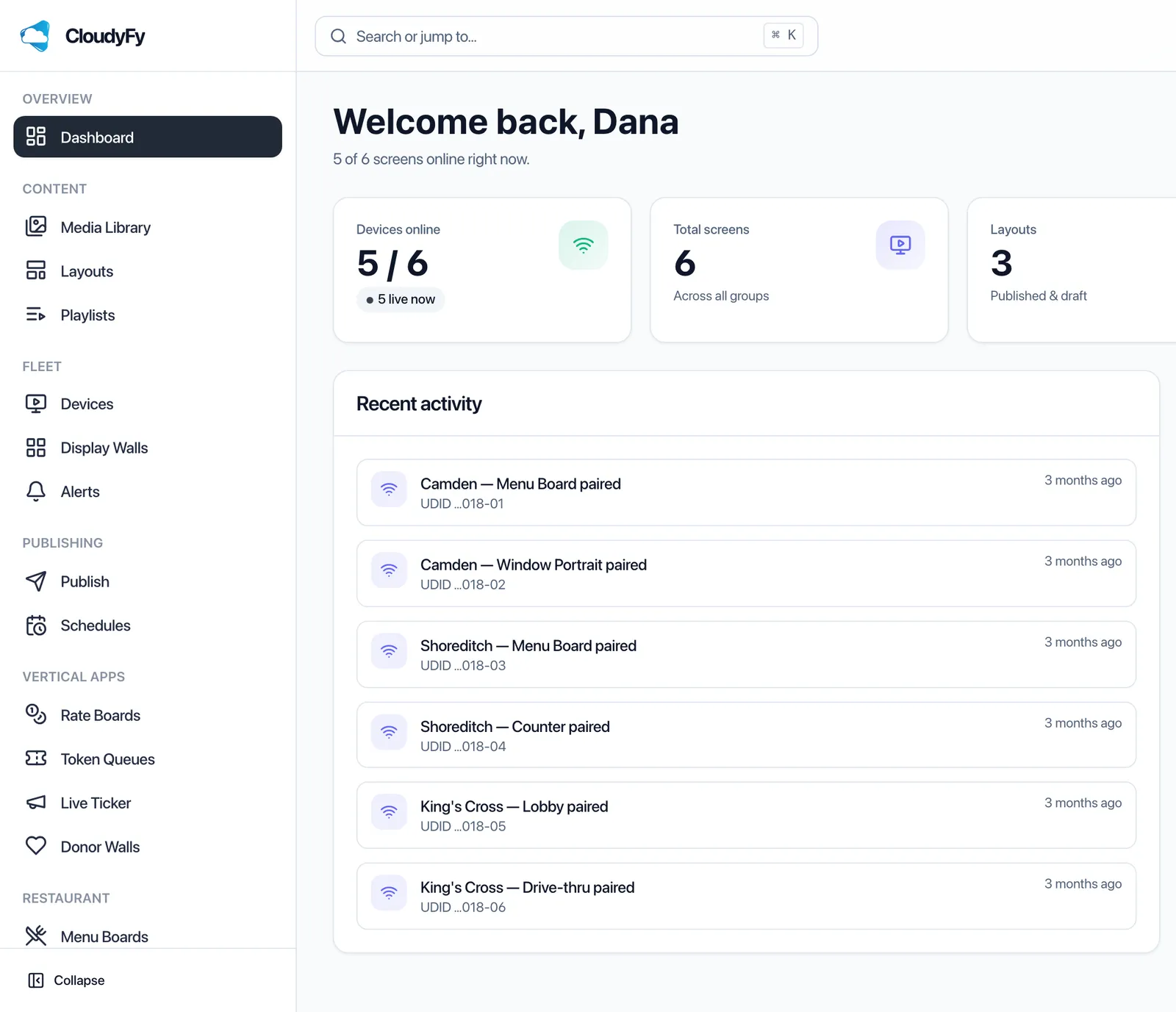
Start with the shared catalogue of 93 layout templates, including lobby welcome and employee recognition layouts for landscape or portrait screens. Each template gives the comms team a ready-made starting point for creating and publishing company updates. Every template opens in the same block-based canvas, allowing teams to make changes without a designer, while per-office overrides support local announcements at individual branches.
Why corporate teams choose CloudyFy TV
Per-device pricing as the company adds offices
As additional offices join the account, new devices can stay on the Starter plan up to its 25-device ceiling, each billed at ₹550 or $7$7 or ₹550 per device a month, before an upgrade to Standard is due.
Roles that remove the IT bottleneck
Thirty-four permission modules let comms publish directly without full administrator access.
Offline-first playback
A lobby screen keeps the last published content live through an office Wi-Fi drop.
White-label branding
Match the platform and player interface to your company's brand colors and logo across every office.
Kiosk lock
Lock a lobby or break-room screen to signage content only, with a server-issued exit PIN so only authorized staff can leave kiosk mode.
Support while you set up
Use the trial to explore the layout canvas and publishing workflow by building a lobby welcome screen and a break-room announcement board from the template catalogue. Teams often need the most help with roles: setting up publishing access that reaches screens across every office without giving users access to IT administrator settings. Contact the team for help with that setup, or start a guided demo instead of the self-serve trial.
FAQs
Get your first lobby screen live this week
Start a 7-day free trial on Starter, Standard, or Pro with no commitment.