

Digital signage for schools and campuses
Push a campus-wide emergency alert in one click, rotate club and event announcements on a schedule, and let each department publish to its own hallway screen without waiting for IT. Run a single school or a multi-building campus from one account, with a 7-day free trial and no commitment.
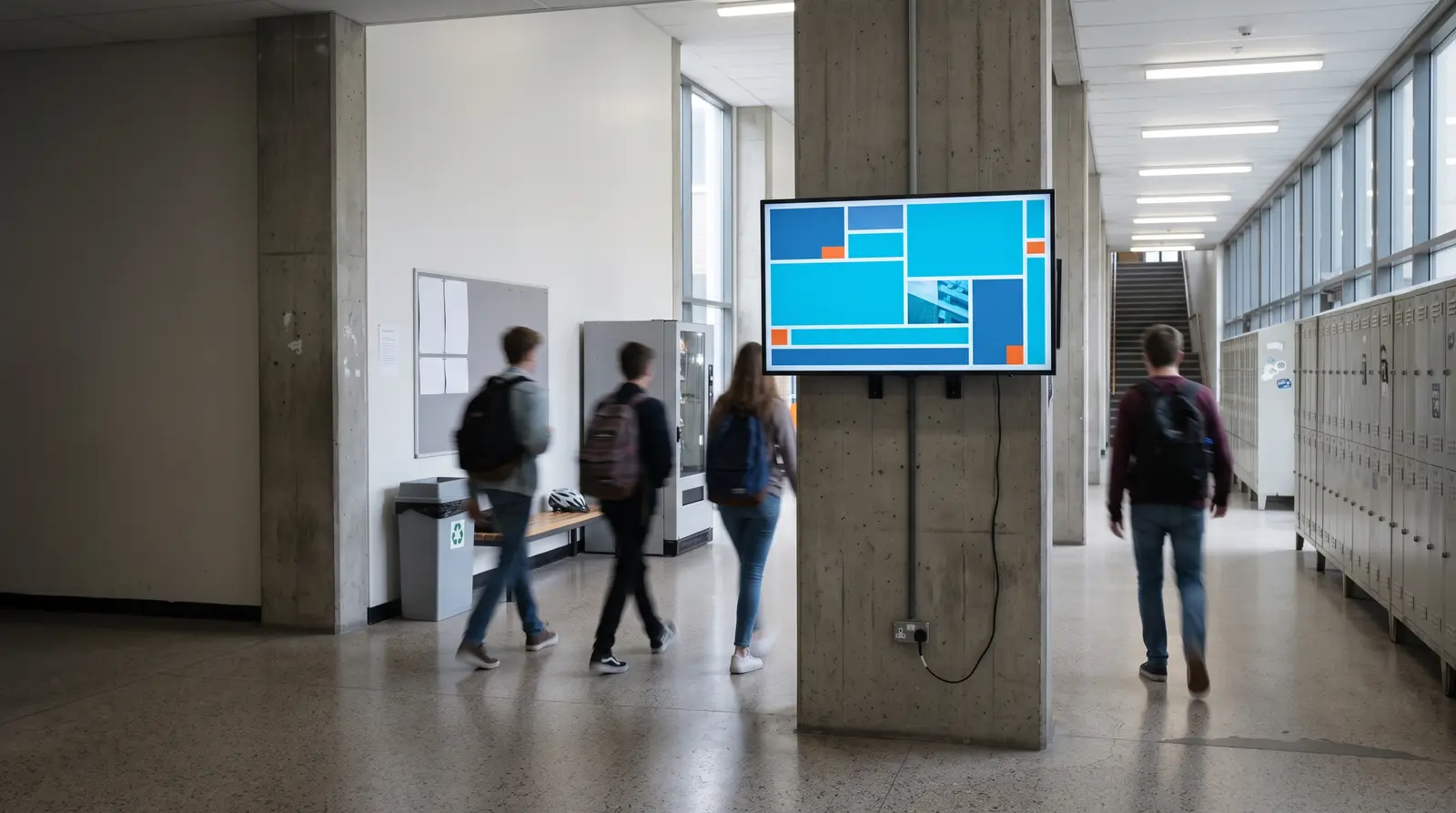
Ways campus signage powers your school
Campus digital signage powers your school with a network of hallway, cafeteria, and lobby screens managed from one browser dashboard. It replaces taped-up flyers and PA-only announcements with digital content that the front office, departments, and clubs can update as soon as information changes.
Built for every kind of school and campus
K-12 schools
Hallway announcement screens and a front-office emergency-alert display.
Universities and colleges
Multi-building networks with department-level publishing and a campus-wide ticker.
Coaching and training institutes
Batch timing and result-announcement screens updated the moment a schedule changes.
Campus hostels and libraries
Quiet-hours notices and event calendars separate from academic-building content.
School administration offices
Enrollment and admissions information for visiting families.
Multi-campus school groups
Group and publish content to every campus’s screens from one login, with department-level roles kept local to each site.
Before CloudyFy TV, and after
| Capability | Without digital signage | With CloudyFy TV (CloudyFy TV) |
|---|---|---|
Event and club updates | Paper flyers taped to a bulletin board, out of date within a week | A playlist rotates the current week’s events automatically |
A large-building announcement | A PA announcement that not everyone in a large building hears | A visual alert appears on every hallway screen at once |
Lockdown or weather notice | A lockdown or weather notice relayed room to room | One click pushes an emergency alert to every screen on campus |
Club calendar | A club calendar that goes stale the moment it is printed | Playlists rotate live club and event content on a schedule |
Changing a hallway screen | Faculty waiting on IT to change a hallway screen | Department-level roles let staff publish their own content directly |
Event and club updates
- Without digital signage
- Paper flyers taped to a bulletin board, out of date within a week
- With CloudyFy TV
- A playlist rotates the current week’s events automatically
A large-building announcement
- Without digital signage
- A PA announcement that not everyone in a large building hears
- With CloudyFy TV
- A visual alert appears on every hallway screen at once
Lockdown or weather notice
- Without digital signage
- A lockdown or weather notice relayed room to room
- With CloudyFy TV
- One click pushes an emergency alert to every screen on campus
Club calendar
- Without digital signage
- A club calendar that goes stale the moment it is printed
- With CloudyFy TV
- Playlists rotate live club and event content on a schedule
Changing a hallway screen
- Without digital signage
- Faculty waiting on IT to change a hallway screen
- With CloudyFy TV
- Department-level roles let staff publish their own content directly
Why schools and campuses choose a cloud platform
What the research shows
A peer-reviewed computer-vision study of shopper attention confirms that dynamic content holds attention longer than static content, the same principle behind rotating hallway announcements instead of one fixed poster all semester. That study measured retail attention, not a classroom or hallway, so treat it as supporting reasoning for the design choice rather than an education-specific outcome. What is concrete for a campus is the operational case: a lockdown notice reaching every screen in one click, and a department publishing its own content without waiting on a shared IT queue.
Sized for your school or campus
Consider a school with an entrance emergency-alert screen, a cafeteria menu and announcement board, and one screen in each of two main hallways, four screens in total. This fits within the Starter plan’s 25-device ceiling, and four devices at ₹550 or $7$7 or ₹550 per device a month cost ₹2,200 or $28$28 or ₹2,200 a month. A university with screens across ten buildings would fit within the Pro plan’s 100-device ceiling, with each device billed at ₹1,500 or $20$20 or ₹1,500 per device a month and the same emergency-alert and role-based publishing tools scaling across the campus network.
How it works
Design your layouts
Build an announcement screen, a cafeteria menu board and an emergency-alert layout from the template catalogue or a blank canvas.Pair screens by building
Pair each screen by code and group it by building or department, so the science wing and library can run independent content.Publish with the right access
Roles and permissions decide which department can publish where, while the emergency-alert layout stays under a campus administrator’s control.
Works with the tools your campus already uses
Layout templates for education
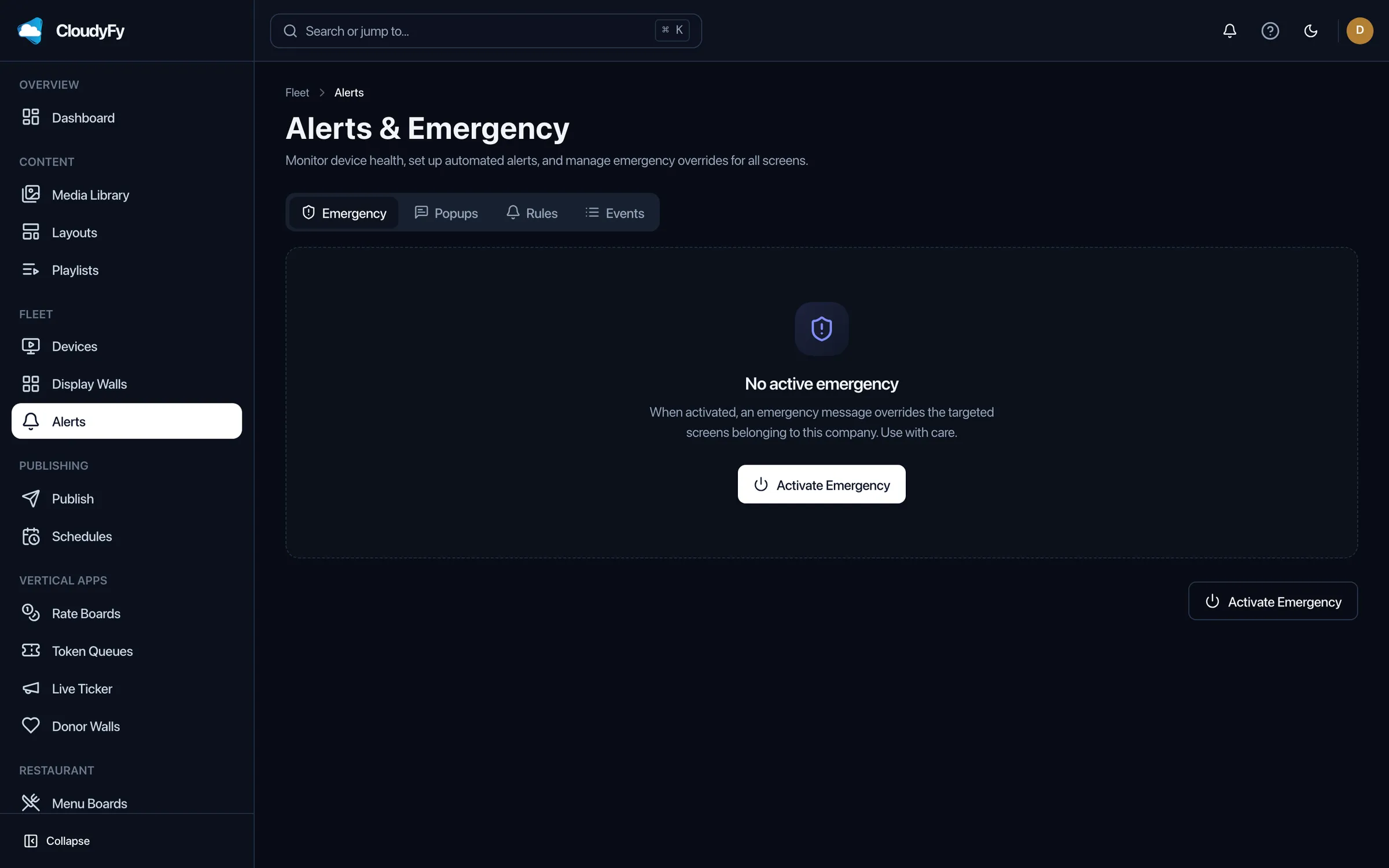
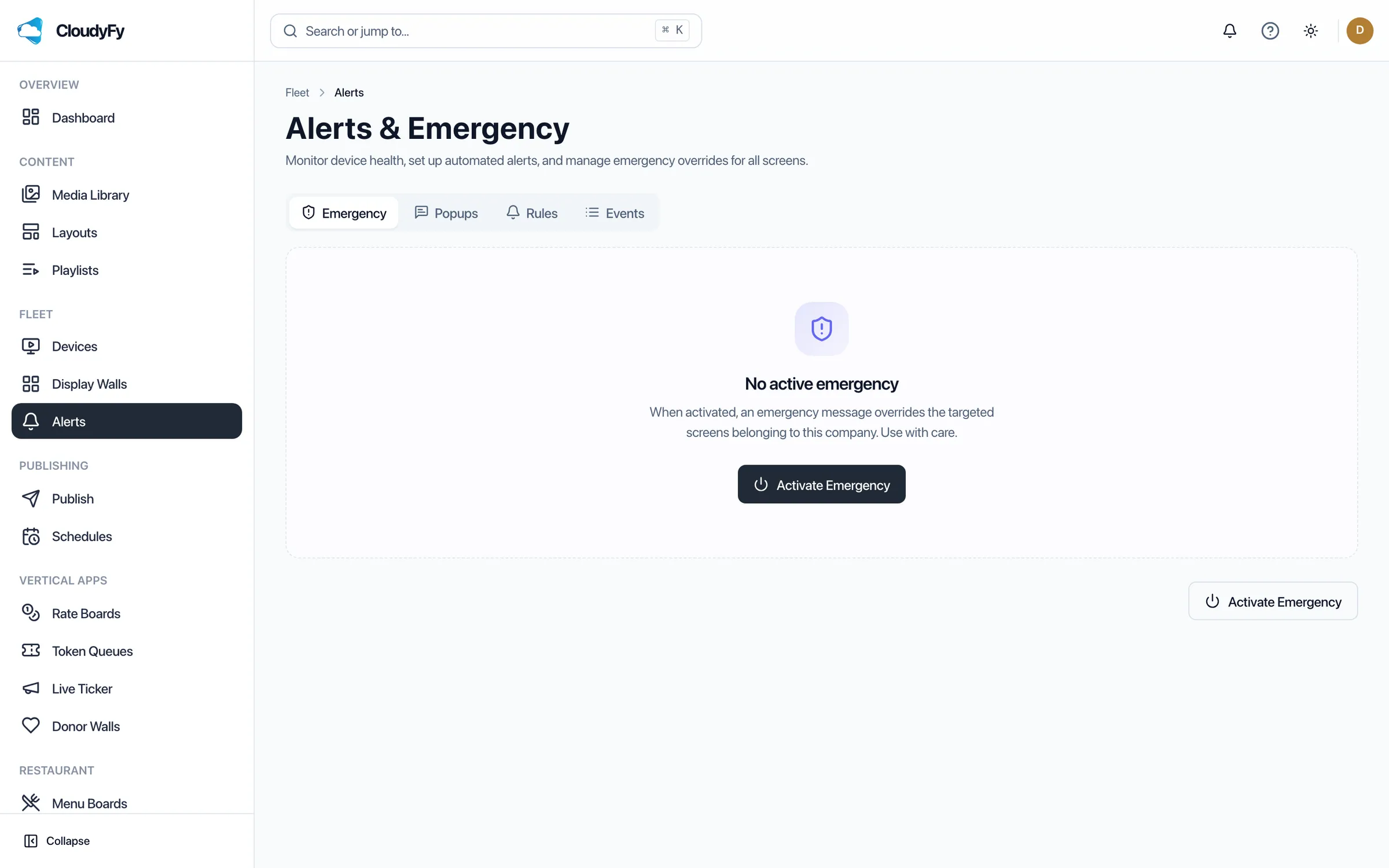
The 93-template catalogue includes hallway announcement layouts, cafeteria menu boards, and event-calendar layouts for portrait or landscape screens, plus an emergency-alert layout designed to stand out from other on-screen content. Front-office staff or club advisors can open a template and edit the text directly without needing design assistance.
Why education teams choose CloudyFy TV
Per-device pricing as buildings join the network
A ten-building university running up to ten screens per building fits within Pro’s 100-device ceiling, with each device billed at ₹1,500 or $20$20 or ₹1,500 per device a month. For example, 60 devices cost ₹90,000 or $1,200$1,200 or ₹90,000 a month, scaling up to ₹1,50,000 or $2,000$2,000 or ₹1,50,000 at the full 100-device ceiling.
Department-level roles
Thirty-four permission modules let departments or clubs publish to their assigned screens without full administrator access.
Campus-wide emergency alerts
One click reaches every screen, with a fallback path if a screen’s real-time link is down.
Offline-first playback
A network drop in one building does not blank its screens, and no reboot is needed once the connection returns.
AI copywriting
Draft an event announcement or a schedule-change notice in a chosen tone in seconds, when your workspace has AI enabled, instead of waiting on a communications team.
Support while you set up
Use the trial to set up the emergency-alert layout, assign it to every hallway screen, and send a test alert before the trial ends rather than finding out how it works during a real incident. Contact the team to walk through the test, or start with a guided demo instead of the self-serve trial.
FAQs
Get your first announcement screen live this week
Start a 7-day free trial on Starter, Standard, or Pro with no commitment.