

Digital signage for banks and branches
Call the next customer with skip and recall, keep rate and product boards updated from a browser, and push branch-wide security alerts in one click across a single branch or a network of a hundred. Screens keep playing even when a branch loses its network connection, with a 7-day free trial and no commitment.
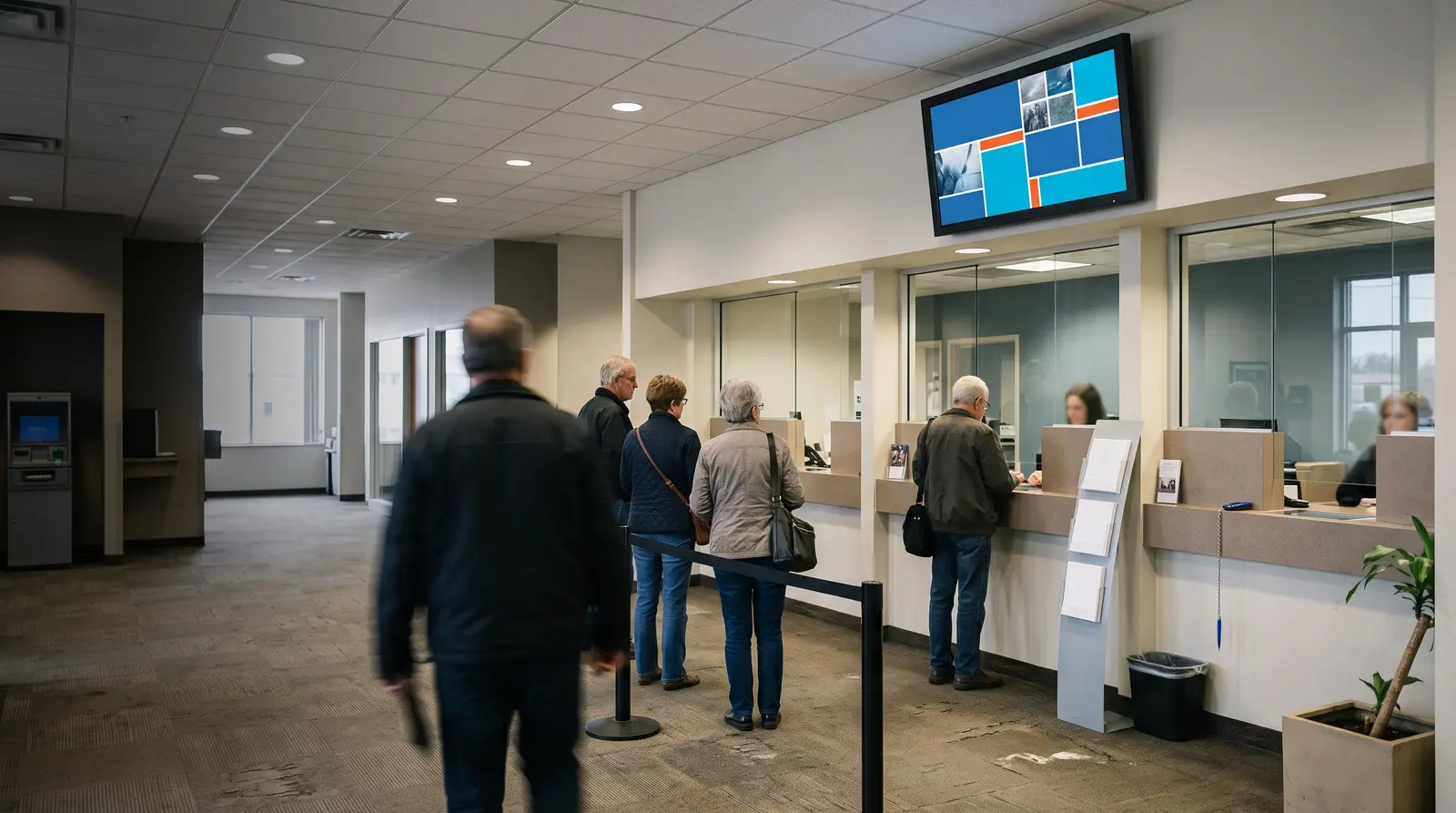
Ways branch signage powers your bank
Bank branch digital signage helps banks manage customer queues, display up-to-date rates and product information, and share important security notices across branches. Managed from a single browser dashboard, it gives head office greater control over branch screens while allowing local teams to manage content relevant to their customers.
Built for every kind of financial branch
Bank branches
Teller-queue displays and lobby product boards on one account across the network.
Credit unions and cooperative banks
The same queue and rate-board tools for single-branch and multi-branch operations.
NBFCs and microfinance offices
Loan-scheme and rate promotion screens updated from head office.
Insurance branch offices
Queue-calling and product-information screens for walk-in customers.
Forex and money-changer counters
A live dual-currency rate board updated the moment a rate changes.
Before CloudyFy TV, and after
| Capability | Without digital signage | With CloudyFy TV (CloudyFy TV) |
|---|---|---|
Calling the next customer | A paper token number and a shouted call for the next customer | A queue display calls the next number, with skip and recall if a customer steps away |
Rate updates | A chalkboard or printed interest-rate card, wrong within the hour | A rate board updated from a browser the moment a rate changes |
Security notices | A branch-wide security notice relayed from teller to teller | One click pushes an emergency alert to every screen in the branch or the network |
Compliance proof | No record that a required disclosure actually displayed | Proof of play with per-device counts and CSV export for a compliance review |
Cross-branch access | One branch manager could accidentally change another branch's board | Per-branch roles restrict who can edit which branch’s screens |
Calling the next customer
- Without digital signage
- A paper token number and a shouted call for the next customer
- With CloudyFy TV
- A queue display calls the next number, with skip and recall if a customer steps away
Rate updates
- Without digital signage
- A chalkboard or printed interest-rate card, wrong within the hour
- With CloudyFy TV
- A rate board updated from a browser the moment a rate changes
Security notices
- Without digital signage
- A branch-wide security notice relayed from teller to teller
- With CloudyFy TV
- One click pushes an emergency alert to every screen in the branch or the network
Compliance proof
- Without digital signage
- No record that a required disclosure actually displayed
- With CloudyFy TV
- Proof of play with per-device counts and CSV export for a compliance review
Cross-branch access
- Without digital signage
- One branch manager could accidentally change another branch's board
- With CloudyFy TV
- Per-branch roles restrict who can edit which branch’s screens
Why banks and credit unions choose a cloud platform
What the research shows
Digital signage is now widely used across financial institutions: BizTech Magazine reported in 2023 that 90% of financial institutions used digital signage in at least one branch, an increase of 10 percentage points year over year. Nearly half used it in more than 75% of their branches. For a multi-branch network, the operational benefits are clear: a rate or compliance update can reach every branch from a single publish, while proof of play gives compliance teams a record without requiring manual branch visits.
Sized for your business
Consider a bank with 8 branches, each running one lobby screen and one teller-queue display, 16 screens in total. That fits comfortably within the Standard plan’s 50-device ceiling. At ₹1,000 or $12$12 or ₹1,000 per device a month, 16 devices cost ₹16,000 or $192$192 or ₹16,000 a month, with room to grow to 25 branches at the same two-screens-per-branch rate before Pro is needed, and per-branch roles keeping every manager scoped to their own branch throughout that growth.
How it works
Design your layouts
Build a teller-queue display, a rate board and a lobby product-information screen from the template catalogue or a blank canvas.Pair screens by branch
Pair each screen by code and assign it to a branch, so head office and branch managers see only the screens they manage.Publish with the right access
Roles and permissions determine who can publish content to each branch, while proof of play confirms every required disclosure actually displayed.
Works with the tools your branch already uses
Layout templates for banking

The 93-template catalogue includes teller-queue layouts with configurable numbering zones, rate-board layouts for dual-currency displays, and lobby product-promotion layouts for landscape and portrait screens. Head office can standardize a network-wide layout while allowing per-branch overrides for local requirements.
Why banking teams choose CloudyFy TV
Per-device pricing as branches are added
A network of 8 branches with two screens each uses 16 devices, well within Standard’s 50-device ceiling. At ₹1,000 or $12$12 or ₹1,000 per device a month, that comes to ₹16,000 or $192$192 or ₹16,000 a month, with room to add 17 more branches at the same two-screens-per-branch rate before Pro is needed.
Per-branch roles
A branch manager edits only that branch’s screens, while head office keeps network-wide control.
Proof of play for compliance
A CSV export records whether required content displayed, without a manual branch visit.
Offline-first playback
A branch’s screens continue playing the last published content during a network outage and resync when the connection returns.
Support while you set up
Much of the trial setup focuses on the rate board: getting the currency formatting and digit grouping right for your market before a forex counter or lobby product board goes live is where branches usually want a second pair of eyes. Contact the team for that, or start a guided demo instead of the self-serve trial.
FAQs
Put your first branch screen live this week
Start a 7-day free trial on Starter, Standard, or Pro with no commitment.