

Queue up your content once, let it run
A playlist is an ordered sequence of layouts, each with its own dwell time and transition, that plays on a loop so a screen can show more than one design without you swapping anything by hand. Play a playlist full-screen, or drop it inside a single block of another layout.
What is a playlist in CloudyFy TV?
A playlist is an ordered list of layouts, up to 60 of them, that plays one after another and then loops. Each item in the playlist has its own dwell time (how long it stays on screen) and its own transition into the next item, so a menu board can hold for 20 seconds, a promo video can play in full, and a thank-you slide can flash for five seconds, all in the same rotation. A playlist can take over the whole screen, or it can sit inside a single block of a larger layout, playing alongside a static header or a live ticker that never rotates out.
Because a playlist is made of layouts, and each layout is made of real blocks (video, image, PDF, GIF, live data), a single playlist can mix media types freely: a video, then an image slide, then a rate board, in one sequence.
- Per-item dwell time and transition, set independently for each item
- Plays full-screen or embedded inside one block of another layout
- Mixed media in one sequence: video, image, PDF, GIF, and live-data blocks together
How does a playlist work?
Add layouts to the sequence
Pull existing layouts into the playlist and order them the way you want them to play.Set dwell time and transition per item
Decide how long each item holds and how it transitions into the next one, item by item, not one setting for the whole playlist.Choose full-screen or embedded
Assign the playlist to take over a screen entirely, or place it inside a single block of a layout that also has other, non-rotating content.Publish once, update forever
Assign the playlist to a device or group. From then on, editing the playlist (reordering, adding, or removing an item) automatically re-stages every screen currently playing it.
Why do playlists matter?
One rotation instead of one screen you keep touching
A menu, a promo, and a seasonal message rotate on their own schedule, so nobody has to manually swap the layout partway through the day.
Mixed media without extra tooling
Video, images, PDFs, and live data sit in the same rotation because they're all just layouts made of blocks.
Update once, not per screen
Change the playlist and every screen assigned to it picks up the change automatically. You never touch devices one at a time to push the same edit.
Fits inside a bigger design
Embed a playlist in one block of a layout so a rotating promo can sit next to a static logo or a live ticker that never rotates.
Playlists vs. manually rotating content
Without a playlist, rotating a screen through several pieces of content means manually swapping the layout at set times, or building one long static design that can never change its pacing without a redesign. Neither scales past a handful of screens. CloudyFy TV's playlist engine holds the sequencing, dwell time, and transitions server-side, so the rotation runs the same way on every assigned screen without a person watching the clock, and a single edit re-stages the whole assignment instead of requiring you to touch each screen again.
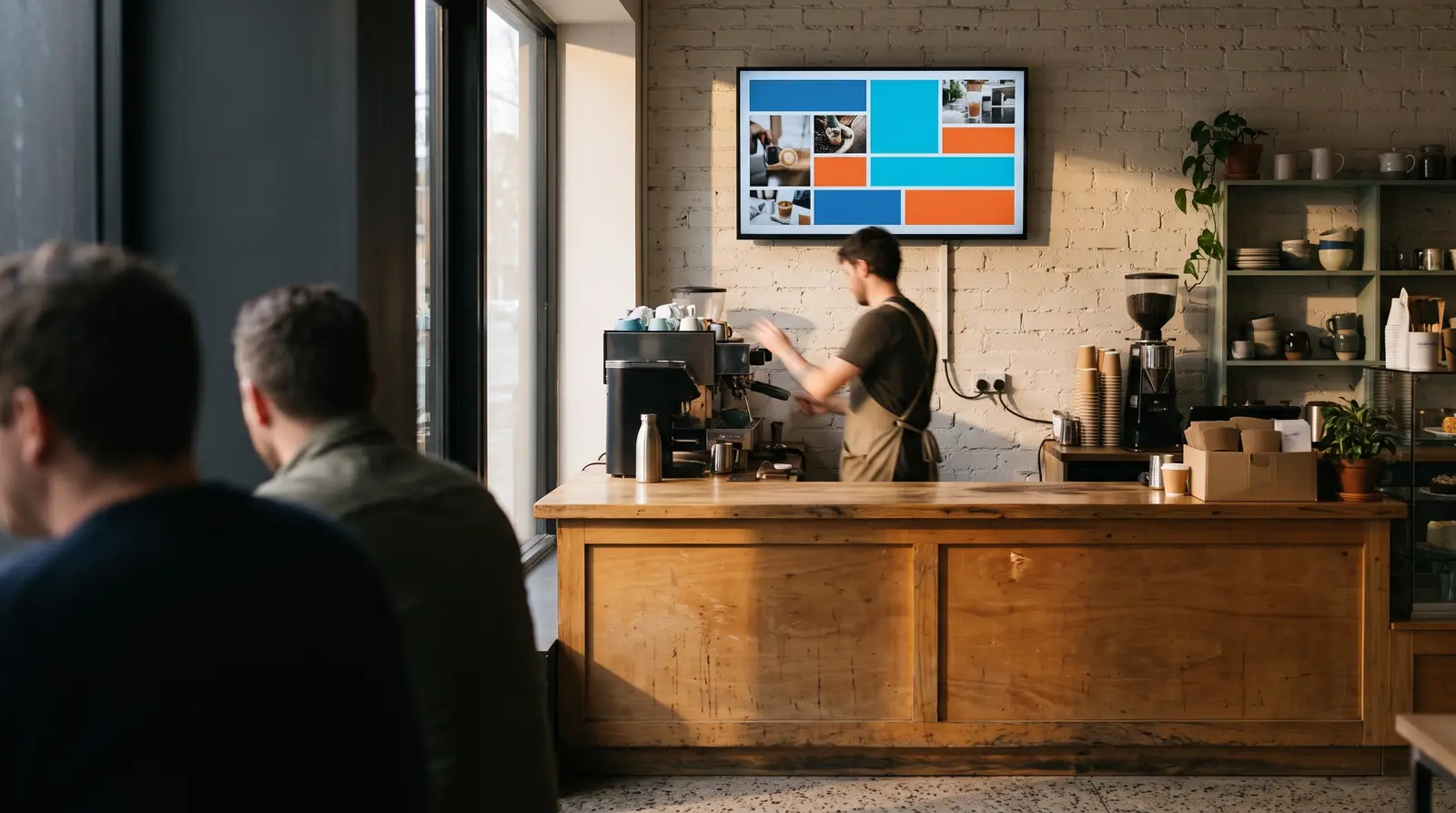
The proof: what a playlist can actually hold
A CloudyFy TV playlist supports up to 60 items, each with independent dwell and transition settings, and can play full-screen or nested inside one block of another layout. Editing a live playlist re-stages every screen playing it automatically, so a content change reaches the whole assignment without a manual republish step.
FAQs
Queue up your content once, let it run
A playlist is an ordered sequence of layouts, each with its own dwell time and transition, that plays on a loop so a screen can show more than one design without you swapping anything by hand.