

Digital signage for retail stores and chains
Push a promotion, a price change or a window-display campaign to every store from one dashboard, and prove it actually played with proof-of-play reporting. Run a single boutique or a 200-store chain on the same account, with a 7-day free trial and no commitment.
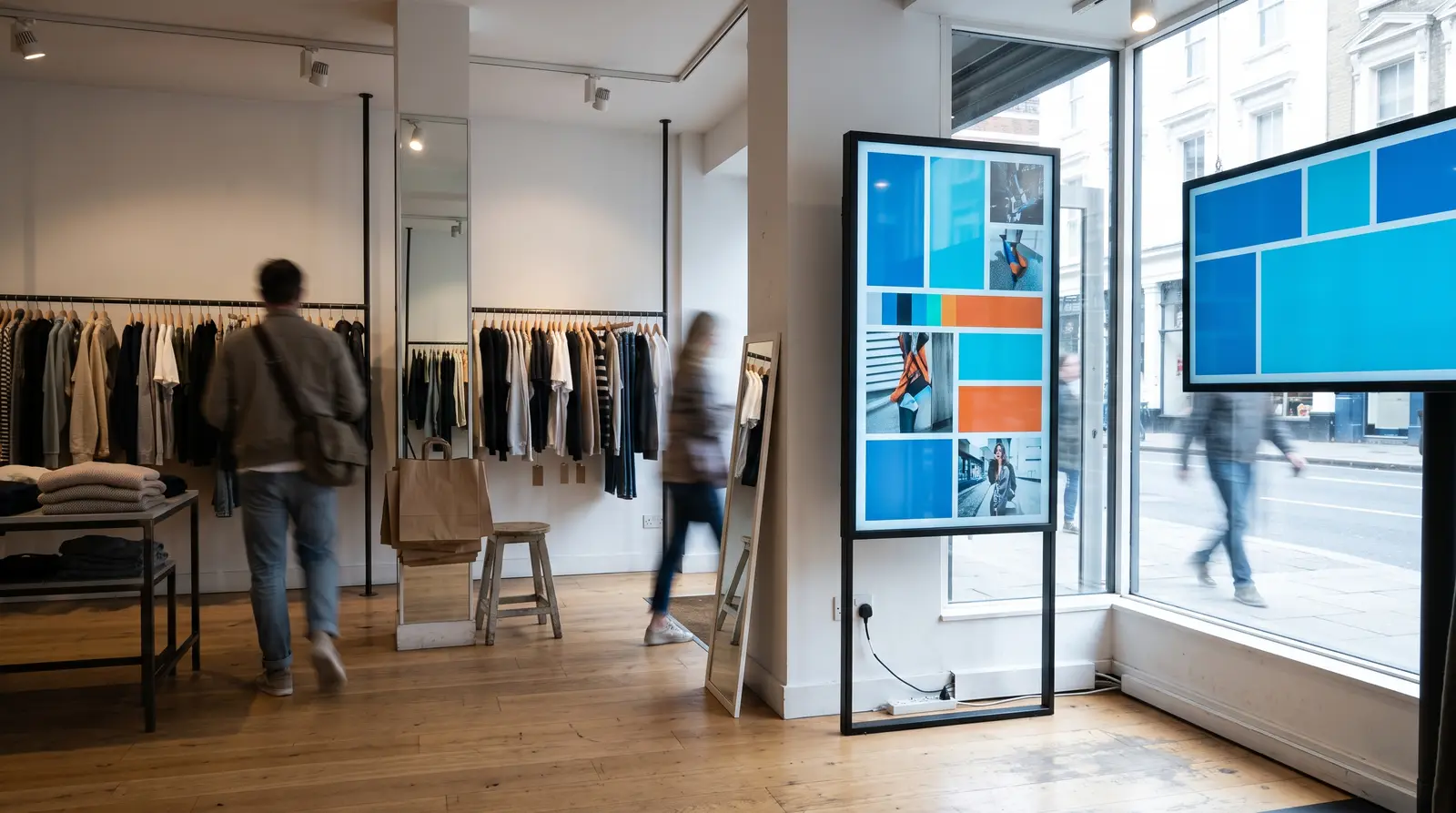
Ways retail signage powers your business
What is retail digital signage? It is a network of in-store and window screens, managed from one browser dashboard, that replaces printed posters, paper price cards and static window vinyl with content you can change the moment a campaign changes.
Built for every kind of retail business
Single boutiques and independent shops
One or two screens for window and counter promotion, on the Starter plan.
Multi-store chains
Every store’s screens grouped and published from one login.
Supermarkets and grocery stores
High-frequency price and offer updates across many aisles and departments.
Fashion and apparel
Seasonal lookbook and campaign rotation tied to a launch calendar.
Electronics and specialty stores
Product-spotlight screens with detailed spec and comparison content.
Pharmacies and health and beauty chains
Aisle-end wellness campaigns that rotate alongside the main storefront promotion.
Before CloudyFy TV, and after
| Capability | Without digital signage | With CloudyFy TV (CloudyFy TV) |
|---|---|---|
Price or promo change | Printed posters and paper price tags reprinted for every sale | Prices and promos update on screen the moment you publish |
Window display rollout | A regional manager driving store to store to swap a window display | One publish pushes a season’s campaign to every store in the group |
Proof a promotion ran | No way to prove a vendor-funded promotion actually played | Proof of play with per-device counts and CSV export |
A dead screen | A dead in-store screen goes unnoticed until a customer complains | Fleet health flags it "never online" instead of showing a fake reading |
Local exceptions | The same generic poster in every window regardless of local stock | Per-store overrides for local pricing, stock or language |
Price or promo change
- Without digital signage
- Printed posters and paper price tags reprinted for every sale
- With CloudyFy TV
- Prices and promos update on screen the moment you publish
Window display rollout
- Without digital signage
- A regional manager driving store to store to swap a window display
- With CloudyFy TV
- One publish pushes a season’s campaign to every store in the group
Proof a promotion ran
- Without digital signage
- No way to prove a vendor-funded promotion actually played
- With CloudyFy TV
- Proof of play with per-device counts and CSV export
A dead screen
- Without digital signage
- A dead in-store screen goes unnoticed until a customer complains
- With CloudyFy TV
- Fleet health flags it "never online" instead of showing a fake reading
Local exceptions
- Without digital signage
- The same generic poster in every window regardless of local stock
- With CloudyFy TV
- Per-store overrides for local pricing, stock or language
Why retailers choose a cloud platform
What the research shows
A 2026 field experiment published in the Journal of Marketing tracked digital signage video content across 237 retail campaigns and roughly 30 million shopper visits, and found it increased purchase probability of the featured product by 8.1% on average, rising to 13.9% for hedonic products and 20.6% for genuinely novel ones. The effect was weaker, minus 9.6%, when the content leaned on a promotional or discount signal rather than the product itself, which is a useful design note for what to put on a screen. The same study found the lift was stronger on weekends, up 4.3%, later in the day, up 2.5% per hour, and in better weather, up 6.0%, which is a reasonable case for pairing a screen’s schedule with dayparting and weather-triggered content rather than one static loop all day.
Sized for your business
Consider a 15-store apparel chain running one window display and one in-store campaign screen per location, 30 screens in total. That sits comfortably inside the Standard plan’s 50-device ceiling, and 30 devices at ₹1,000 or $12$12 or ₹1,000 per device a month comes to ₹30,000 or $360$360 or ₹30,000 a month, with proof of play showing head office exactly which stores ran the new season’s launch content on time.
How it works
Build the campaign layout
Start from one of 93 templates or describe the banner in plain language with AI layout generation, then set the product, price and offer content.Assign it to a store group
Group screens by region or format, and use per-store overrides where one location needs a different price or a local promotion.Publish and prove it played
The publish wizard checks that every screen is ready before it goes live, and proof of play confirms that it did.
Works with the tools your retail team already uses
- LiveContent Creation
YouTube
Loop a brand or product video from a YouTube link directly into a promo layout.
Layout templates for retail

The 93-template catalogue includes window-display layouts sized for street-facing glass, in-store product-spotlight layouts, and full-screen campaign banners for portrait or landscape screens. A single boutique typically opens a window-display template directly; a chain’s marketing team edits one master campaign and rolls it out everywhere with per-store overrides for the local exceptions.
Why retail teams choose CloudyFy TV
Per-device pricing as stores are added
A 15-store chain running two screens per store, 30 devices, sits inside Standard’s 50-device ceiling: 30 devices at ₹1,000 or $12$12 or ₹1,000 per device a month comes to ₹30,000 or $360$360 or ₹30,000 a month, with room for five more stores before an upgrade is due.
Proof of play built in
Answer a vendor’s "did it actually play" question with a CSV export instead of a manual store visit.
Roles and permissions
Let a regional manager publish to their own stores without touching another region’s screens.
Offline-first playback
A screen keeps the last published promotion live through a store’s Wi-Fi drop and resyncs once it returns.
AI credits on every plan
Starter, Standard and Pro all ship with monthly AI credits for layout generation and copywriting, so a small chain is not priced out of the same tools a large one uses.
Support while you set up
Most of the trial goes to the campaign layout and the publish wizard, building a window-display or in-store banner from the template catalogue. Proof of play needs at least one scheduled play to report against, so building the first campaign early in the trial leaves time to show a vendor real numbers before it ends. Contact the team for help, or start a guided demo instead of the self-serve trial.
FAQs
Put your first campaign live across every store
Start a 7-day free trial on Starter, Standard or Pro, no commitment.