

Digital menu board software
CloudyFy TV turns your menu into structured data (categories, items, prices, tags, and photos) and displays it on any screen you own. Change a price in the console, and every board that shows that menu redraws in about a second, whether it is in one branch or across all of them.
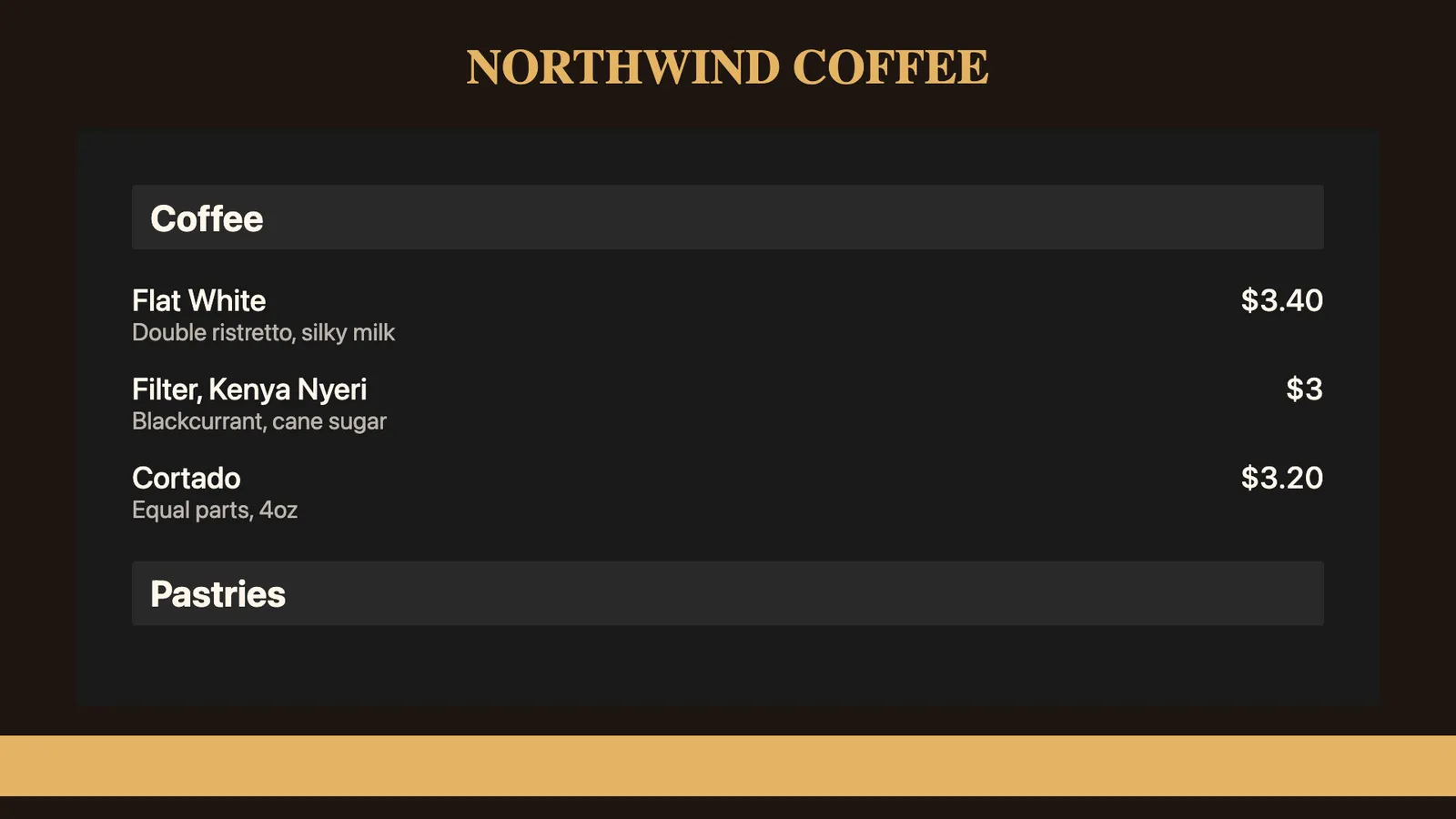
How does a digital menu board work on CloudyFy TV?
You build the menu once, drop a menu block into a layout, publish it, and then only edit the menu rows when something changes.
Build the menu
In the Menu Boards console, create categories (Breakfast, Mains, Beverages) and add items with prices, descriptions, photos, calories, and tags. Set the menu currency once at the menu level.Set the serving windows
Give a category a start and end time. The server resolves those times against your company time zone before sending the menu out, so the category appears on screen during its serving window and disappears outside it.Design the board
Open the layout builder, start with a blank canvas or one of the 93 design templates, and place a menu block. A board can be portrait or landscape, and a menu block can share a screen with a video, a logo or a ticker.Publish to screens
The publish wizard guides you through Content, Screens, Schedule, and Review, and shows a green, amber, or red readiness state for each device before anything is sent.Edit and forget
From then on, a price change is simply a field edit. The updated menu is published as live menu data, and every screen displaying that menu redraws without requiring a republish.
What you can do with a CloudyFy TV menu board
Change a price once and have every branch follow
The menu is one document. Edit an item's price, and every screen bound to that menu shows the new price on the next update, whether it is one board above a counter or forty across a chain.
Give one branch its own price without cloning the menu
A branch override lets you set a different price, price label, or sold-out status for an item at one location. You can also hide an item, or a whole category, at a single branch. The base menu stays intact, so you are never maintaining two copies of the same menu that drift apart.
Run breakfast, lunch and dinner from one board
Serving windows belong to the category rather than to a separate schedule. Set Breakfast to end at 11:00 and Lunch to start at 11:00, and the same layout on the same screen shows the right sections all day without a second layout or a dayparting rule.
Mark an item sold out in one tap
Sold out is a flag that can be applied to the item globally or at a specific branch. The board shows the item as unavailable instead of taking it off the board entirely, so a customer who asks for it gets an answer from the screen.
Prices that are exact
Prices are stored and transmitted as integer minor units (paise or cents) rather than as floating-point numbers. A price on the board is the price you typed. Where an item has no fixed price you can set a price label instead, such as "Market price" or "Ask at the counter".
Photos, tags and calories without a designer
An item can include a photo, short description, calorie figure, and any number of tags. Tags are defined once with a label, a colour and an icon, then attached to items. Calories are optional and stay empty when you have not entered one, rather than showing as zero.
Fits the screens you already own
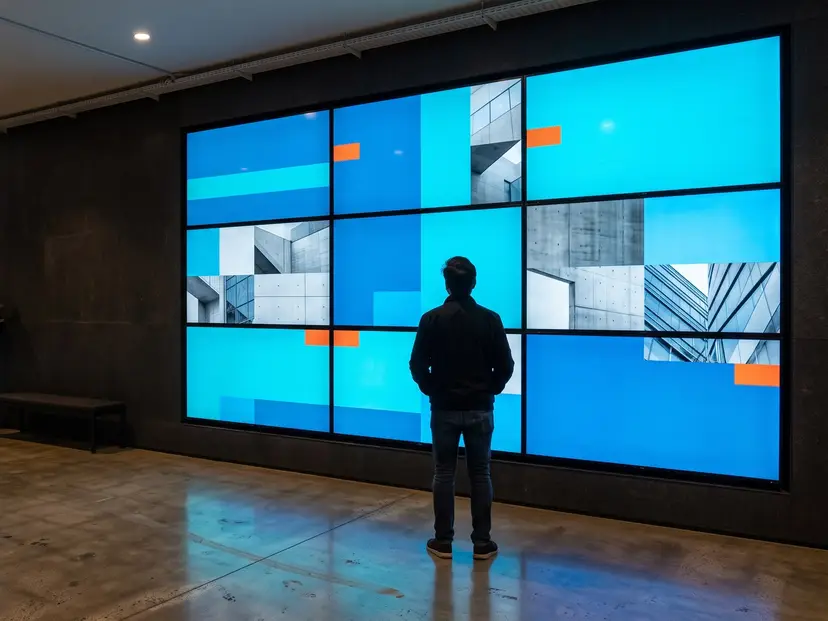
Menu boards render through the same player as everything else in CloudyFy TV, including Android TV, Amazon Fire TV, Samsung Tizen 6.0 and later, LG webOS 6.0 and later, and Chromium browsers. A three-screen menu run is three devices playing three layouts from one menu, or a video wall if you want one canvas across the panels.
See video wallKeeps serving when the network does not
Players cache content locally and continue rendering. If the connection drops, the board keeps showing the last menu it received instead of going blank, then picks up the new prices when the connection returns.
Does a digital menu board increase sales?
Yes, on the specific item you feature, and the size of the effect depends on what you are advertising.
Read that as a purchase-probability lift on the advertised item, not as a revenue figure for a whole store.
It is one of the more defensible figures in this category and supports the value of using menu boards to feature specific items rather than simply listing prices.
- You will see much larger recall and dwell-time percentages on other menu board pages. We looked for the studies behind the most commonly quoted figures but could not find named, dated publications for them, so they are not included on this page.
Which industries use digital menu boards?
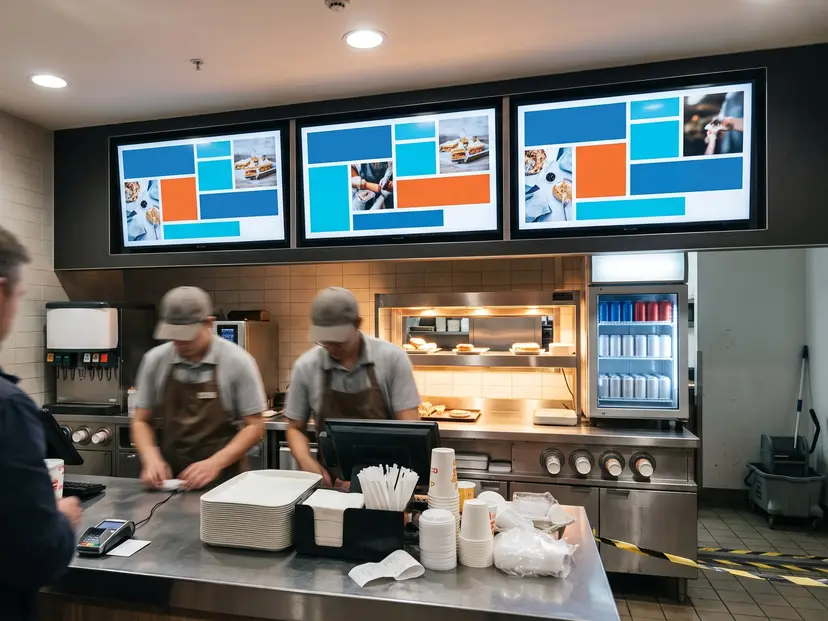
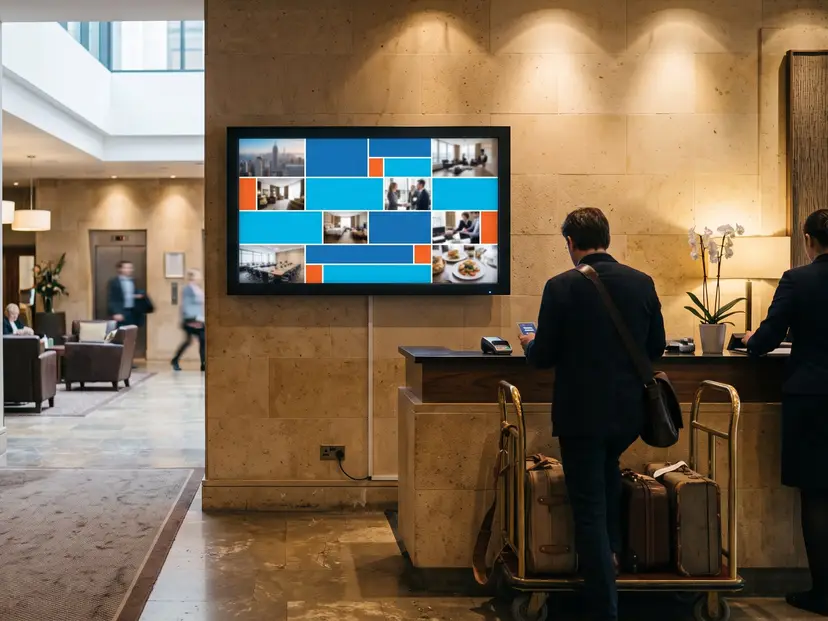
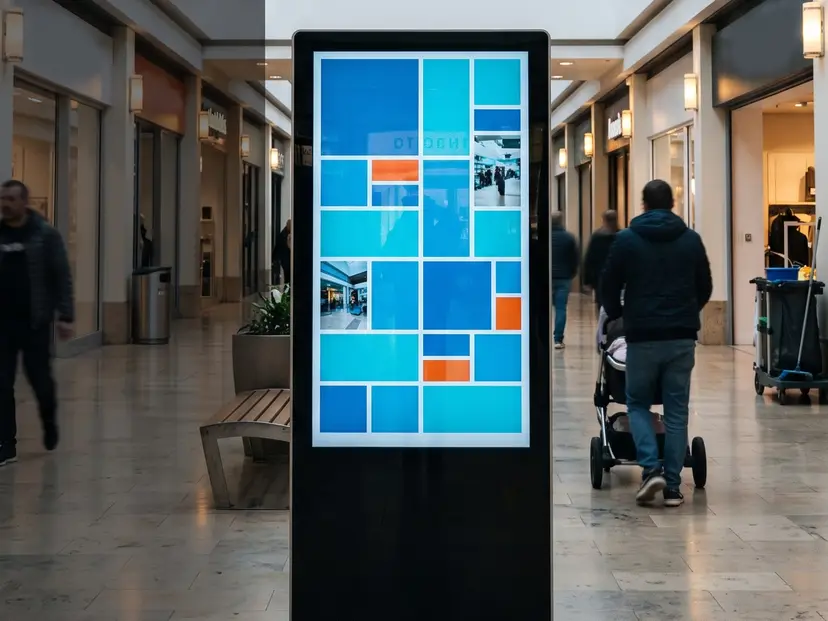
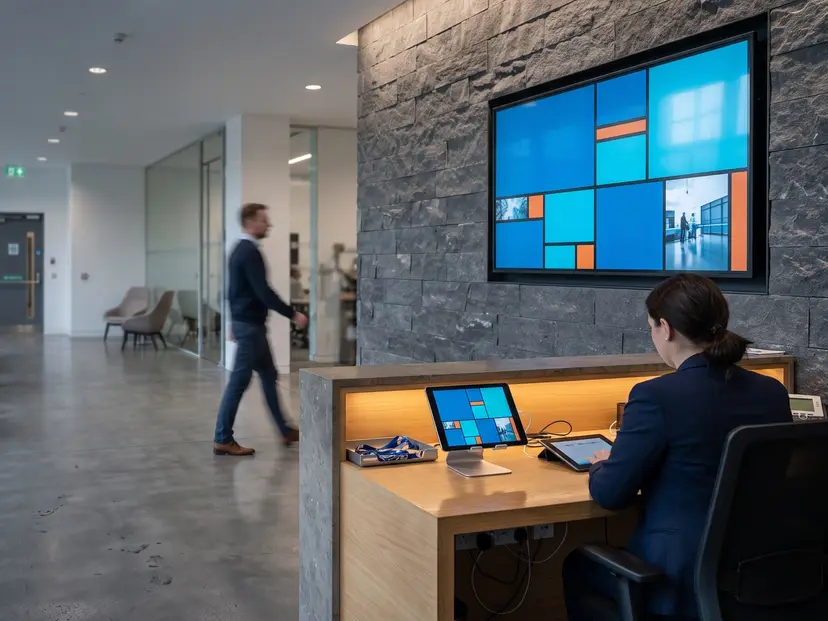
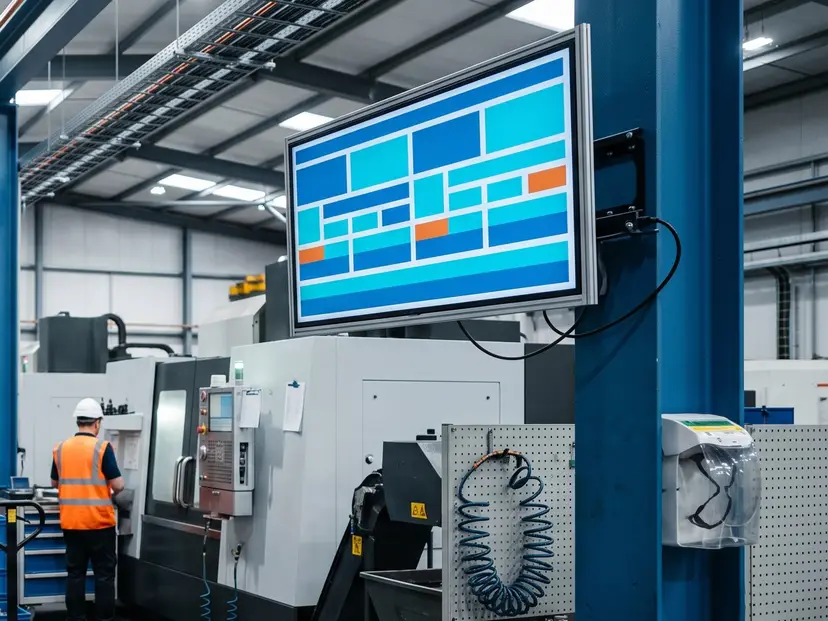
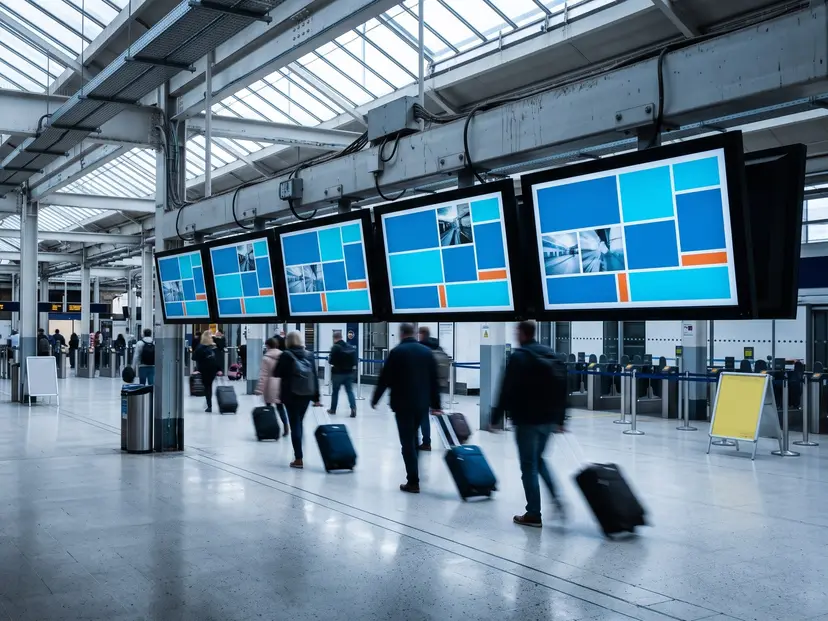
Menu boards show up anywhere food is priced and served over a counter.
In short
A CloudyFy TV menu board turns your menu into data: categories with serving windows, items with exact prices, tags, photos, and per-branch overrides, all rendered by the same player that runs the rest of your screens. You build it once and then only edit the rows when something changes. Menu Boards is one of two modules in CloudyFy TV that is off until you ask for it, so tell us you are a food business and we switch it on for your workspace.
FAQs
Your prices, on the boards, by the end of the week
Build the menu, drop a menu block into a layout, publish it once, and then edit rows as needed. Start a 7-day free trial on the plan you choose, Starter by default. No commitment, and tell us you need Menu Boards so we can enable it.