

Digital signage for manufacturing plants and warehouses
Post shift schedules, safety reminders and one-click emergency alerts to every screen on the floor from a single cloud dashboard. Screens keep playing through the Wi-Fi dead zones common at the edge of a plant or warehouse.
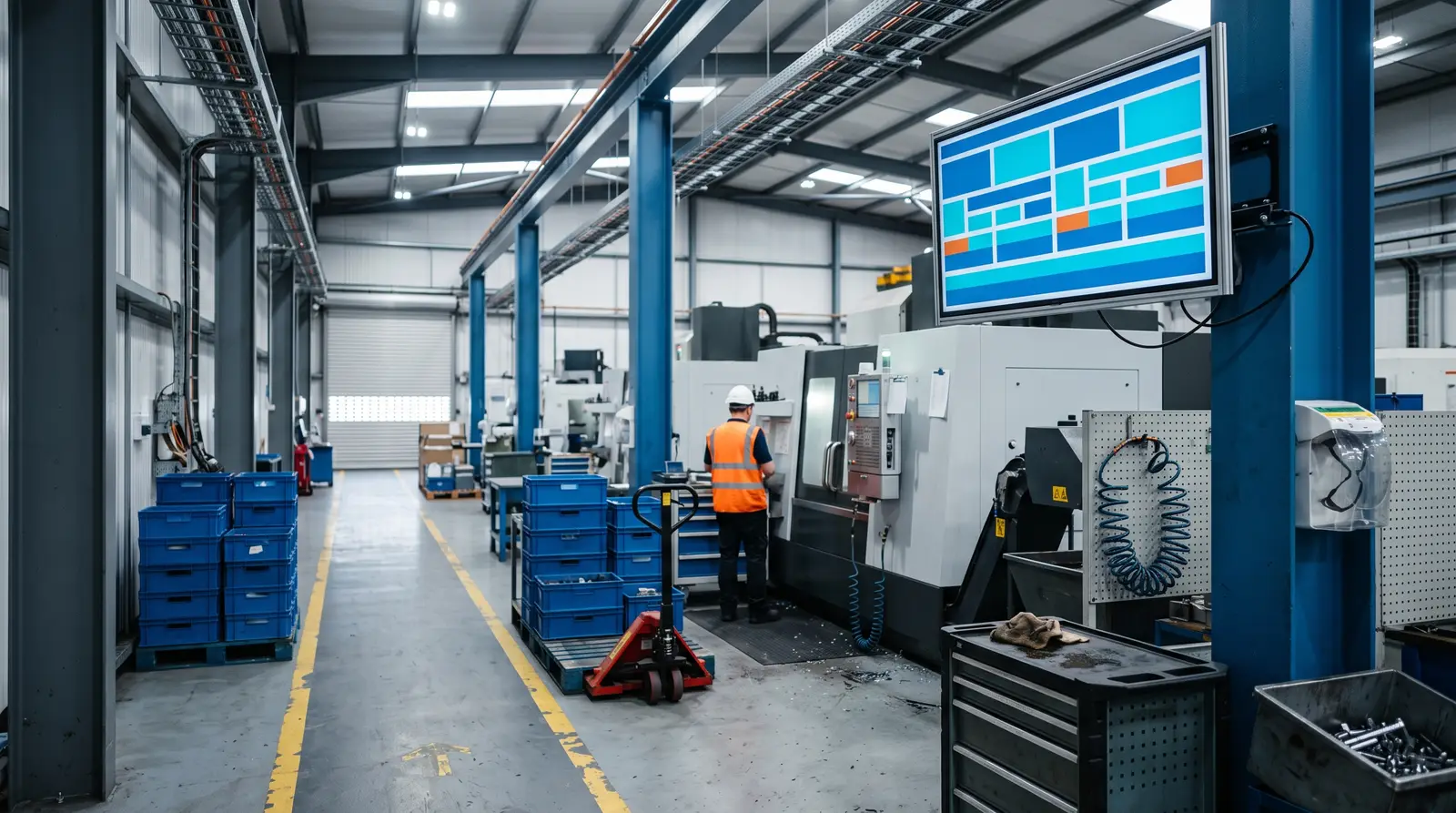
What manufacturing operators get from CloudyFy TV
Ways manufacturing signage powers your plant
Manufacturing digital signage connects screens across the shop floor, break rooms and entrances, allowing teams to manage content from one browser dashboard instead of relying on laminated posters and plant-wide PA announcements.
Built for every type of manufacturing operation
Single-plant manufacturers
A handful of shop-floor and break-room screens on the Starter plan, with no dedicated IT headcount required to run them.
Multi-site manufacturing groups
Manage screens across every plant from one login, while keeping shift schedules and safety content separate for each site.
Warehousing and distribution centers
Dock-door, break-room and safety screens across a large floor plan, where offline-first playback matters most.
Industrial parks and manufacturing campuses
Shared entrance and common-area screens across multiple tenants or buildings, each with its own device group.
Contract manufacturers and 3PL operators
Push standardized safety and shift content to every client site, then adapt it to individual client requirements without rebuilding the layout.
Before CloudyFy TV, and after
These are practical challenges that manufacturing teams face regularly on the shop floor.
| Capability | Without digital signage | With CloudyFy TV (CloudyFy TV) |
|---|---|---|
Safety messaging | Printed safety posters that stay up long after the policy changed | Safety messaging updates the moment you edit the layout, across every entrance and break room |
Shift changes | A supervisor walking the line to announce a shift change | Shift boards switch automatically at handover time, on a schedule set once |
Incident alerts | A phone tree or PA-only alert during an incident | A one-click alert reaches every screen on-site in about a second |
Wi-Fi dead zones | Shop-floor Wi-Fi dropping near the loading dock | Offline-first playback keeps the last published content on screen until the network returns |
Fixing a screen | A different person driving to each plant to fix a screen | Remotely restart players, clear the cache, and capture screenshots from one login across every site |
Safety messaging
- Without digital signage
- Printed safety posters that stay up long after the policy changed
- With CloudyFy TV
- Safety messaging updates the moment you edit the layout, across every entrance and break room
Shift changes
- Without digital signage
- A supervisor walking the line to announce a shift change
- With CloudyFy TV
- Shift boards switch automatically at handover time, on a schedule set once
Incident alerts
- Without digital signage
- A phone tree or PA-only alert during an incident
- With CloudyFy TV
- A one-click alert reaches every screen on-site in about a second
Wi-Fi dead zones
- Without digital signage
- Shop-floor Wi-Fi dropping near the loading dock
- With CloudyFy TV
- Offline-first playback keeps the last published content on screen until the network returns
Fixing a screen
- Without digital signage
- A different person driving to each plant to fix a screen
- With CloudyFy TV
- Remotely restart players, clear the cache, and capture screenshots from one login across every site
Why manufacturing operators choose a cloud platform
What the research shows
The digital signage market tracked by MarketsandMarkets is projected to grow from $21.45B in 2025 to $28.88B by 2030, at a 6.1% compound annual growth rate. Manufacturing is one of the industries driving this growth as plants replace paper safety boards with screens that can be updated instantly. For operations and EHS teams, the practical case is straightforward: one dashboard for every plant instead of a separate system at each site, along with an alert path designed to reach screens even when the network is under heavy load or partially unavailable.
Sized for a multi-plant network
Take a contract manufacturer running three plants, each with two entrances and one break room. That is nine screens across three sites, comfortably within the Starter plan’s 25-device ceiling. At ₹550 or $7$7 or ₹550 per device a month, the total comes to ₹4,950 or $63$63 or ₹4,950 a month. Device groups keep each plant’s shift schedules and safety content separate, while a single emergency alert can still reach all three sites at once when needed.
Sized for a distribution network
Scale that up to a distribution network of eight warehouses, each with a dock-door entrance screen, a break-room screen and a safety-checkpoint screen. Twenty-four screens across eight sites still fit within the Standard plan’s 50-device ceiling. At ₹1,000 or $12$12 or ₹1,000 per device a month, the total comes to ₹24,000 or $288$288 or ₹24,000 a month. The same three-screen setup can be repeated as the network grows, while role-based permissions allow each site’s shift lead to publish local content without affecting screens at other locations.
How it works
Design your layouts
Build safety, shift and break-room screens in the browser canvas, starting from a template or from scratch with 36 block types.Publish across every plant
The publish wizard guides you through Content, Screens, Schedule, and Review, with a per-screen readiness check before anything goes live.Screens keep playing
Content is cached locally, so a dropped connection near a loading dock does not put a screen dark. Emergency alerts can still be delivered through MQTT, HTTP pull, or legacy polling.
Works with the tools your plant already uses
- LiveData and KPI
Weather
Show local weather conditions relevant to outdoor loading and logistics operations, helping dock crews plan their shifts around the forecast.
- LiveContent Creation
YouTube
Loop safety-training videos or onboarding content on break-room screens without exporting or re-uploading files from your existing training platform.
Layout templates for manufacturing
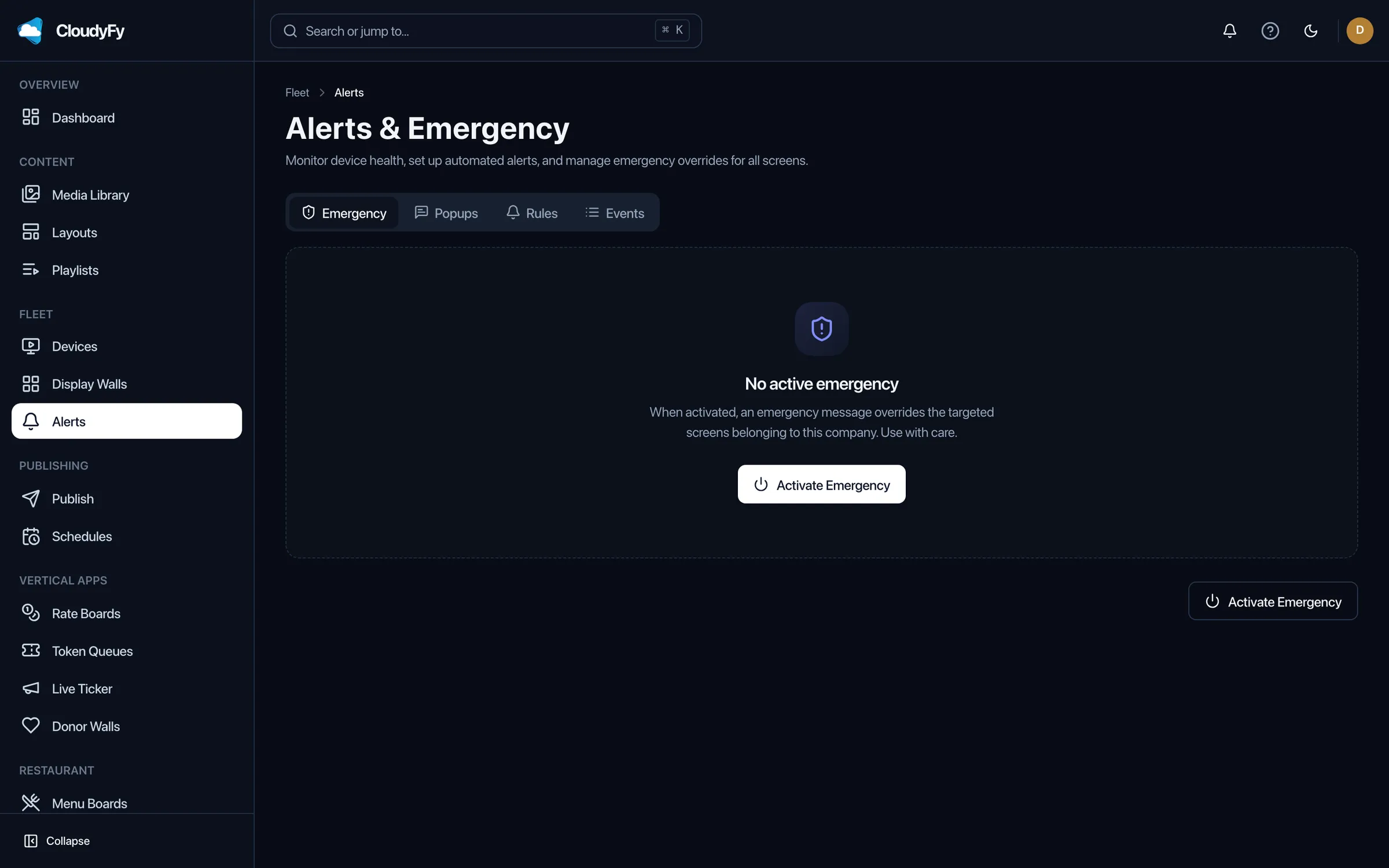
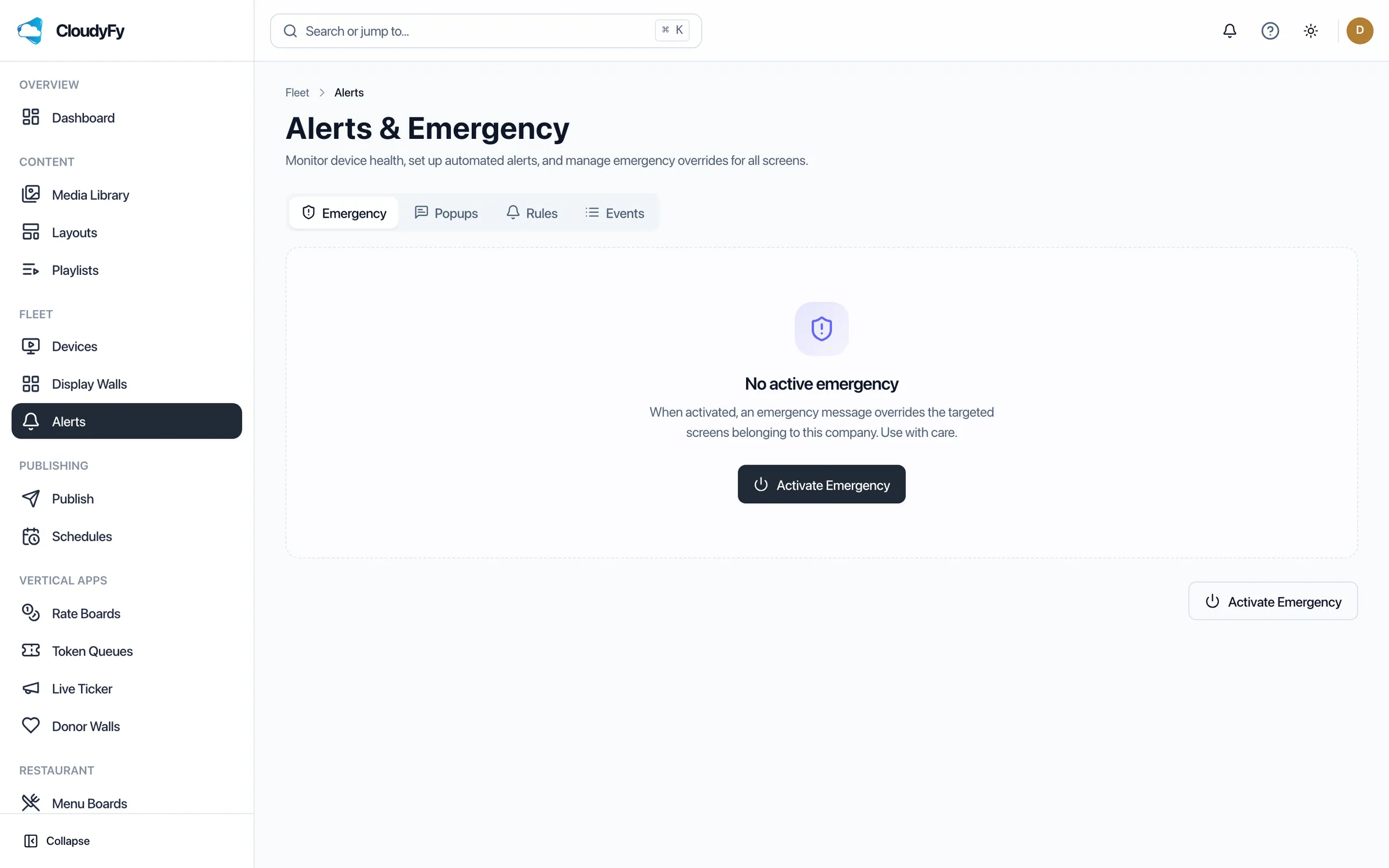
Start with the shared catalogue of 93 layout templates, including safety and PPE reminders, shift and production schedules, and break-room announcements. Every template opens in the same block-based canvas, allowing you to adapt it to a specific plant's branding or safety requirements. An EHS team that needs the same safety layout applied identically across ten sites can build it once and republish it to every plant's device group, rather than rebuilding it by hand at each location.
Why manufacturing teams choose CloudyFy TV
Per-device pricing across every plant
On the Starter plan, every device is billed at the same ₹550 or $7$7 or ₹550 per device a month, making it easier to predict costs as you add screens or expand to new plants.
Offline-first playback
Screens keep playing from local cache through Wi-Fi dead zones common at the edge of a warehouse or plant, then automatically resync when the connection returns.
One-click emergency alerts
A one-click takeover reaches every screen in about a second over MQTT, with HTTP pull and legacy polling fallbacks if a screen's real-time connection is unavailable.
Role-based publishing
With 34 permission modules, only authorized staff can publish safety-critical or emergency content, while shift leads can manage their own boards without broader access.
Support while you set up
Every trial includes the full publish wizard, layout canvas, and emergency alert console, so your EHS or operations team can put their first safety and shift-schedule screens live before the 7-day trial ends. Most plants start with one entrance safety screen and one break-room announcement screen, confirm that emergency alerts reach both, and then extend the same layouts to additional sites.
FAQs
Put your first plant screen live this week
Start a 7-day free trial on the plan that matches your facility, no commitment required.