

Get the right content on screen at the right time
Scheduling decides when a layout or playlist plays, on which screens, and in which timezone, so a breakfast menu never runs at dinner and a holiday message never runs a day late. Set it once and every scheduled publish keeps a history you can review and cancel.
What is scheduling in CloudyFy TV?
Scheduling controls when content changes on a screen, automatically, without anyone touching the device. A schedule is one of three types: Once (a single publish at a set time), Repeat (a recurring rule, like every weekday at 6am), or Override (a higher-priority schedule that temporarily takes precedence, then hands control back). CloudyFy TV evaluates them in exactly that priority order, so an Override always wins over a Repeat, and a Repeat always wins over whatever was there before it.
Every schedule runs against a timezone set per row, not one global clock, so a chain with screens in Mumbai and New York can run each location’s dayparts on local time from the same account.
- Once, Repeat, and Override schedule types, evaluated in that priority order
- Per-row timezone, so each schedule carries its own local time
- A soft-deleted schedule never replays, closing the "old promotion came back" failure mode
How does scheduling work?
Pick what plays and where
Choose the layout or playlist, then the screen or group of screens it applies to.Set the timing and timezone
Choose Once, Repeat, or Override, set the recurrence if it repeats, and set the timezone for that row.Preview the next run
Before you commit, the schedule shows you the next time it will actually fire, so you catch a timezone or recurrence mistake before it reaches a screen.Publish, track, or cancel
Every scheduled publish keeps a history. If plans change, cancel a pending publish before it goes out; nothing you already sent gets silently rewritten.
Why does scheduling matter?
Dayparting without a shift worker
Breakfast, lunch, and dinner menus (or business-hours vs. after-hours messaging) swap on their own, on the exact minute you set.
Timezone-safe for multi-location operators
A retail chain, a bank, or a campus with locations across time zones runs each one on its own local schedule from a single account.
Overrides for the moment that can't wait
A closure notice, a weather warning, or a same-day promotion runs as an Override without disturbing the recurring schedule underneath it, which resumes automatically once the Override ends.
Nothing plays that shouldn't
A deleted schedule stays deleted; it does not resurface and replay a stale promotion because of a bug in the recurrence logic.
Scheduling vs. manually swapping content
Without scheduling, "the right content at the right time" means someone remembers to log in and swap the layout before the lunch rush, or drives to the store to update a screen after hours. That does not scale past one location, and it fails the first time the person responsible is on leave. CloudyFy TV’s schedules run on the server against each screen’s local timezone, so the swap happens whether or not anyone is watching, and the publish wizard’s readiness check catches a screen that cannot render the content before it ever goes live, rather than after a customer sees a broken screen.
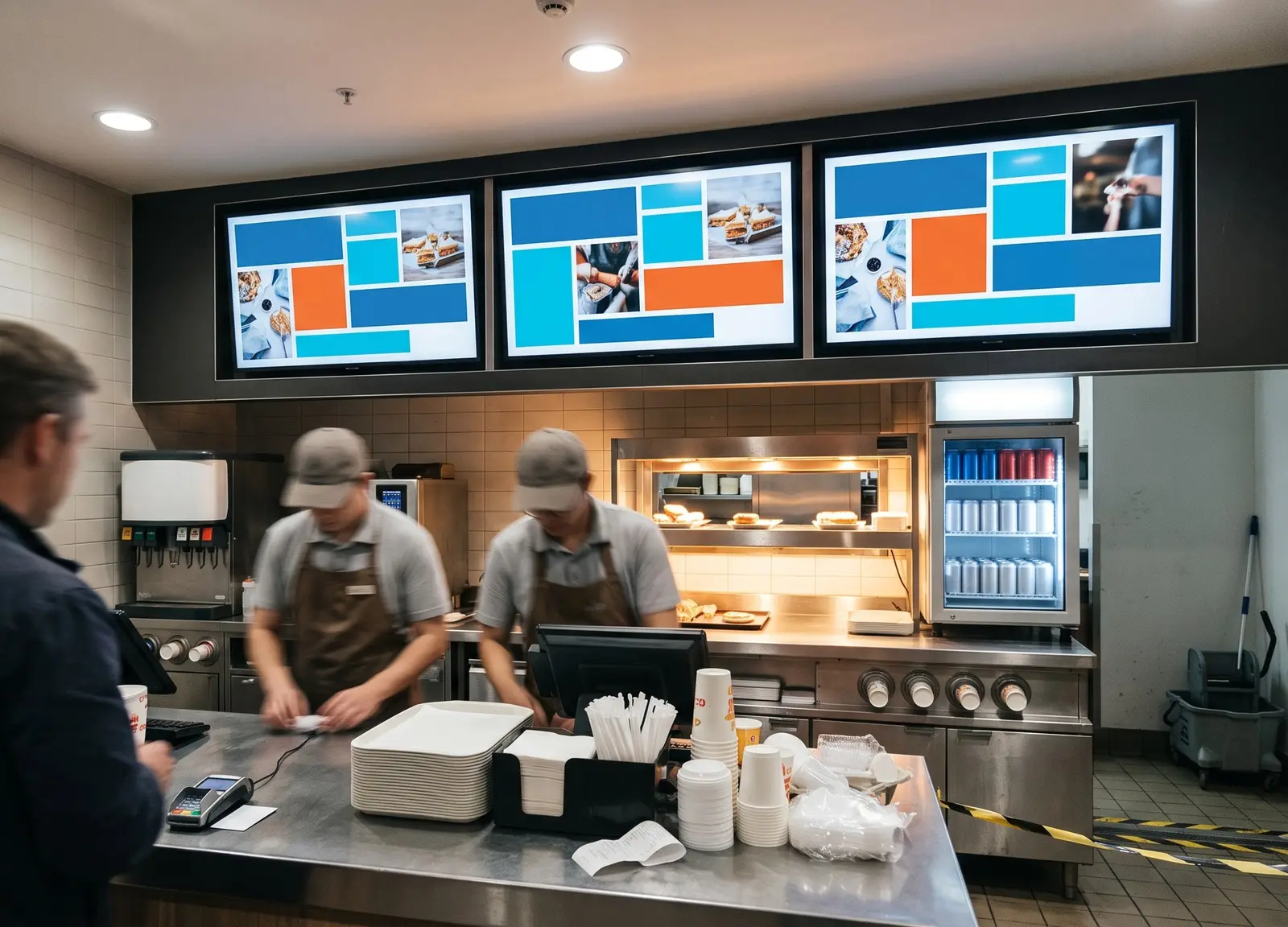
The proof: what actually runs on schedules today
CloudyFy TV's schedule engine already carries real production load: 237 schedules are active across the platform's companies today, spanning Once, Repeat, and Override types. The precedence rule (Override beats Repeat beats Once) and the soft-delete safety (a removed schedule cannot replay) are both live behavior, not planned work.
FAQs
Get the right content on screen at the right time
Scheduling decides when a layout or playlist plays, on which screens, and in which timezone, so a breakfast menu never runs at dinner and a holiday message never runs a day late.