

Token and queue display software for service counters
CloudyFy TV turns any screen into a now-serving board and gives every counter a browser console with three buttons: call the next token, skip a no-show, and recall a skipped token. The board updates in about a second, and every press is written to a ledger you can report on.
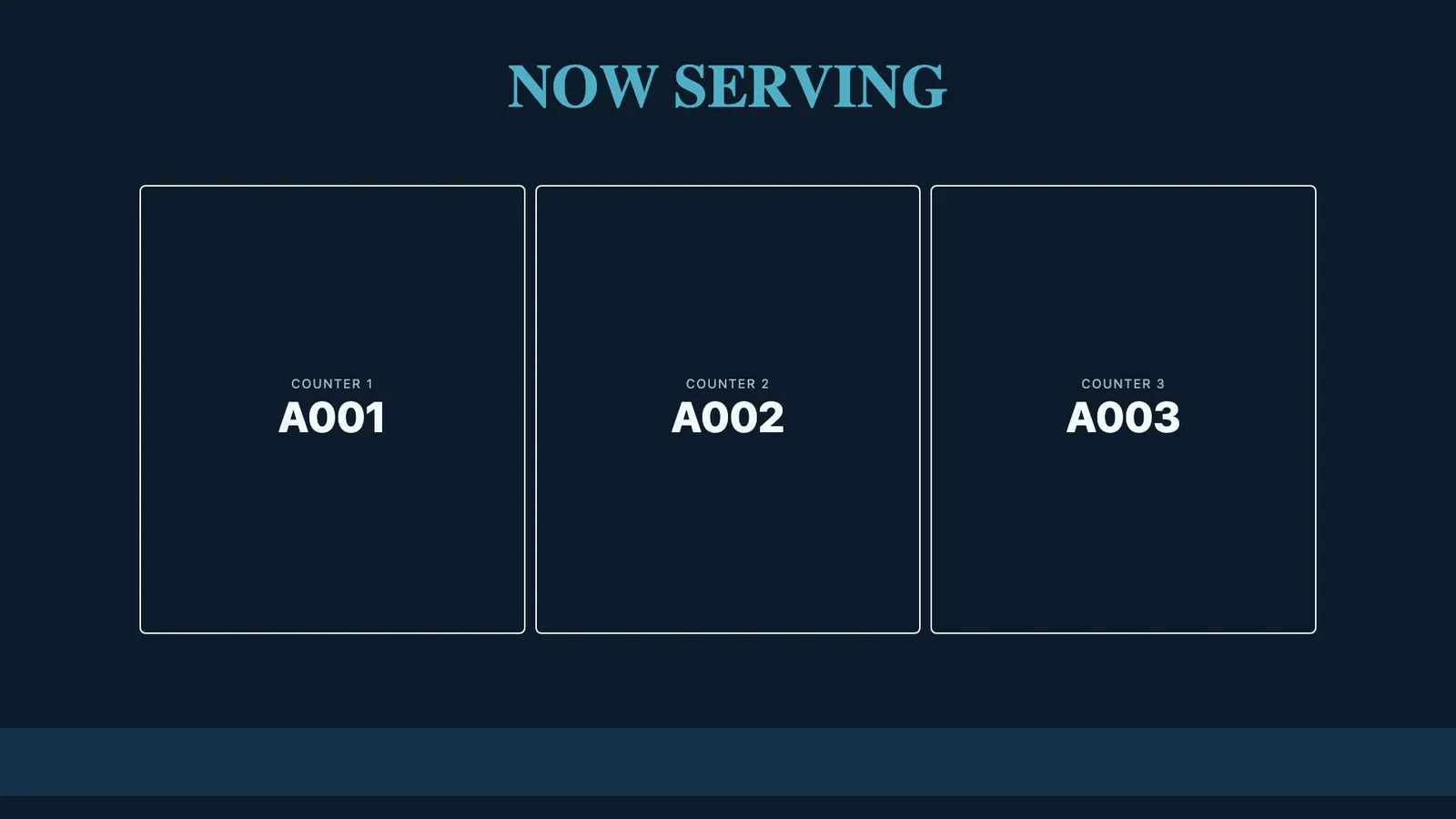
What is a token queue display?
A token queue display is a screen that shows which token number each counter is serving, controlled by the staff serving customers.
Customers take a number, watch the board, and go to the counter it names. Staff work from a console rather than shouting or using a bell. The board removes the two things that make a waiting room feel worse than it is: not knowing whether the queue is moving, and not knowing where to go when it is your turn.
In CloudyFy TV a queue is a range of tokens and a set of counters. You allocate a numbered range, optionally with a prefix, so tokens read A001 to A150. Each counter gets one slot on the board and one console. The current state of every counter is published on a real-time channel, so the board on the wall and the operator's console are showing the same queue.
How does a token queue work on CloudyFy TV?
You allocate the range once at the start of the day, then staff press three buttons.
Set up the queue
Choose how many counters serve it, an optional token prefix, and the start and end number of the range. That gives you A001 through A150, or 1 through 500, or whatever your floor uses.Put the board on a screen
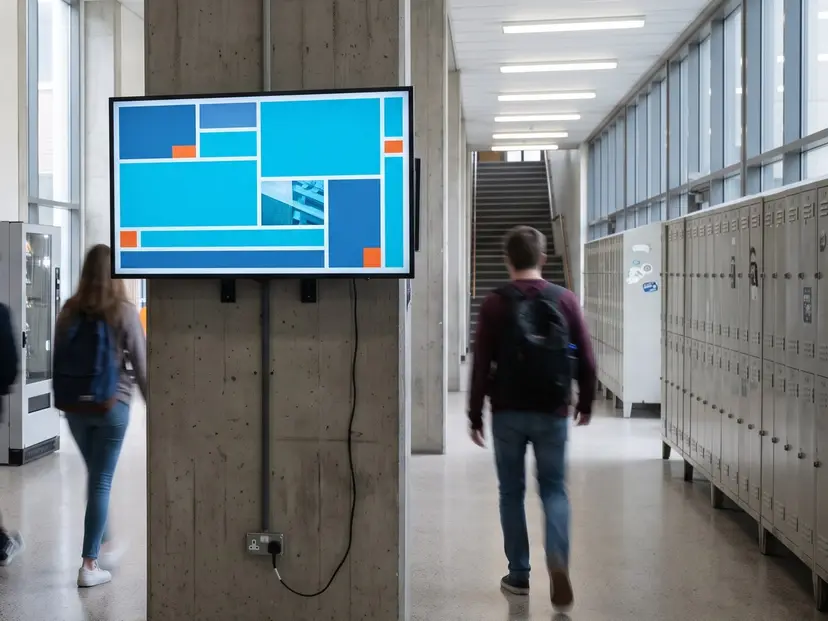
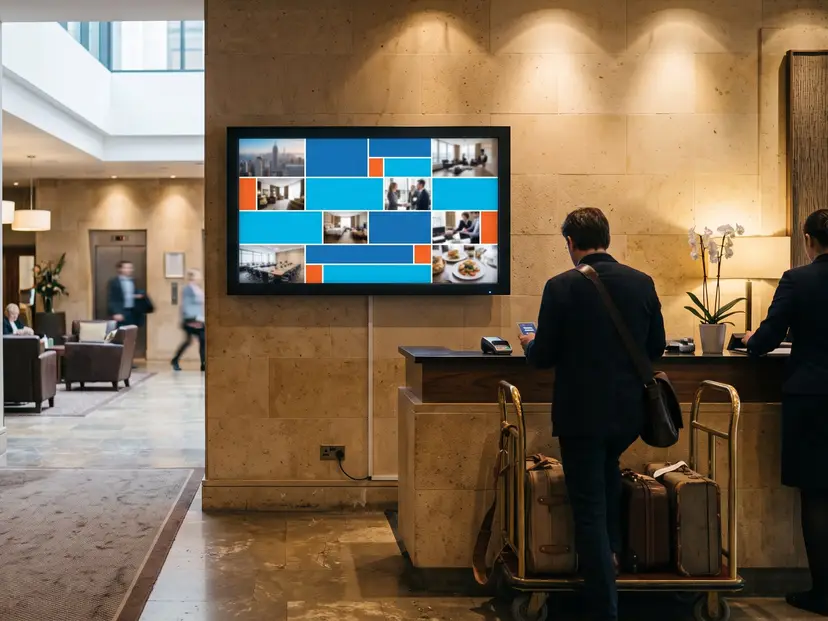
Drop a token block into a layout and publish it to the screen in the hall. The board can share the layout with your logo, a video, the weather and a ticker.Call the next token
The console shows the next token the queue will hand out, computed on the server. Press Call and that number appears against the counter on the public board.Skip a no-show
If nobody comes forward, press Skip. The queue moves on and the token is recorded as a skip, not as a customer served.Recall when they turn up
Skipped tokens stay on an outstanding list showing the counter that skipped them and how long ago. Any counter can recall one, and the token is called to whoever pressed the button.
What you can do with a CloudyFy TV token queue
See the next token, not the last one
The big number on the console is the token that the Call button will actually hand out. It is computed on the server from a persisted dispensing cursor, so it stays in sync with the public board and the Call button. Two counters pressing Call at the same moment get two different tokens.
Skip a no-show without losing the record
A skip is its own action in the ledger, not a silent second call. The queue advances, the customer is not counted as served, and the token joins an outstanding list showing which counter skipped it and how long ago, so a supervisor can see whether one counter is skipping heavily.
Recall a customer who came back
Recall calls a previously skipped token to the counter that pressed the button, not the counter that skipped it, because the customer may be standing in front of a different staff member by then. A token that has already been recalled by someone else cannot be recalled twice.
Clear one counter without resetting the queue
Closing a counter for a break sets that one counter back to idle. It does not drag the dispensing cursor back to the start, and it does not touch what the other counters are serving. Reset is a separate, deliberate action for reconfiguring the queue.
Report on what actually happened
The queue reports total tokens allocated, total served, total skipped, and the same served and skipped counts per counter, plus a recent-calls list. Served counts include calls and recalls. It never counts skips, because a skipped customer was not served.
Numbers we do not invent
CloudyFy TV does not report average waiting time, abandonment rate or an hourly arrival histogram, because the ledger records when a token was called, not when a customer walked in or gave up. Rather than estimate those figures, the console leaves them out.
Drive it from a queue system you already own
If you have an existing queue management system, it can call the CloudyFy TV REST API to set which token is shown at each counter, using CloudyFy TV purely as the display layer across your branches. See the developer overview. No middleware project is required to put a modern board on the wall.
See developer overviewOne screen, more than the queue
The token block is a block. The same screen can carry the now-serving board, your branch messaging, a rate board and a live ticker at the same time, each updating independently.
Do queue displays actually help a branch?
They are close to standard practice in the sector that uses them most, which is the strongest reliable signal available.
You will find a widely repeated figure claiming that signage cuts perceived waiting time by a specific percentage.
We tried to trace it to a named, dated study and could not, so it is not on this page.
- The measurable claim we will make is narrower: the board shows which counter to walk to, the console records every call and skip, and both remain accurate because they use the same server-side queue.
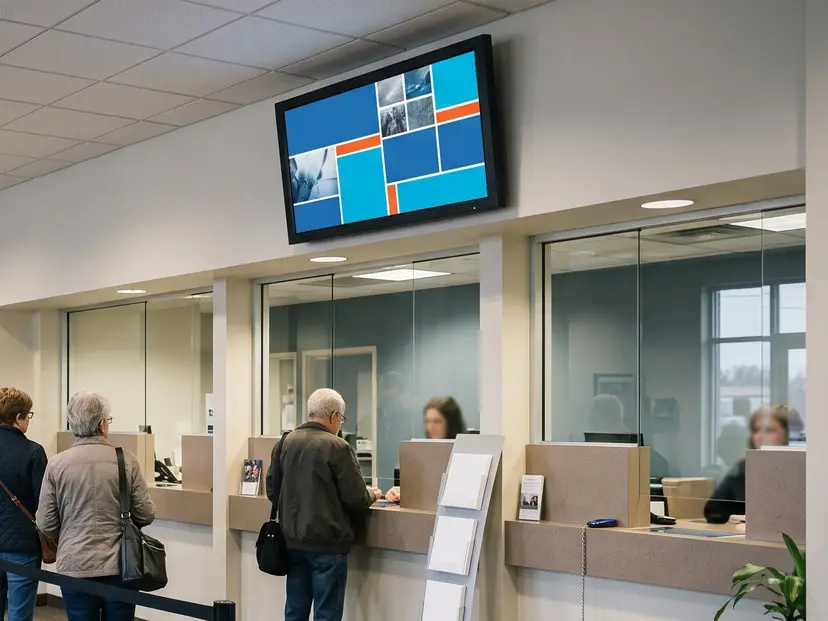
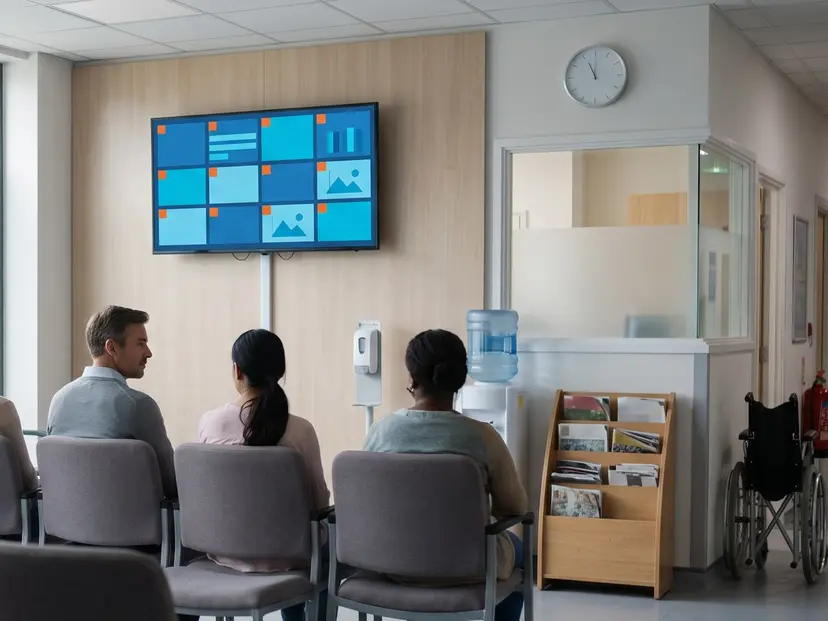
Which industries use token queue displays?
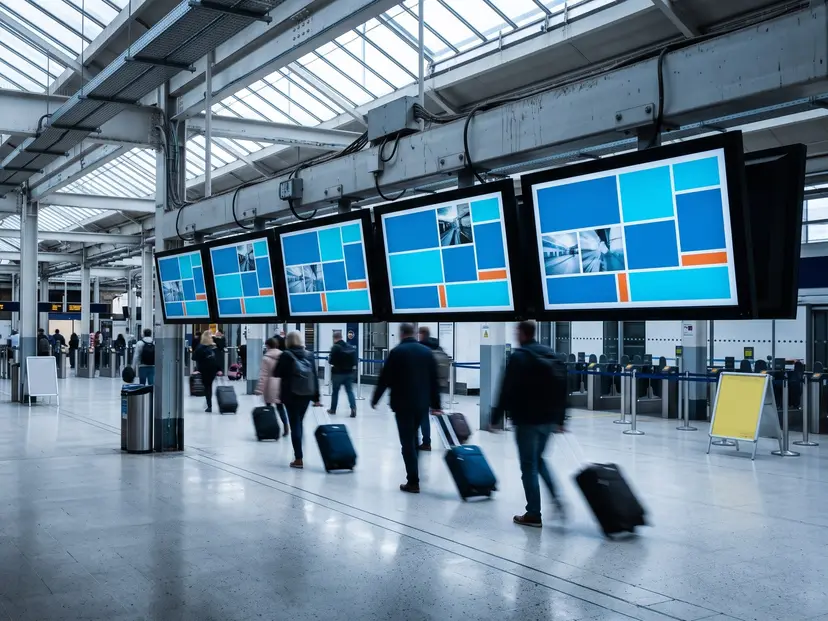
Any setting where customers wait for a counter rather than a table.
In short
A CloudyFy TV token queue is a numbered range, a set of counters and three buttons. Call hands out the next token, computed on the server so the console and the board agree. Skip records a no-show without counting it as served. Recall brings a skipped customer back to whichever counter is available. Every press lands in a ledger with per-counter totals, and the board updates in about a second. Token Queues is included for every company on Starter, Standard and Pro.
FAQs
Give every counter a console
Allocate a token range, put the board on a screen, and let staff work from three buttons instead of using a bell. Start a 7-day free trial of the plan you choose, Starter by default. No commitment, and Token Queues is included.