

Live ticker software for scrolling messages on any screen
A CloudyFy TV ticker is a line of text that scrolls across your screens while everything else keeps playing. Type it once in the console and every ticker on the network changes in about a second, with no republishing and no interruption to the video behind it.
What is a live ticker?
A live ticker is a strip of scrolling text on a screen that is already displaying something else.
It exists because most messages do not deserve a whole screen. A safety reminder, a canteen closure, a target figure, a delayed departure, a market rate: each is one line, and each would be lost if it had to wait its turn in a playlist. A ticker gives that line a permanent home along the bottom or the top of a layout, where it is readable without taking the screen away from the content people are actually watching.
In CloudyFy TV a ticker is a block you place in a layout, plus one company-wide text field that feeds every ticker bound to it. Change the field, and the crawl on every screen changes. Leave the binding off, and the block scrolls whatever text you authored into that particular layout.
How does a live ticker work on CloudyFy TV?
You place the block once and then you only ever edit one field.
Place the ticker block
In the layout builder, drop a ticker into a bar along the bottom or the top of the layout. It is a block like any other, so it can sit under a video, beside a rate board or across a menu.Bind it or author it
Bind the block to the company ticker to have it follow the live text, or type fixed text into the block when that layout should always say the same thing.Set the speed and the type
Speed is a dial from 1 to 100 that maps directly to pixels per second, so the setting means the same thing on a large panel and on a tablet. Set the type size, or leave it unset and let the ticker size itself to the height of its bar.Publish once, then edit the text
After the layout is on your screens, changing the message is one field in Live Ticker settings. It goes out on the live channel and the crawl changes in about a second, mid-playback.
What you can do with a CloudyFy TV live ticker
Change every screen with one line of text
The company ticker is a single field. Every ticker block bound to it, on every layout, on every screen you run, picks up the new text on the next update. That is one edit for an entire estate, and it does not require a publish.
Or fix the text to the layout
A ticker block with no binding scrolls whatever you typed into it. That is the right choice for text that belongs to one screen rather than to the company, such as a permanent safety line above a production cell or a standing welcome message in a reception layout.
Set a speed that means the same thing everywhere
The speed dial maps to pixels per second, not to an abstract animation duration, with a minimum of twenty pixels per second so a ticker can never be set to a crawl that never finishes. The same value therefore scrolls at the same pace whether it is running on a 43-inch panel in a lobby or a tablet on a counter.
Type that fits the bar
If you do not set a type size, the ticker sizes itself to the height of the bar it lives in rather than to a browser default, so a ticker looks deliberate on the first try. If you do set one, that is what it uses.
A continuous loop, not a gap and a restart
The ticker repeats its text as many times as the width of the bar requires and scrolls the whole track, so there is no empty pause at the end of a short message before it starts again. A one-word ticker looks like a ticker, not like a word that keeps disappearing.
Costs nothing when nobody can see it
When the layout carrying a ticker is not on screen, for example while a playlist is showing a different layout, the ticker stops its animation entirely rather than scrolling into a buffer nobody is watching. On a modest player, this keeps the frame budget available for the video.
Post the line from another system
The ticker text can be set through the CloudyFy TV REST API, so a production dashboard, a safety system or your own scheduler can push the current line without anyone opening the CMS. See the developer overview. CloudyFy TV does not supply news or market content itself; the words on the ticker are yours.
See developer overviewIt is not the emergency system
A ticker is a strip. When something genuinely needs the whole screen, use emergency alerts, which take over every screen with a full-screen message and are delivered over the real-time channel and the pull path together. Keeping the two separate is deliberate: a message that always scrolls is a message people stop reading.
See emergency alerts
Does a ticker actually get read?
There is no study that measures a ticker on its own, so the honest framing is about what a ticker is for rather than a percentage it delivers. Gallup did not study digital signage and makes no claim about it; the figures below describe the problem a ticker addresses, not the ticker itself.
What a ticker changes is narrower and real: a line that would otherwise sit in an unopened email is in the room, on a screen people already look at, and it can be changed the moment the information changes.
Which industries use live tickers?
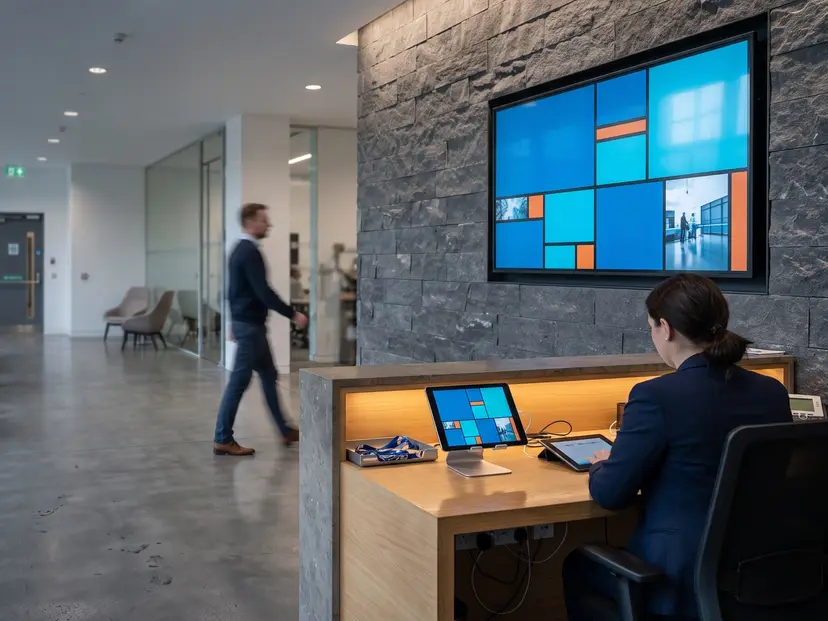
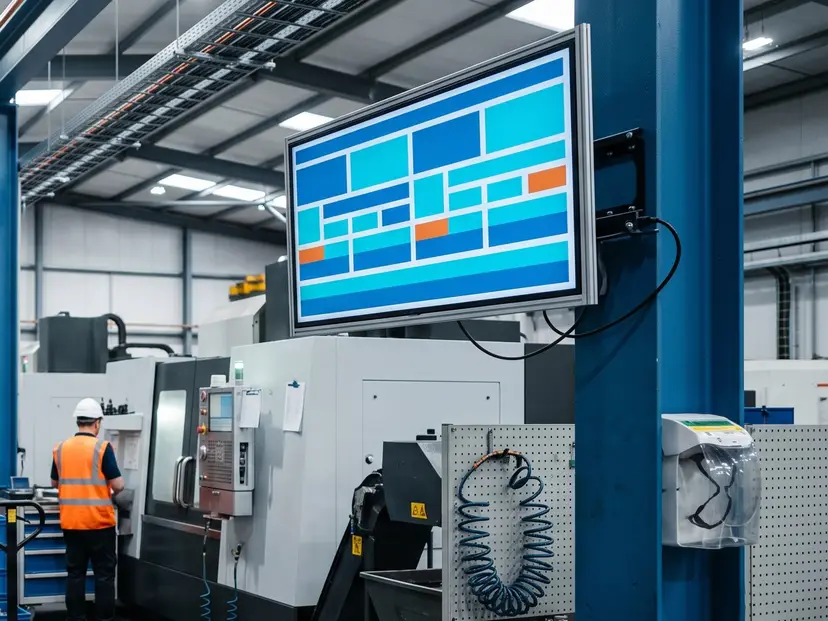
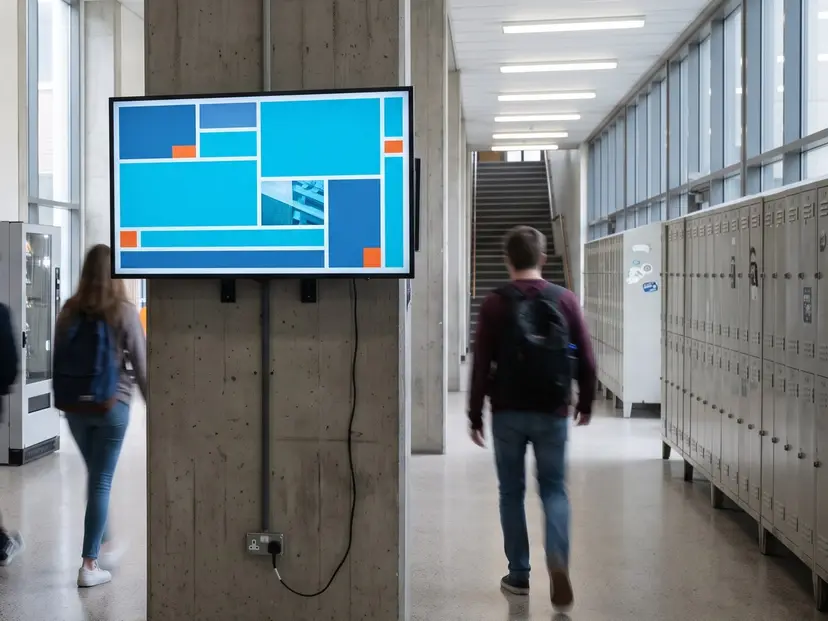
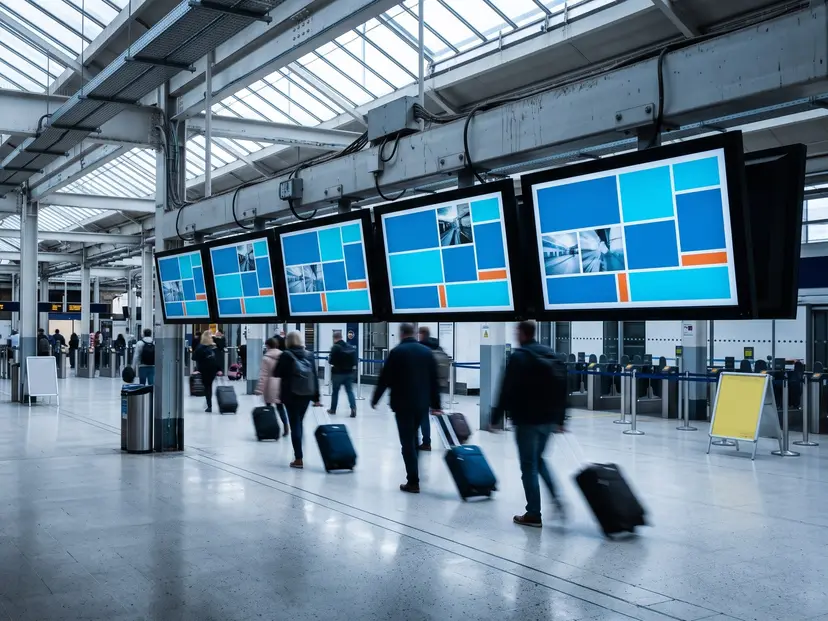
Anywhere a short message has to reach people who are not at a desk.
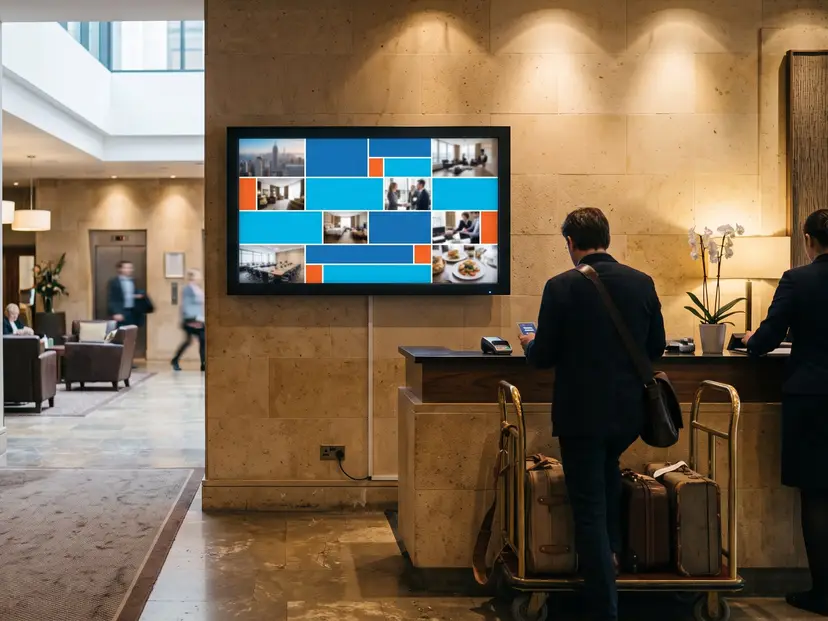
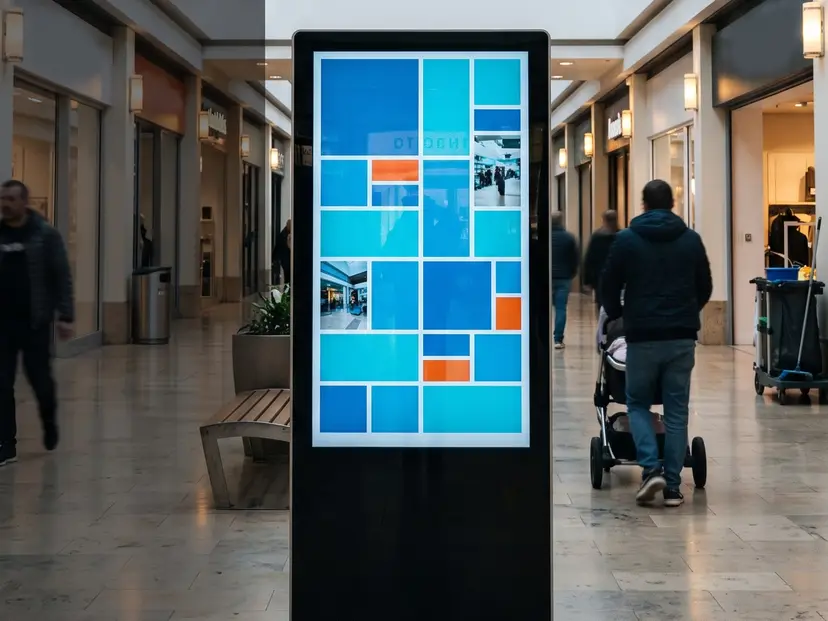
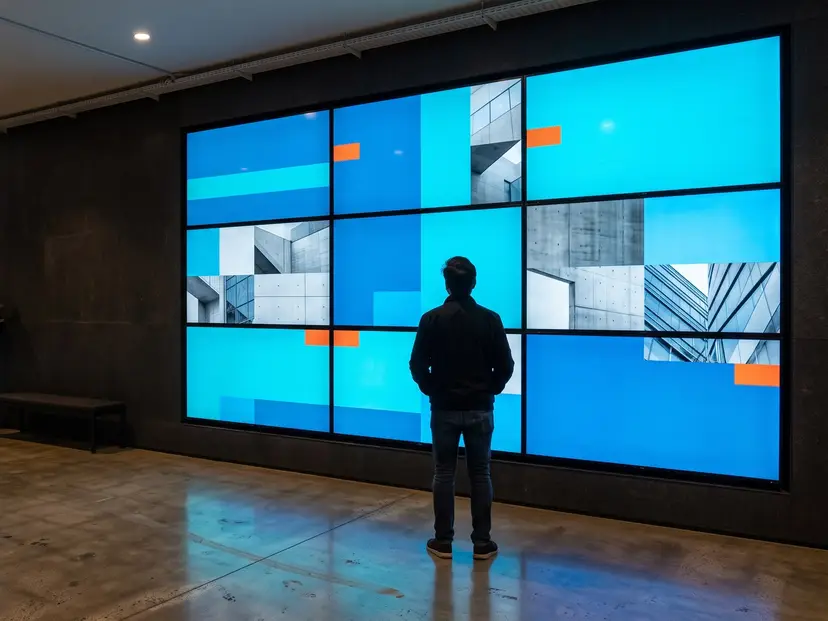
In short
A CloudyFy TV ticker is a block in a layout plus one company-wide text field. Bind the block and every ticker follows that field, in about a second, without republishing. Leave it unbound and it scrolls text fixed to that layout. Speed is measured in pixels per second, the type sizes itself to the bar, the loop runs without a gap, and an off-screen ticker costs nothing. Live Ticker is included for every company on Starter, Standard and Pro.
FAQs
Get one line onto every screen
Place the ticker block once, bind it to the company line, and change the message from a single field. Start a 7-day free trial of the plan you choose, Starter by default. No commitment, and Live Ticker is included.