

One digital signage platform to build, manage and run every screen
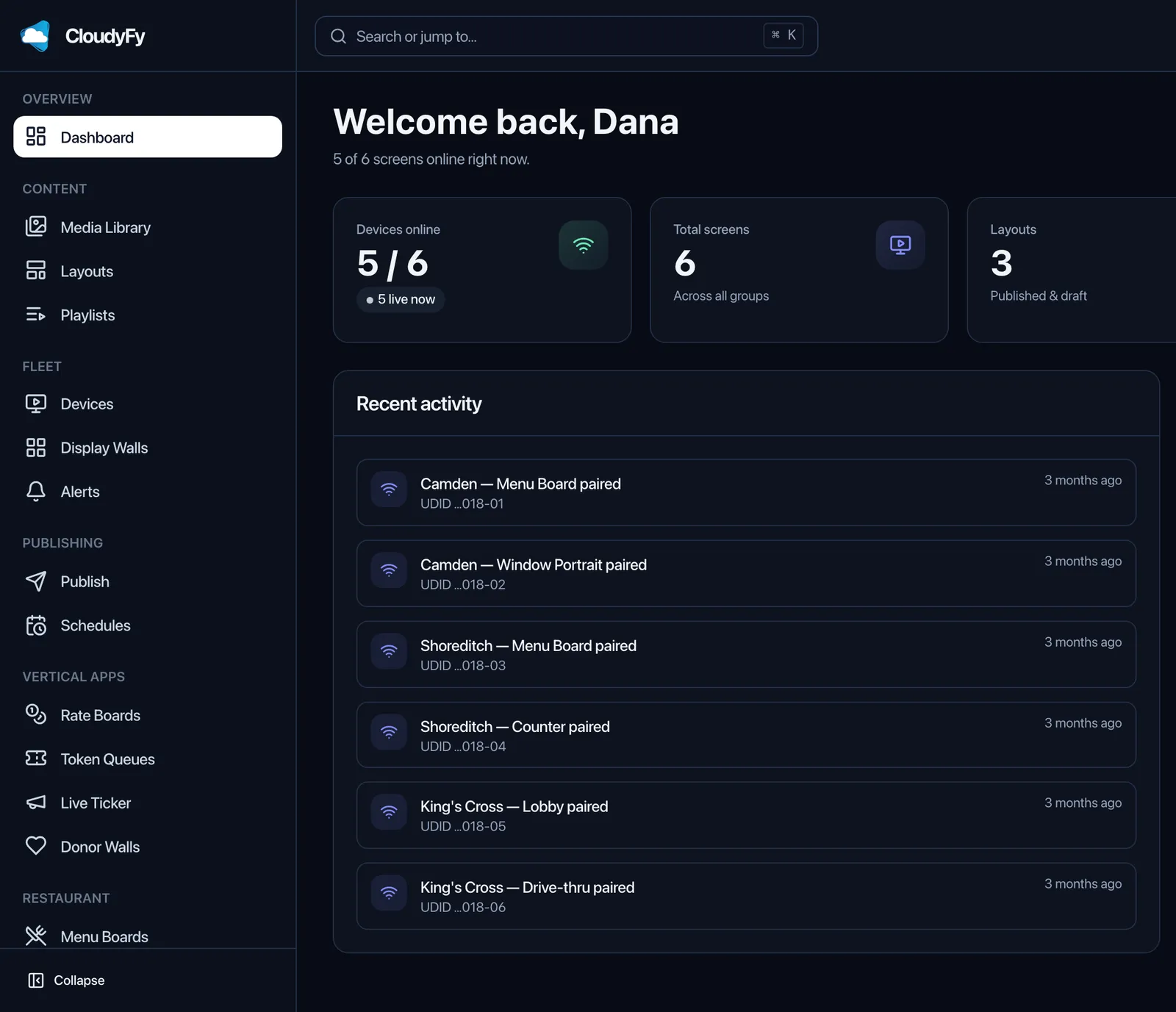
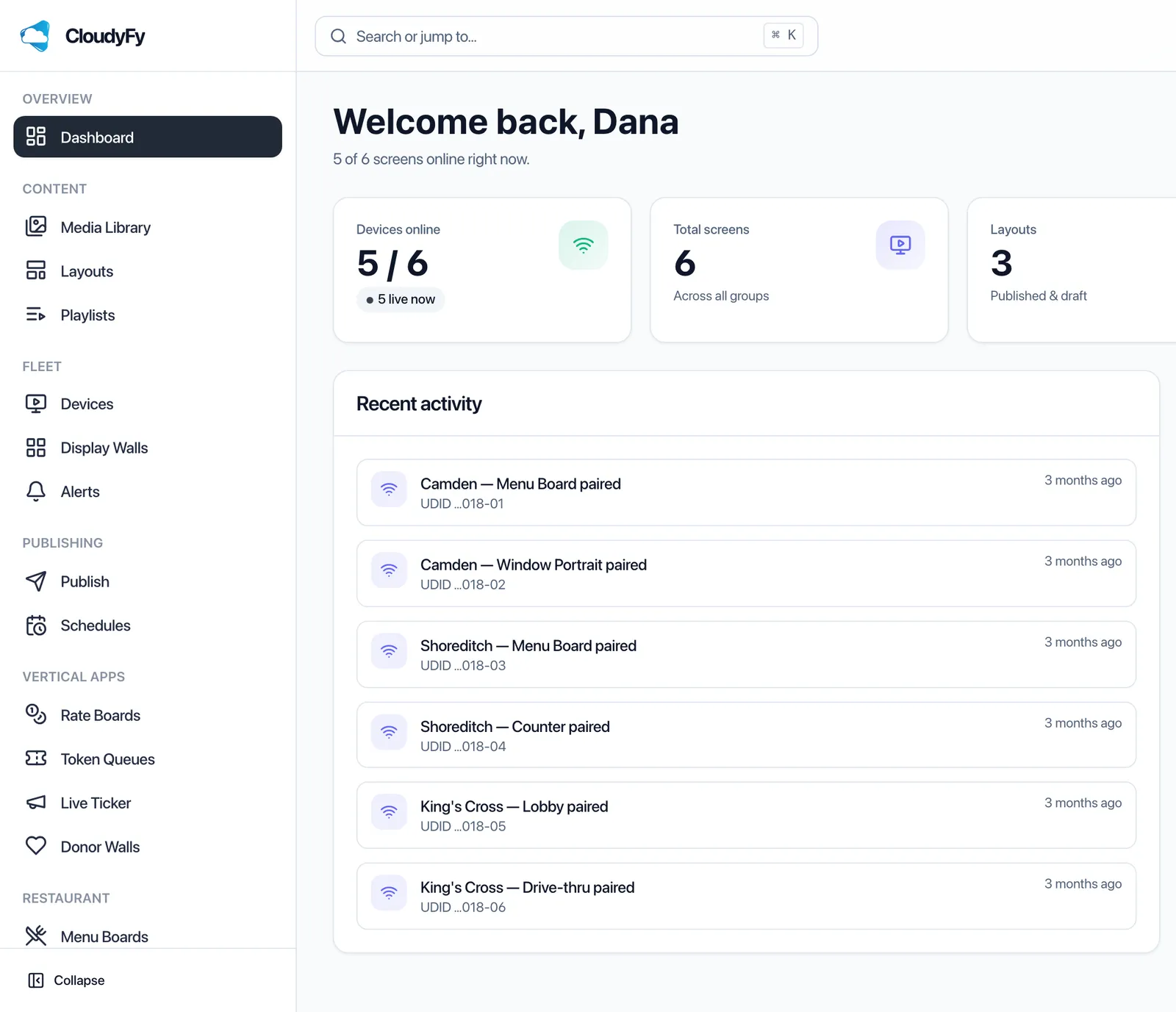
CloudyFy TV is cloud digital signage software for companies that run more than one screen. You design layouts in your browser, publish them to the screens you choose, and see what every screen is playing.
7-day free trial of the plan you choose, Starter by default. No commitment.
What is the CloudyFy TV platform?
- Digital signage platform
- CloudyFy TV is a cloud digital signage platform. You design screen layouts in a browser CMS, group them into playlists, schedule them, and publish to players running on Android TV, Amazon Fire TV, Samsung Tizen, LG webOS, Android tablets and browsers. Each screen caches its content and keeps playing when the network drops.
Why not a USB stick, a media player PC, or a CMS you host yourself?
Because none of those three tell you whether the screen is actually playing. That is the whole difference: a signage platform is a control and reporting system, and the file on the TV is only the last step of it.
| Approach | What it costs to start | What it cannot do | Who maintains it |
|---|---|---|---|
USB stick in the TV's media player | Nothing beyond the stick | No schedule, no remote change, no way to know a screen went blank last Tuesday | You, on foot, at every screen |
A PC per screen running a media app | A machine and a Windows license per screen | No central control across sites; screensavers, updates and power cuts each break playback in their own way | Your IT team, per machine |
A signage CMS you install and host yourself | Server, storage and admin time. The software itself can be free: Xibo is published under the AGPL and can be self-hosted at no license cost, with player licenses bought separately | Nothing, in principle. In practice you own patching, backups, TLS certificates, database upgrades and the on-call phone | You |
CloudyFy TV, hosted | From ₹550 or $7$7 or ₹550 per device a month, plus applicable GST in India | Nothing you cannot do from a browser. The one hard limit is your plan's device ceiling: 25, 50 or 100 devices | CloudyFy TV runs the CMS and the delivery. You run the screens |
What it costs to start
- USB stick in the TV's media player
- Nothing beyond the stick
- A PC per screen running a media app
- A machine and a Windows license per screen
- A signage CMS you install and host yourself
- Server, storage and admin time. The software itself can be free: Xibo is published under the AGPL and can be self-hosted at no license cost, with player licenses bought separately
- CloudyFy TV, hosted
- From ₹550 or $7$7 or ₹550 per device a month, plus applicable GST in India
What it cannot do
- USB stick in the TV's media player
- No schedule, no remote change, no way to know a screen went blank last Tuesday
- A PC per screen running a media app
- No central control across sites; screensavers, updates and power cuts each break playback in their own way
- A signage CMS you install and host yourself
- Nothing, in principle. In practice you own patching, backups, TLS certificates, database upgrades and the on-call phone
- CloudyFy TV, hosted
- Nothing you cannot do from a browser. The one hard limit is your plan's device ceiling: 25, 50 or 100 devices
Who maintains it
- USB stick in the TV's media player
- You, on foot, at every screen
- A PC per screen running a media app
- Your IT team, per machine
- A signage CMS you install and host yourself
- You
- CloudyFy TV, hosted
- CloudyFy TV runs the CMS and the delivery. You run the screens
CloudyFy TV comes from 11 years of running hosted signage for real businesses, and that experience shapes a robust, modern platform: a Go API on PostgreSQL with row-level security, MQTT for realtime commands, and one shared renderer wrapped by every player. It is why the product can do things such as refusing a publish that a specific screen cannot decode.
Does digital signage actually change what people do?
Yes, and the strongest evidence is recent and independent. A 2026 field experiment published in the Journal of Marketing covered 237 campaigns and roughly 30 million shopper visits, and found that a digital-signage video advertisement raised the purchase probability of the featured product by 8.1%.
Two things follow for how you plan content. The effect is on the specific product on the screen, not on the store's total revenue, so measure it product by product. And the campaigns that worked were about new and enjoyable products, which is an argument for rotating content weekly rather than leaving one poster up for a quarter.
One system, not a bundle of tools
It is one system rather than a bundle of tools. The layout you draw in the CMS is compiled into a per-device manifest, delivered to the exact screens you selected, and reported back on from those screens. Three groups of work run through it, and they match the three columns in the Platform menu: Build decides what plays, Manage decides who publishes it and when, Run keeps the screens themselves alive.
A short vocabulary, used the same way everywhere in the product and on this site: a device is the physical screen, a player is the app running on it, a layout is one designed screen composition, a block is a positioned element inside a layout, a playlist is an ordered sequence of layouts with a dwell time and a transition, and publish is the act of sending content to screens.
Who runs on this platform, and for what?
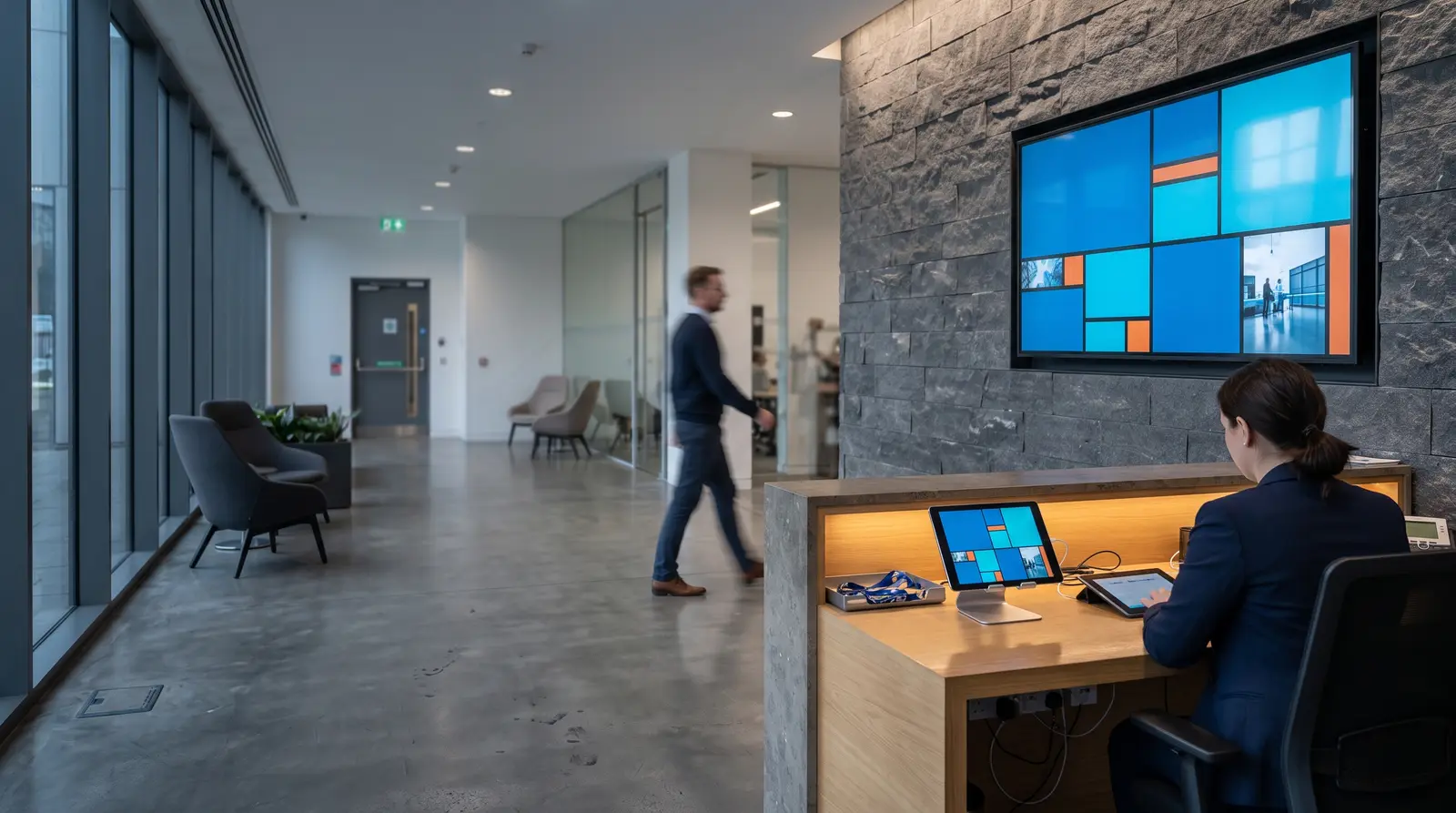
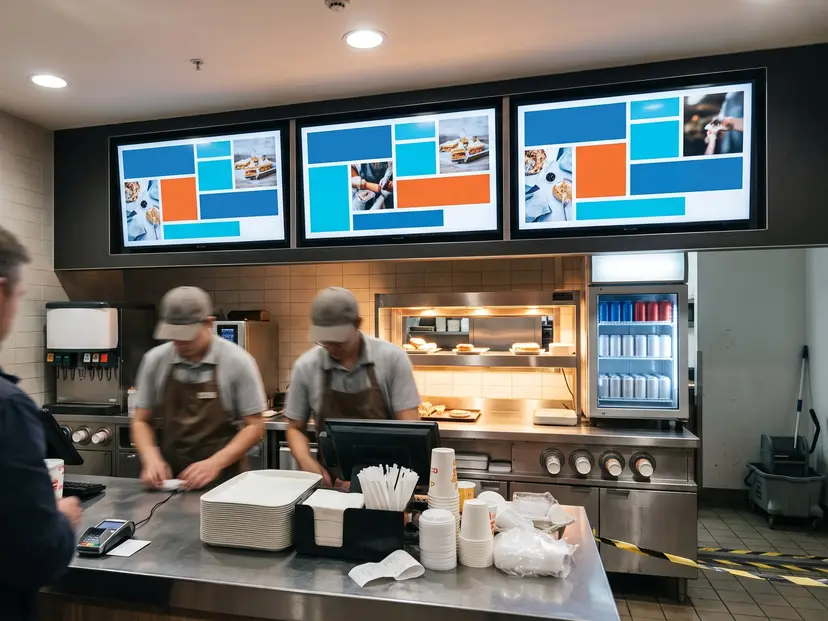
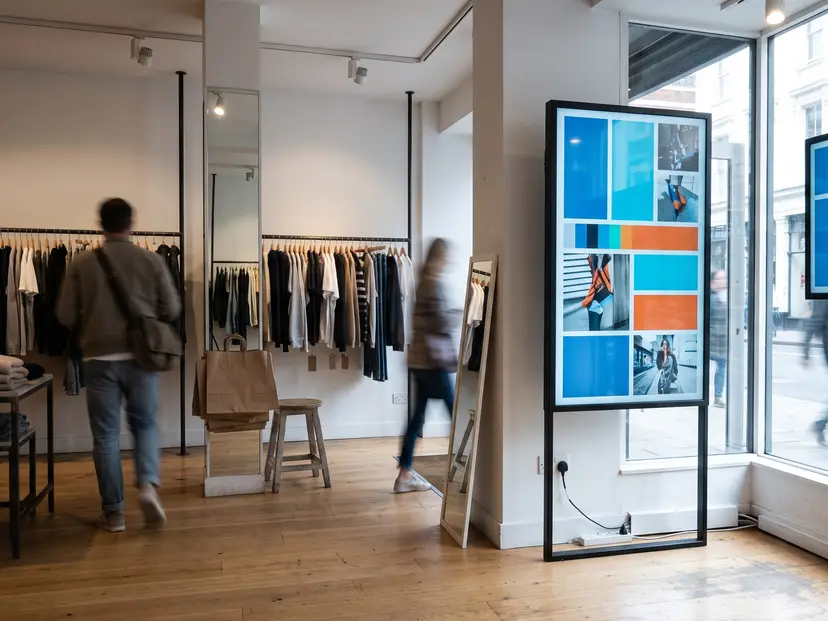
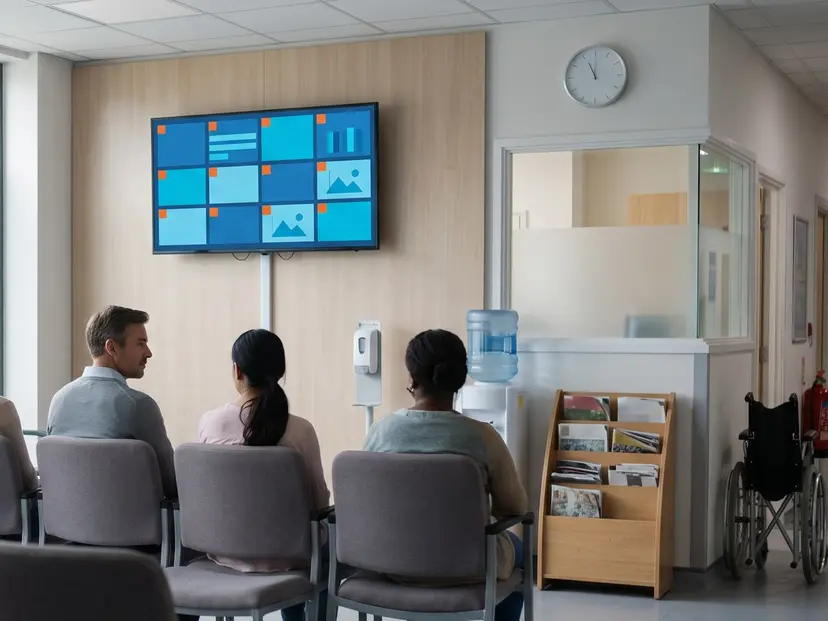
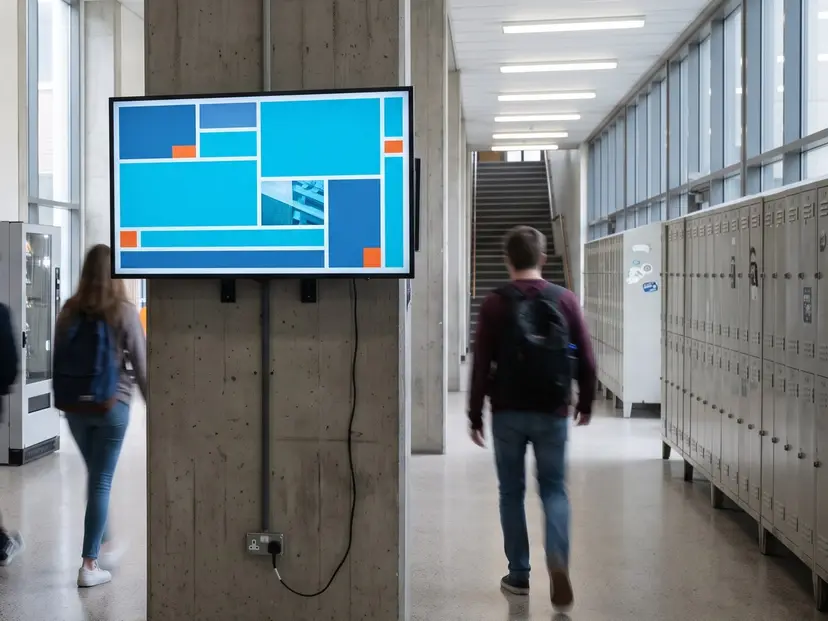
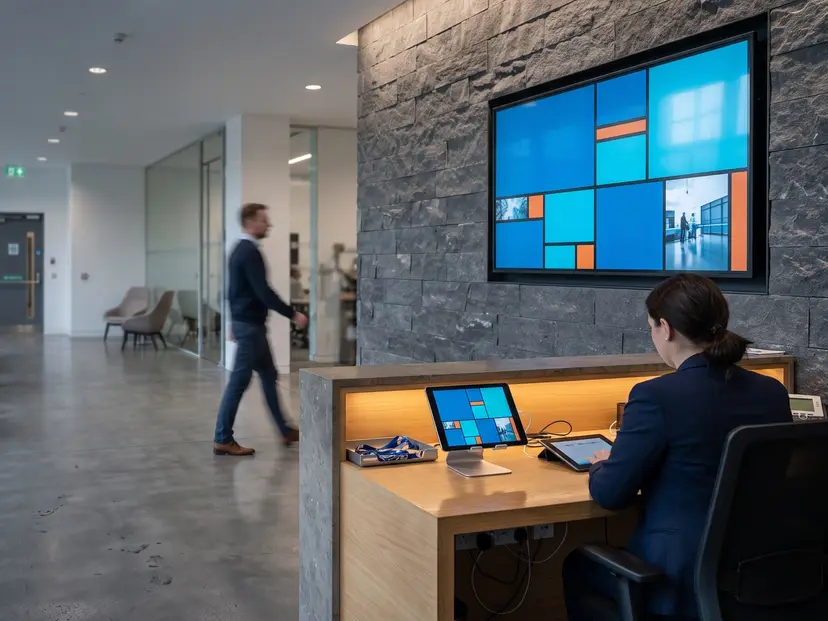
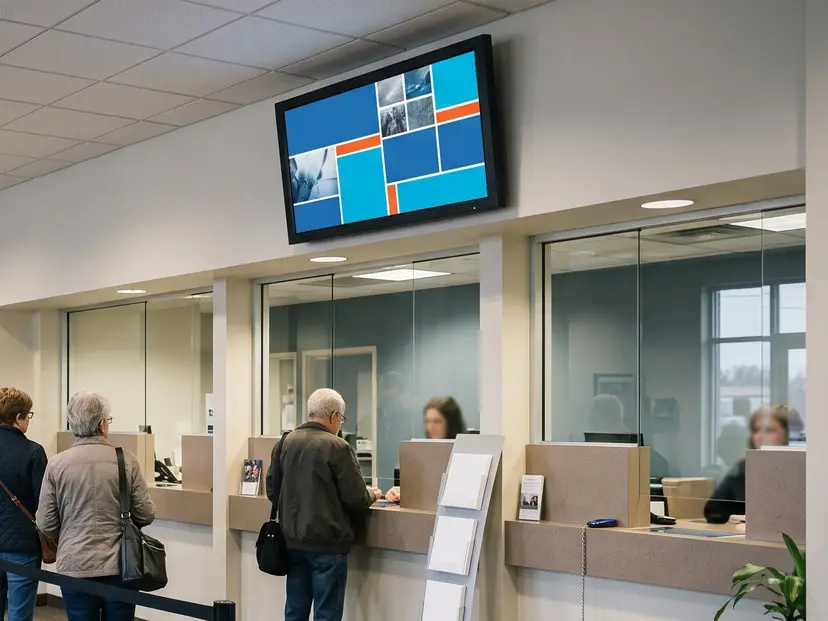
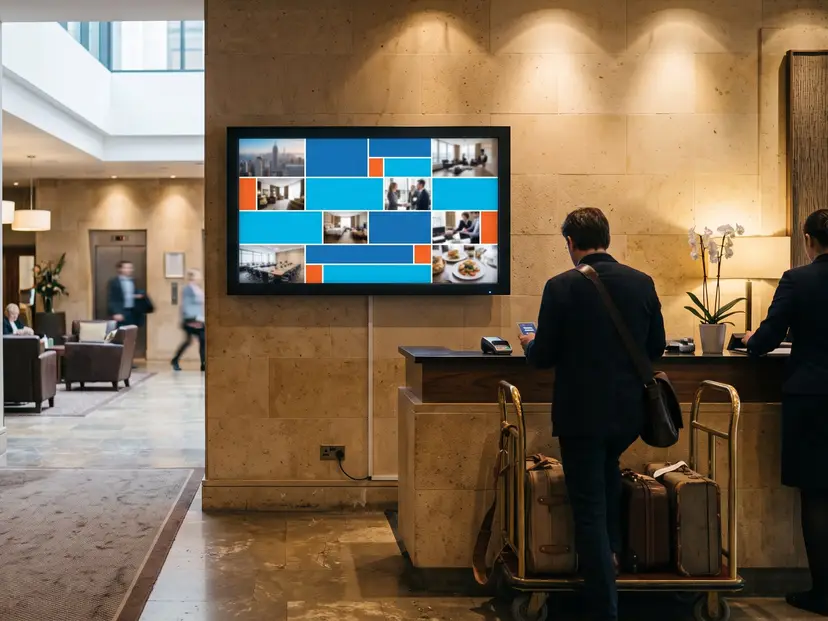
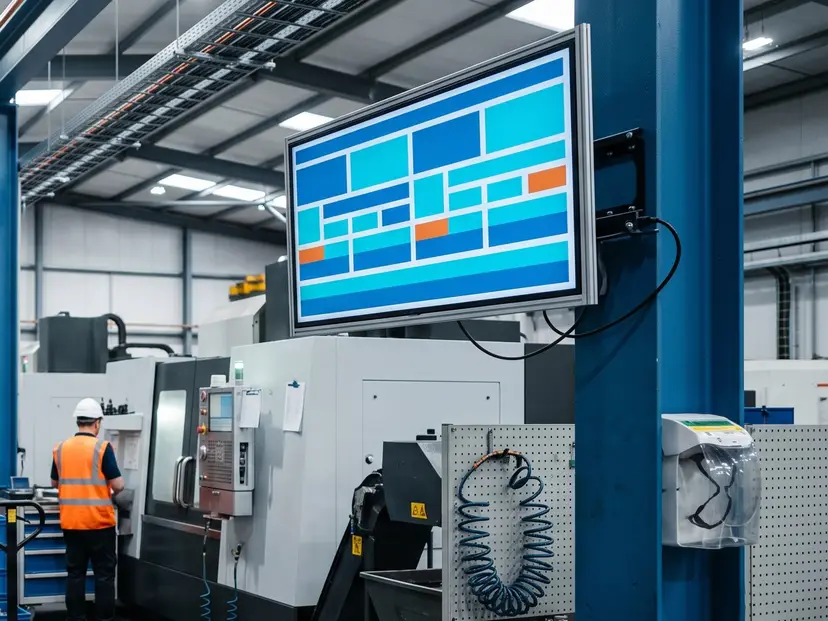
Retail, hospitality, healthcare, education, corporate, banking, manufacturing and India's jewellery trade, mostly in multi-site operations where somebody has to change content in ten places at once.
By industry
By use case
What can you do on the platform?
Seventeen capabilities, grouped the way the work actually splits: build the content, manage the publishing, run the screens. Each one has its own page.
- 01Layouts and blocksDraw a screen on a canvas with snapping, layers and undo, in landscape or portrait. Blocks include video, image, PDF, slider, split panels, text, clock, weather, ticker, rate boards and menus. Start from one of 93 design templates or from an empty canvas.Read the chapter
- 02PlaylistsPut layouts in order, give each one a dwell time and a transition, and play the result full screen or inside a single block of another layout. A playlist holds up to 60 items, and editing one re-stages every screen that uses it.Read the chapter
- 03Media libraryUpload video, images, PDFs and GIFs once. Files are fingerprinted with SHA-256 so the same file is never stored twice, videos are transcoded into a playback ladder, PDFs get thumbnails, and deleted items sit in trash for 30 days.Read the chapter
- 04AI toolsSix AI features draft the first version for you: a priced blueprint, a layout from a description, headline and ticker copy, a suggested schedule, generated artwork and a background music loop. Each one costs credits from your plan, and a layout is quoted before it runs.Read the chapter
- 05SchedulingOnce, Repeat or Override. Every schedule row carries its own timezone and shows the next run before you save it, so dayparting a breakfast menu across three cities is one screen of work.Read the chapter
- 06PublishingA four-step wizard: Content, Screens, Schedule, Review. Before anything leaves the CMS, 12 guards check the content against each target screen and the review step shows a green, amber or red readiness matrix per device.Read the chapter
- 07Device managementPair a screen with a code, group it, and from then on restart its player, refresh its content, clear its cache or take a screenshot remotely. Kiosk lock, active hours and orientation lock are all set from the same page.Read the chapter
- 08Roles and permissionsBuilt-in and custom roles across 34 permission modules, plus per-user device and layout whitelists, so a branch manager can publish to their own screens and nobody else's.Read the chapter
- 09Proof of playPlay counts and durations per layout and per device, plus rankings and CSV export, for anyone who has to prove that content ran.Read the chapter
- 10ReportsUptime and offline incidents with an honest three-state answer: up, down or unknown. A screen that has never connected reads "never online" instead of a fake 0%.Read the chapter
- 11Players and devicesOne player core, six platforms: Android TV, Amazon Fire TV, Android tablets and phones on Android 7.0 or newer, Samsung Tizen 6.0 or newer, LG webOS 6.0 or newer, and a Chromium 71+ browser player.Read the chapter
- 12Offline playbackEvery screen keeps a local cache and downloads only the bytes it does not already have. When the network dies the screen carries on, then catches up when it returns.Read the chapter
- 13Video wallA grid of ordinary players showing one canvas, with each tile's viewport computed on the server and bezel gaps compensated in millimeters. Grids up to 5x5 in the CMS. It is a paid add-on and each tile uses one screen seat.Read the chapter
- 14Emergency alertsOne action takes every selected screen over with an alert, delivered over MQTT with an HTTP fallback so a screen on a bad link still gets it.Read the chapter
- 15IntegrationsSix live sources: RSS, Atom, a web page, YouTube, Google Slides and weather. Credentials are stored encrypted per company and polled on a schedule.Read the chapter
- 16Kiosk modeLock an Android device to the player with a server-issued exit PIN, so a tablet at a counter stays on your content.Read the chapter
- 17White labelYour logo and colors in the CMS itself, for resellers and for groups who hand the CMS to their own clients.Read the chapter
How do you get the first screen live?
Four steps, and the slowest part is usually finding a spare HDMI port.
Start the trial
Pick a plan on /signup/ and create your company. The trial runs 7 days on that plan, Starter by default.Install the player
Sideload the app on your Android TV box, Fire TV stick, tablet, Tizen or webOS panel, or just open the browser player on a machine already attached to the screen. Store listings are not live yet, so today this is a manual install and the players pages walk through it per device.Pair the screen
The player shows a pairing code. Type it into Devices in the CMS and the screen is yours, in the group you choose.Publish
Design a layout or open a design template, then run the publish wizard: Content, Screens, Schedule, Review. The readiness matrix tells you what each screen will do before you commit.
FAQs
Start your 7-day free trial
Prefer a walkthrough first? Book a demo. Want the numbers? See pricing.