

Digital signage for hospitals and clinics
Run queue calling in the waiting room, recognize donors in the lobby and push a facility-wide alert in one click, all from a single account across one clinic or a whole hospital network. Screens keep playing through a ward’s network drop, with a 7-day free trial and no commitment.
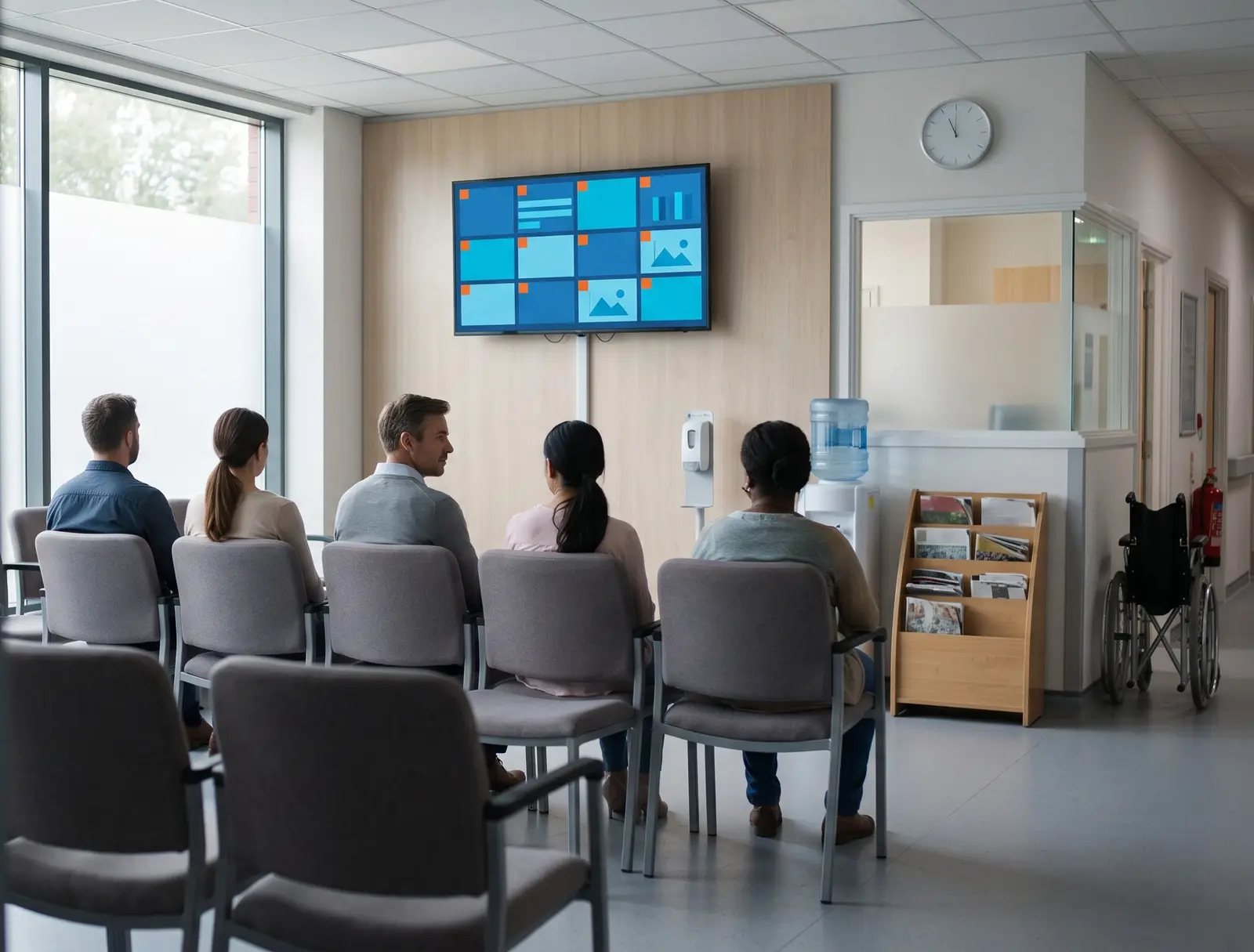
Ways healthcare signage powers your facility
Healthcare digital signage helps facilities manage patient flow, communicate important information and keep staff and visitors informed. From queue calling and donor recognition to emergency alerts and department-specific content, screens give healthcare teams a faster way to manage communication across waiting rooms, reception areas, and lobbies.
Built for every kind of healthcare facility
Hospitals
Lobby information screens, department queue displays and facility-wide emergency alerts on one account.
Multi-specialty clinics
A reception queue display and a waiting-room information screen per specialty.
Diagnostic and imaging centers
Appointment-status and queue displays where wait times vary by procedure.
Dental and eye-care chains
A consistent patient-education screen across every branch, updated from head office.
Pharmacies inside a healthcare network
A queue display alongside health and wellness announcements.
Blood donation and community health centers
Donor recognition and appointment-status screens on the same account as a hospital’s own.
Before CloudyFy TV, and after
| Capability | Without digital signage | With CloudyFy TV (CloudyFy TV) |
|---|---|---|
Calling the next patient | A printed number ticket and a shouted call for the next patient | A queue display calls the next number, with skip and recall if a patient steps away |
Donor recognition | A donor plaque that needs re-engraving for every new name | A donor wall you update from a browser in minutes |
Facility-wide announcement | A hospital-wide announcement relayed department by department | One click pushes an emergency alert to every screen on the network |
Patient-education content | Front-desk staff manually swapping health-tip posters | Playlists rotate patient-education content on a schedule |
Network outage | A screen in a ward going dark during a network outage | Offline-first playback keeps the last published content on screen |
Calling the next patient
- Without digital signage
- A printed number ticket and a shouted call for the next patient
- With CloudyFy TV
- A queue display calls the next number, with skip and recall if a patient steps away
Donor recognition
- Without digital signage
- A donor plaque that needs re-engraving for every new name
- With CloudyFy TV
- A donor wall you update from a browser in minutes
Facility-wide announcement
- Without digital signage
- A hospital-wide announcement relayed department by department
- With CloudyFy TV
- One click pushes an emergency alert to every screen on the network
Patient-education content
- Without digital signage
- Front-desk staff manually swapping health-tip posters
- With CloudyFy TV
- Playlists rotate patient-education content on a schedule
Network outage
- Without digital signage
- A screen in a ward going dark during a network outage
- With CloudyFy TV
- Offline-first playback keeps the last published content on screen
Why healthcare operators choose a cloud platform
What the research shows
Healthcare is a growing category for digital signage: one industry guide puts the healthcare digital-signage market at roughly $7.5 billion in 2024, projected to reach approximately $19.7 billion by 2033 (ommasign.com). CloudyFy TV does not run its own clinical outcomes study, so treat that figure as market context rather than a claim about any specific facility’s results. What is concrete is the mechanism: queue calling with skip and recall reduces the confusion of a shouted number, and roles and permissions let a department manage its own content without a facility-wide bottleneck through a single IT ticket queue.
Sized for your business
Consider a multi-specialty clinic running a reception queue display, a waiting-room information screen and a donor-recognition screen in the lobby, three screens in total. That sits comfortably inside the Starter plan’s 25-device ceiling, and 3 devices at ₹550 or $7$7 or ₹550 per device a month comes to ₹1,650 or $21$21 or ₹1,650 a month, with room to add a screen per additional specialty before an upgrade is needed. A hospital network running the same setup across eight branch clinics, with 24 devices, would sit inside the Standard plan’s 50-device ceiling at ₹24,000 or $288$288 or ₹24,000 a month.
How it works
Design your layouts
Build a queue display, a donor wall and a waiting-room information screen from the template catalogue or a blank canvas.Pair devices by department
Pair each screen by code and group it by department, so a cardiology reception and a pediatric waiting room can run different content.Publish with the right access
Roles and permissions decide who can publish to which department, while the emergency-alert screen stays under facility-level control.
Works with the tools your facility already uses
- LiveContent Creation
Google Slides
Turn a department’s existing announcement deck into a rotating waiting-room screen without a redesign.
Layout templates for healthcare
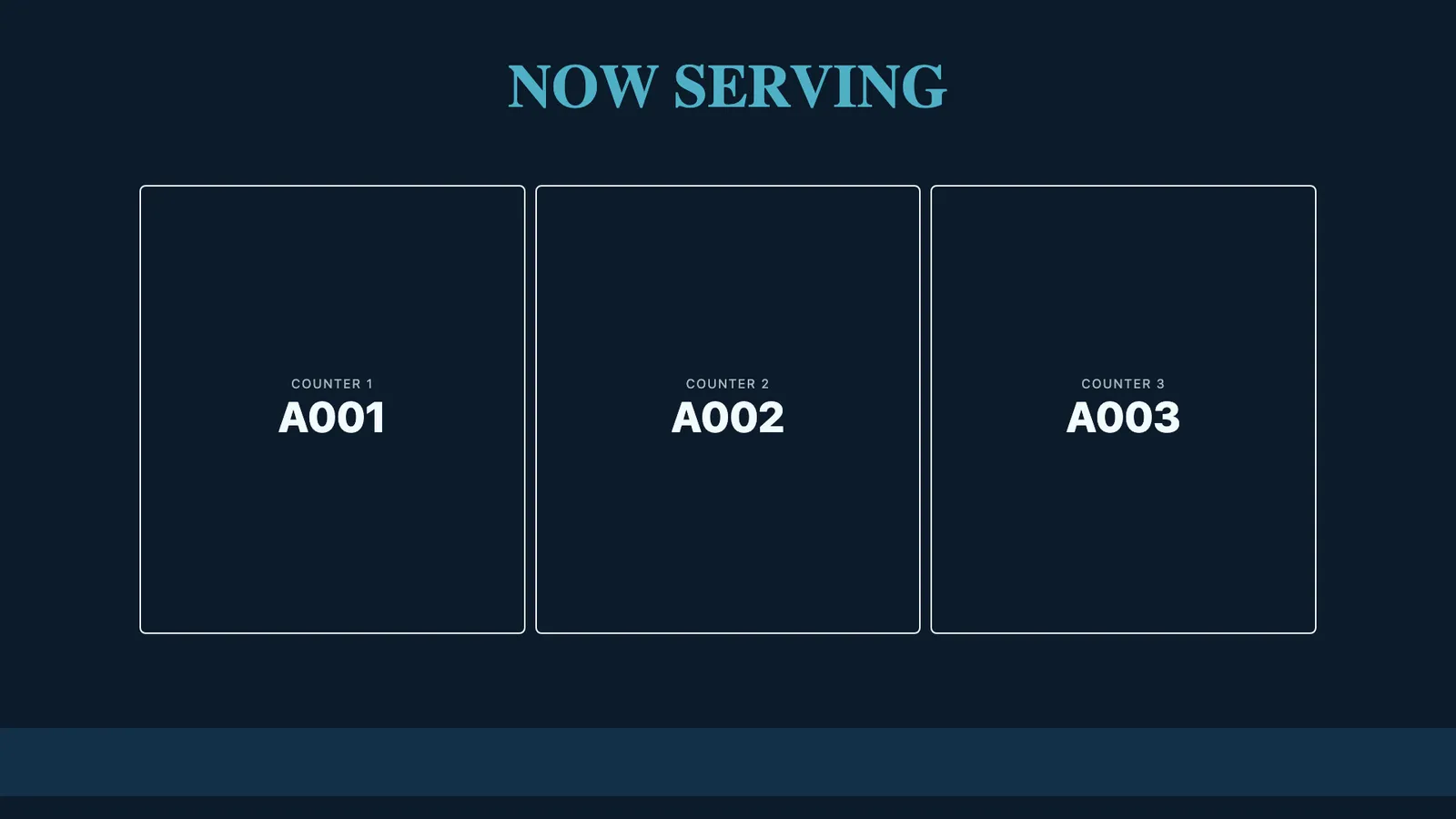
The 93-template catalogue includes queue-display layouts with a numbering zone ready to configure, donor-wall layouts sorted by tier or date, and waiting-room information layouts for portrait or landscape screens. A single clinic typically opens a queue-display template and sets its numbering format directly; a hospital network standardizes one layout across every department with per-department overrides.
Why healthcare teams choose CloudyFy TV
Per-device pricing as branches are added
An eight-branch clinic network running three screens per branch, 24 devices, still fits inside Starter’s 25-device ceiling: 24 devices at ₹550 or $7$7 or ₹550 per device a month comes to ₹13,200 or $168$168 or ₹13,200 a month, one branch short of needing an upgrade.
Department-level roles
Thirty-four permission modules let a department manage its own screens without full administrator access.
Offline-first playback
A network drop in a ward does not blank a screen, and no reboot is needed once the connection returns.
Facility-wide emergency alerts
One click reaches every screen on the network, with a fallback path if the realtime link is down.
Support while you set up
Most of the trial goes to the queue display: matching its numbering format to whatever token system your reception already hands out, letter-prefixed or a plain sequence, before staff trust it enough to retire the paper tickets. Contact the team for help getting that right, or start a guided demo instead of the self-serve trial.
FAQs
Put your first queue display and donor wall live this week
Start a 7-day free trial on Starter, Standard or Pro, no commitment.