

Turn a grid of screens into one coordinated canvas
CloudyFy TV's video wall, called a Display Wall, splits one canvas across a grid of ordinary players and coordinates what each tile shows, so a bank of screens reads as one image instead of several unrelated ones. It runs on the same Android, Tizen, and webOS players you already use, no dedicated video-wall controller required.
What is a Display Wall?
A Display Wall is a grid of screens, up to 5x5 in the CMS today, that CloudyFy TV treats as one addressable canvas instead of separate devices. You design the canvas once, CloudyFy TV works out the exact rectangle each tile is responsible for, and every tile plays its portion in sync with the rest. It supports two modes: tv mode, where the wall behaves like one continuous image stretched across the grid, and matrix mode, where the grid runs a coordinated set of tiles that switch content together rather than one unbroken image. Video wall is a paid add-on, and every tile in a wall consumes one device seat on your plan, the same as any other paired screen.
A device can only belong to one Display Wall at a time. If a screen is already mapped into one wall's grid, you unassign it from that wall before it can join another, which keeps the tile-to-device mapping unambiguous as your wall configurations change over time.
How does a CloudyFy TV video wall work?
Lay out the canvas
Choose your grid size, up to 5x5, and design the content that spans it as one composition.Assign tiles to devices
Map each cell in the grid to a paired player. Each device in the wall uses one screen seat, and a device can only belong to one wall at a time.Calibrate the bezels
Enter the bezel width of your panels in millimeters. CloudyFy TV computes each tile's exact viewport server-side, so content lines up across the physical gaps between screens instead of looking cut off at the seams. This is the step that turns a grid of separate rectangles into one continuous picture: without bezel compensation, the parts of the image that fall behind the physical frame between panels would simply be missing.Publish and switch in sync
Content changes go out to every tile together. Switching between scenes on the wall is coordinated across the grid on a wired LAN, not left to each screen's own timing, so you don't see one tile jump to the next scene half a second ahead of its neighbors.
What hardware does a video wall need?
Two ways, and they cost different amounts. A SOFTWARE SPLIT runs one CloudyFy TV player per screen in the grid, on the same devices you already deploy elsewhere, connected over a wired LAN for the tightest sync: no wall controller to buy, rack or maintain, and each panel uses one device licence. A HARDWARE SPLIT drives the whole wall from a single source device through your own video-wall processor, so CloudyFy TV publishes one full-canvas layout to one player and the wall uses ONE device licence however many panels it has. What you do need either way is the video wall entitlement on your plan (it's a paid add-on) and one device seat per tile, since each screen in the wall counts against your plan's device ceiling the same way any other paired screen does.
Where does a coordinated wall get used?
Retail storefronts and flagship windows
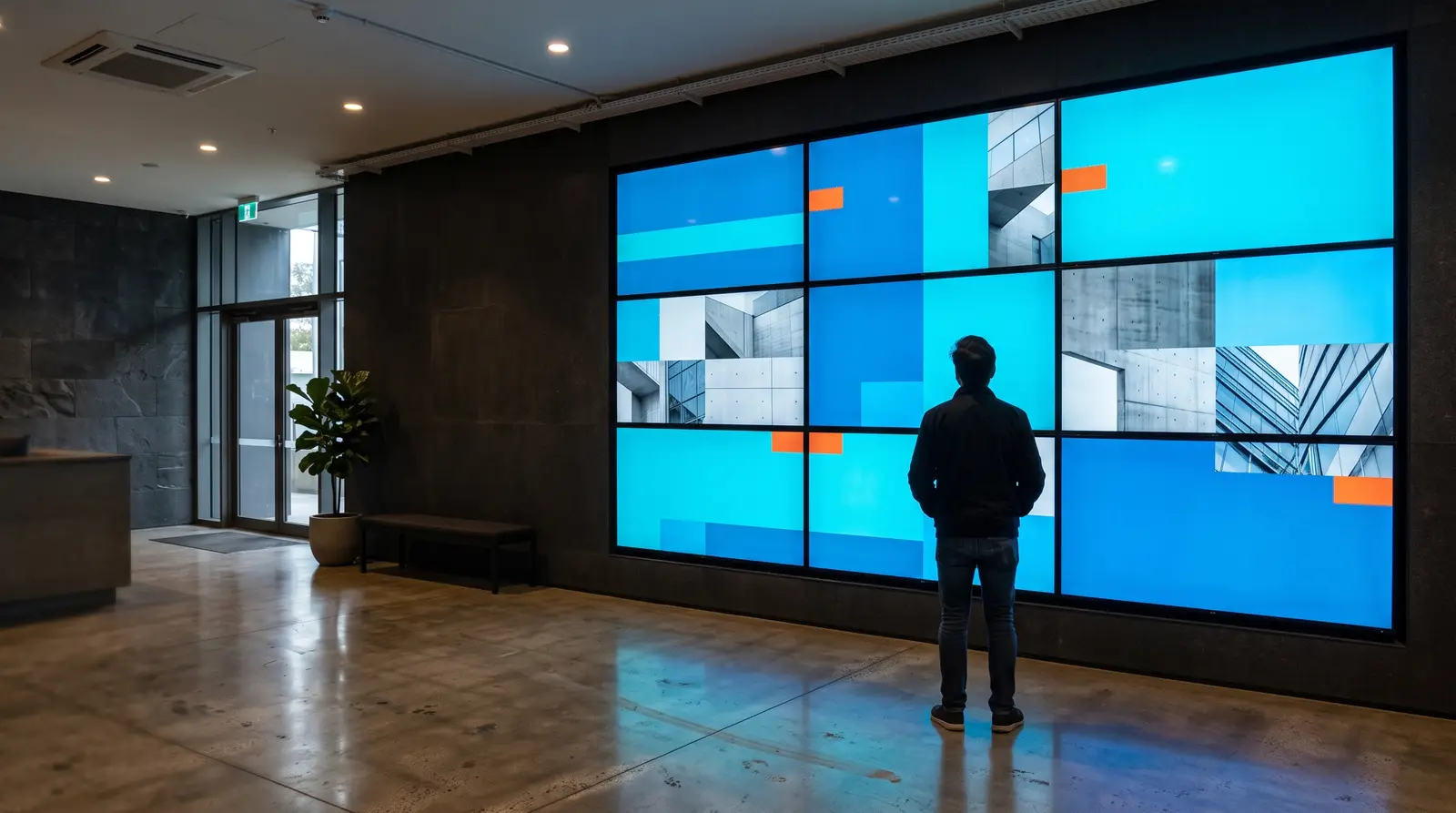
A grid of screens behind glass reads as one large display to people walking past, rather than several small screens each looping its own loop out of sync with the rest.
Lobbies and reception areas
A wall of TVs shows one branded composition, a welcome message or a brand film stretched across the grid, instead of a row of identical small screens repeating the same content.
Control rooms and operations centers
A matrix-mode wall coordinates several related feeds (live rate boards, token queues, published operational layouts your team updates) across one grid, with each tile playing its own feed on the same coordinated switch schedule as the rest.
FAQs
Turn a grid of screens into one coordinated canvas
CloudyFy TV's video wall, called a Display Wall, splits one canvas across a grid of ordinary players and coordinates what each tile shows, so a bank of screens reads as one image instead of several unrelated ones.