

Digital Signage for Small Business
A small business does not need an enterprise contract or a design team to put a screen to work in a window, on a counter, or behind a register. CloudyFy TV's Starter plan costs ₹550 or $7$7 or ₹550 per device a month, pairs up to 25 devices on one account, and comes with a 7-day free trial and no commitment.
Key takeaways
Key Takeaways
- Starter costs ₹550 or $7$7 or ₹550 per device a month, below most per-screen competitors' rates, and pairs up to 25 devices on a single account.
- The 7-day free trial provisions the real product, not a stripped-down demo, with no commitment to continue.
- Everything a one-person team needs ships on Starter: a drag-and-drop layout canvas, 93 ready-made templates, and 100 AI credits per device a month for layout, copy and image generation.
- A single screen and a five-location chain both run on the same software; only the device count and the hardware you buy change.
- Upgrading later means moving up a device ceiling, Standard at ₹1,000 or $12$12 or ₹1,000 for up to 50 devices or Pro at ₹1,500 or $20$20 or ₹1,500 for up to 100, never unlocking a feature that was withheld.
What does small business digital signage look like?
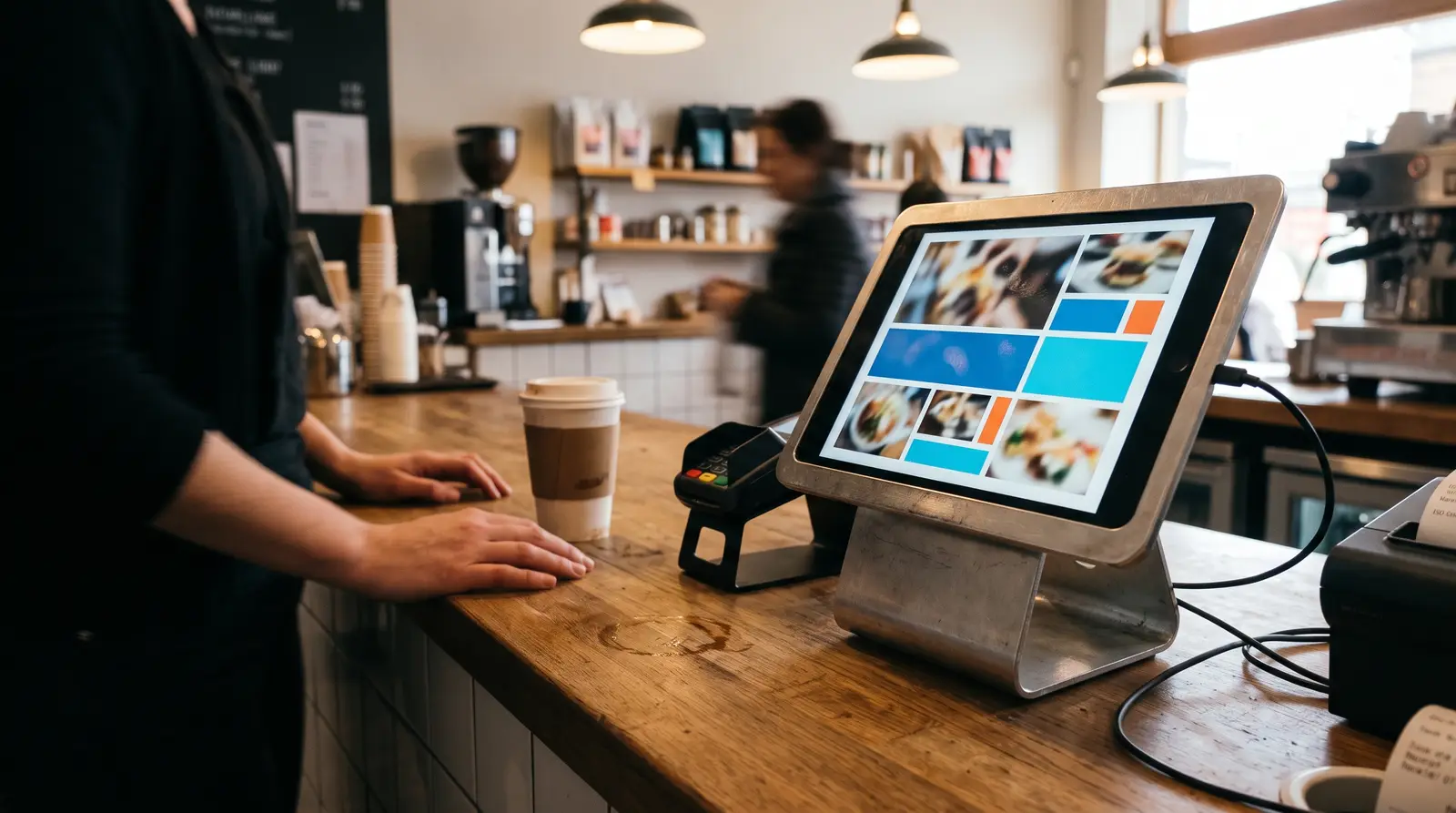
For most small businesses, it is one or two screens doing a job a printed sign used to do: a menu board that updates without reprinting, a window display that changes with the season, a queue or waiting-area screen, or a promotional board near checkout. The screen itself is usually a TV or tablet the business already owns or buys once; the software behind it is what makes the content changeable without calling a print shop. CloudyFy TV's device ceilings, 25 on Starter, mean a single storefront and a small five-location group both fit comfortably on the entry plan, and the price tracks device count, not how many locations those screens are spread across.
Three concrete examples, all fitting inside Starter's 25-device ceiling: a bakery replacing a chalkboard with a single tablet by the register that swaps its daily specials automatically at a set time each morning; a hair salon running one TV in the waiting area alternating service prices with a YouTube styling reel; and a five-outlet boutique chain running one screen per store, all built from a shared set of templates in one CMS login so a seasonal sale updates on every screen at once instead of five separate trips to five separate stores. None of these three examples needed more than the entry plan, and none of them needed a dedicated IT hire on staff to keep running.
What's included that a small business actually uses
Not every feature on CloudyFy TV's platform is aimed at a large fleet, and several matter just as much at one or two screens. Offline-first playback means a screen behind a counter keeps showing its last-published content through a router reboot or a dropped connection, which matters more to a business with no on-site IT than it does to an enterprise with a support desk. Remote app restart and refresh mean a problem screen can usually be fixed from a phone without a trip to the store. Kiosk mode with a server-issued exit PIN keeps a customer-facing screen from ever showing a home screen or a stray notification. And proof-of-play reporting, normally pitched at advertisers billing by impression, is just as useful for a single owner who wants to confirm a promotion actually played during the hours it was scheduled for, without standing in the store to watch it happen.
Why does this matter for a small business right now?
Two independent findings make the case. A 2026 field experiment published in the Journal of Marketing measured a real, causal effect: digital signage video ads lifted the purchase probability of the featured product by 8.1% on average across 237 campaigns and roughly 30 million shopper visits, with a stronger effect for hedonic and novel products and on weekends [Herhausen, de Jong & Grewal, Journal of Marketing 90(3), 2026]. A single screen near checkout or in a window is not a decoration, it is a measurable nudge on what a customer picks up. Separately, MarketsAndMarkets projects the digital signage market to grow from USD 21.45 billion in 2025 to USD 28.88 billion by 2030 [MarketsAndMarkets, report dated 21 Jan 2026], a rate of adoption that no longer tracks with big national chains alone; the software and hardware costs that make a single screen viable for a small operator have both come down at the same time the category has grown.
Which setup path fits a small business?
- A single storefront, one or two screens. Starter plan plus a Fire TV Stick behind an existing TV, or a wall-mounted tablet at the counter. No separate IT help needed.
- A small chain, 3 to 10 locations. Still fits Starter's 25-device ceiling if each location runs a screen or two; content is built once centrally and scheduled per location or per group.
- A growing operation approaching 25+ screens. Standard's 50-device ceiling gives headroom without forcing an early upgrade conversation the day you open a sixth location.
- A business that wants a hands-off launch. A local reseller or partner can handle the physical install, hardware sourcing and staff training, while the business keeps day-to-day content control in the CMS afterward rather than calling the installer every time a price changes.
Comparing three ways a small business gets started
None of the three paths below requires an enterprise budget, and a business can start on one and move to another later without losing its layouts or its device history.
| Capability | Upfront cost | Time to launch | Design skill needed | Who controls content day to day | Best for |
|---|---|---|---|---|---|
DIY single-screen pilot | ~$50-60 hardware, ₹550/mo or $7/mo$7/mo or ₹550/mo software | Under an hour for the first screen | None: templates and AI drafting cover it | The owner or one staff member | Testing the idea before committing further |
Self-managed multi-location rollout | Hardware x number of screens, same ₹550 to ₹1,500, or $7 to $20$7 to $20, or ₹550 to ₹1,500 software band | A day or two to roll out several locations | Low: one person builds templates, others just monitor | A small central team, one CMS login shared or role-limited per person | A chain that wants one voice across locations |
Reseller- or partner-assisted setup | Hardware plus a one-time install fee from the partner | Fastest for the business, slower to schedule with a third party | None for the business; the partner or their designer handles the first build | The business, after a handover and short training session | An owner who wants a working screen without learning the CMS first |
DIY single-screen pilot
- Upfront cost
- ~$50-60 hardware, ₹550/mo or $7/mo$7/mo or ₹550/mo software
- Time to launch
- Under an hour for the first screen
- Design skill needed
- None: templates and AI drafting cover it
- Who controls content day to day
- The owner or one staff member
- Best for
- Testing the idea before committing further
Self-managed multi-location rollout
- Upfront cost
- Hardware x number of screens, same ₹550 to ₹1,500, or $7 to $20$7 to $20, or ₹550 to ₹1,500 software band
- Time to launch
- A day or two to roll out several locations
- Design skill needed
- Low: one person builds templates, others just monitor
- Who controls content day to day
- A small central team, one CMS login shared or role-limited per person
- Best for
- A chain that wants one voice across locations
Reseller- or partner-assisted setup
- Upfront cost
- Hardware plus a one-time install fee from the partner
- Time to launch
- Fastest for the business, slower to schedule with a third party
- Design skill needed
- None for the business; the partner or their designer handles the first build
- Who controls content day to day
- The business, after a handover and short training session
- Best for
- An owner who wants a working screen without learning the CMS first
How to set up digital signage without a design team
Start from a template
Pick from 93 ready-made layout templates matched to common use cases like menu boards, promotions or waiting-area screens, rather than starting from a blank canvas.Let AI draft the layout
Describe the screen you want in plain language and CloudyFy TV quotes the job for 1 credit, then builds a complete, still-editable layout for 7 more, which you can then adjust by hand.Write the copy with AI
AI Copywriting drafts headlines, offers or ticker text in a tone you choose, for 5 credits a round, so a business without a copywriter still gets on-brand wording.Generate artwork instead of stock photos
AI Image Generation turns a text prompt into signage-ready artwork saved straight into the media library, at 9 to 31 credits depending on the resolution rendered.Let AI suggest a schedule
AI Schedule Suggestions proposes a dayparting schedule from your existing layouts and screens for 10 credits, which you can accept in one click or adjust first.Publish
Run everything through the publish wizard's Content, Screens, Schedule and Review steps, which confirms every screen is ready before anything goes live.
Should a small business design layouts itself or hire a designer?
For a single location or a small chain with a consistent look, doing it yourself is a reasonable default, not a compromise: the template library and the six AI features above exist specifically to replace the design-team step, and Starter's 100 AI credits per device a month cover roughly twelve text-only AI-generated layouts a month, plenty for a business updating its screens seasonally rather than daily. A designer earns their cost back once a business has a brand system to maintain precisely across many locations, or wants a look distinct enough that a template starting point would fight against it. Between those two ends, most small, single-brand operations are better served spending the money saved on a designer on the hardware for a second or third screen instead.
In practice, the time cost of the DIY route is front-loaded and small: building a first layout from a template and adjusting AI-generated copy typically takes less time than writing and proofing a printed sign order would have taken under the old paper-menu approach, and every layout built once is reused indefinitely rather than reprinted. The ongoing weekly or monthly time cost, swapping a promotion or updating a price, is usually a five-minute edit in the media library rather than a new design project each time.
What to pair your first screen with
A weather widget is a low-effort addition for any storefront window, since it is one of CloudyFy TV's six built-in integrations and needs no design work beyond dropping a block into a layout. A YouTube integration lets a small restaurant or salon loop a short brand or how-to video without re-uploading it into the media library. An RSS or web page integration is a simple way to pull in local news, a sports score, or the business's own website content without manually retyping it every day. As screens or locations grow past what AI credits comfortably cover, a top-up pack, 500 credits for ₹500 ($5)$5 (₹500) or 1,250 for ₹1,000 ($10)$10 (₹1,000), is cheaper than upgrading a whole plan tier early. And once a business crosses 25 devices, moving to Standard (₹1,000 or $12$12 or ₹1,000, 50 devices) is a plan change, not a re-onboarding: existing layouts, schedules and devices carry over, so nothing built during the Starter months has to be rebuilt.
FAQs
Start small and grow into it
The lowest-risk way to find out if digital signage is worth it for your business is the setup above: one screen, one template, a 7-day trial with no commitment. If it earns its place at the register or in the window, adding a second location or a second screen reuses everything you've already built, the same layouts, the same templates, the same login, so growth never means starting over.