

Digital signage for airports, stations and transit hubs
Run passenger information, concession advertising and ticket-counter queue displays from one cloud dashboard, and keep every screen playing on an underground platform or a low-signal terminal where the network cannot be trusted.
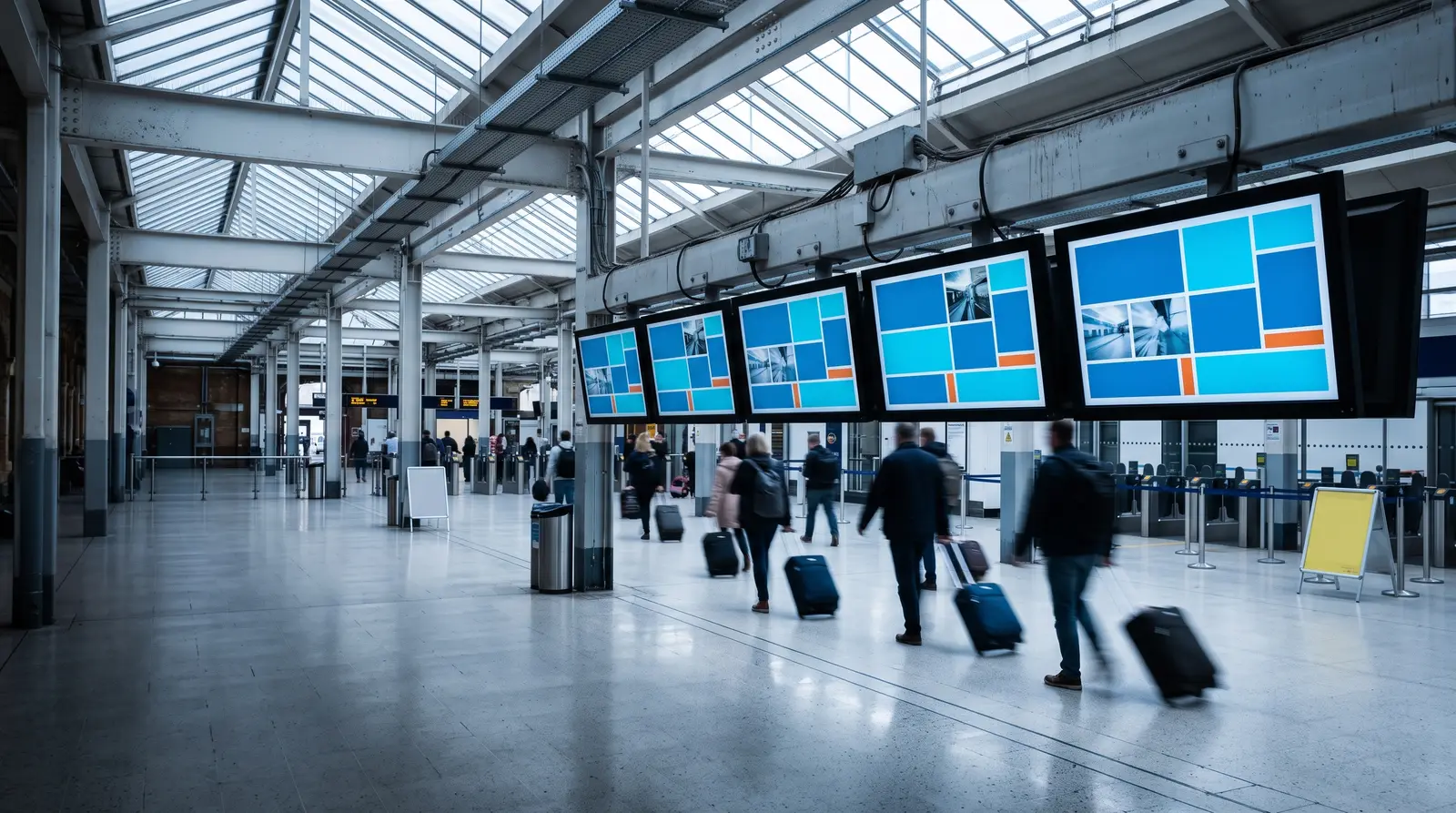
What transit operators get from CloudyFy TV
Ways transit signage powers your terminal
What is airport and transit digital signage? It is a set of networked screens across a terminal or station, from general passenger information to concession advertising and ticket-counter queue displays, published and updated from one browser dashboard.
Built for every type of transit environment
Airports and terminals
Passenger information, concession and gate-area screens across one or more terminals, grouped so each terminal's content stays independent.
Railway and metro stations
Platform and concourse screens, including underground stations with intermittent connectivity, where offline playback matters most.
Bus terminals and transit hubs
Departure boards and ticket-counter queue displays at a shared facility, updated by staff between arrivals.
Ferry terminals and ports
Waiting-area information and concession screens at a seasonal or lower-traffic facility, on a plan sized to a smaller device count.
Transit network operators
Standardized screens across every station in a network, managed from one login, with a network-wide alert reaching every station at once when needed.
Before CloudyFy TV, and after
Each row below is a specific, recurring pain point in a station or terminal, not a general claim about the category.
| Capability | Without digital signage | With CloudyFy TV (CloudyFy TV) |
|---|---|---|
Timetables | Paper timetables taped to a wall, out of date within a season | Schedule boards content teams update from one dashboard |
Security incidents | A manual PA-only announcement during a security incident | A one-click alert reaching every screen in the terminal in about a second |
Connectivity loss | An underground platform losing signal and its screen going dark | Offline-first playback keeps the last published content on screen with zero network |
Gate or platform changes | Staff radioing a gate or platform change to a print shop | Content updates instantly across every screen in the network |
Ticket counter queues | A ticket counter queue with no visual cue for who is next | A token and queue display with skip and recall for staff |
Timetables
- Without digital signage
- Paper timetables taped to a wall, out of date within a season
- With CloudyFy TV
- Schedule boards content teams update from one dashboard
Security incidents
- Without digital signage
- A manual PA-only announcement during a security incident
- With CloudyFy TV
- A one-click alert reaching every screen in the terminal in about a second
Connectivity loss
- Without digital signage
- An underground platform losing signal and its screen going dark
- With CloudyFy TV
- Offline-first playback keeps the last published content on screen with zero network
Gate or platform changes
- Without digital signage
- Staff radioing a gate or platform change to a print shop
- With CloudyFy TV
- Content updates instantly across every screen in the network
Ticket counter queues
- Without digital signage
- A ticket counter queue with no visual cue for who is next
- With CloudyFy TV
- A token and queue display with skip and recall for staff
Why transit operators choose a cloud platform
What the research shows
The digital signage market MarketsandMarkets tracks is projected to grow from $21.45B in 2025 to $28.88B by 2030, a 6.1% compound annual rate, and passenger-facing information screens are a routine part of that growth in transit environments. On the passenger-experience question specifically, peer-reviewed research confirms dynamic content holds attention longer than static content, though the effect sizes measured are sub-second and should not be read as a large percentage lift.
The practical case
For an operations manager evaluating platforms, the practical argument rarely comes down to the passenger-attention research anyway. It comes down to two operational facts: whether a schedule change reaches every screen in the network without a site visit, and whether a screen stays legible when a station’s connection is unreliable. CloudyFy TV answers both directly, with a publish path that reaches every grouped screen at once and an offline-first player that keeps the last published content on screen with zero network.
Sized for a bus terminal network
Take a regional bus terminal network of five stations, each with one departure board, one concession screen and one ticket-counter queue display. That is three screens per station, fifteen in total, comfortably inside the Starter plan’s 25-device ceiling, and 15 devices at ₹550 or $7$7 or ₹550 per device a month comes to ₹8,250 or $105$105 or ₹8,250 a month, with device groups keeping each station’s content independent while a network-wide alert can still reach every station at once.
Sized for a metro network
A metro operator running twelve underground stations with two platform screens each comes to twenty-four screens, fitting the Standard plan’s 50-device ceiling, and 24 devices at ₹1,000 or $12$12 or ₹1,000 per device a month comes to ₹24,000 or $288$288 or ₹24,000 a month, with room to add concourse-level advertising screens later. The underground setting is exactly where offline-first playback earns its keep: a platform screen a few levels below street level can lose its network connection for minutes at a time and keep showing the last published schedule without a visible interruption.
How it works
Design your layouts
Build passenger information, concession and queue-display screens in the browser canvas, starting from a template or from scratch.Publish across every station
The publish wizard walks Content, Screens, Schedule and Review, with a per-screen readiness check across every terminal in the network.Screens keep playing
Content is cached locally and each screen downloads only the bytes it does not already have, so an underground platform or a low-signal terminal keeps showing the last published content until the network returns.
Works with the tools your terminal already uses
- LiveData and KPI
Weather
Show local conditions relevant to a ferry terminal or an outdoor bus concourse, useful for passengers deciding whether to wait inside or outside.
- LiveData and KPI
Web page
Embed a live page, such as a transit authority's service-status site, directly into a layout block, alongside passenger information you publish yourself.
Layout templates for transit
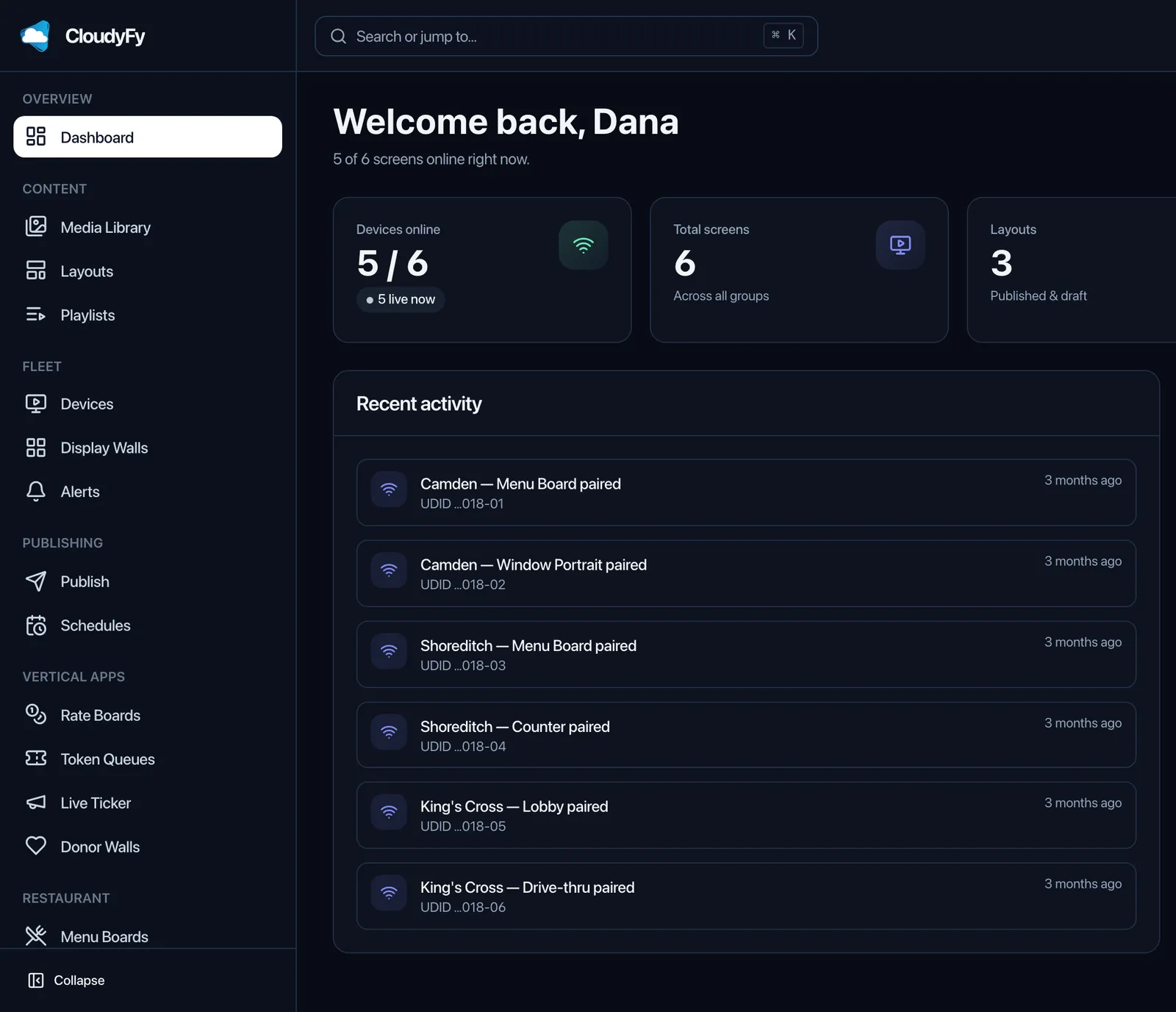
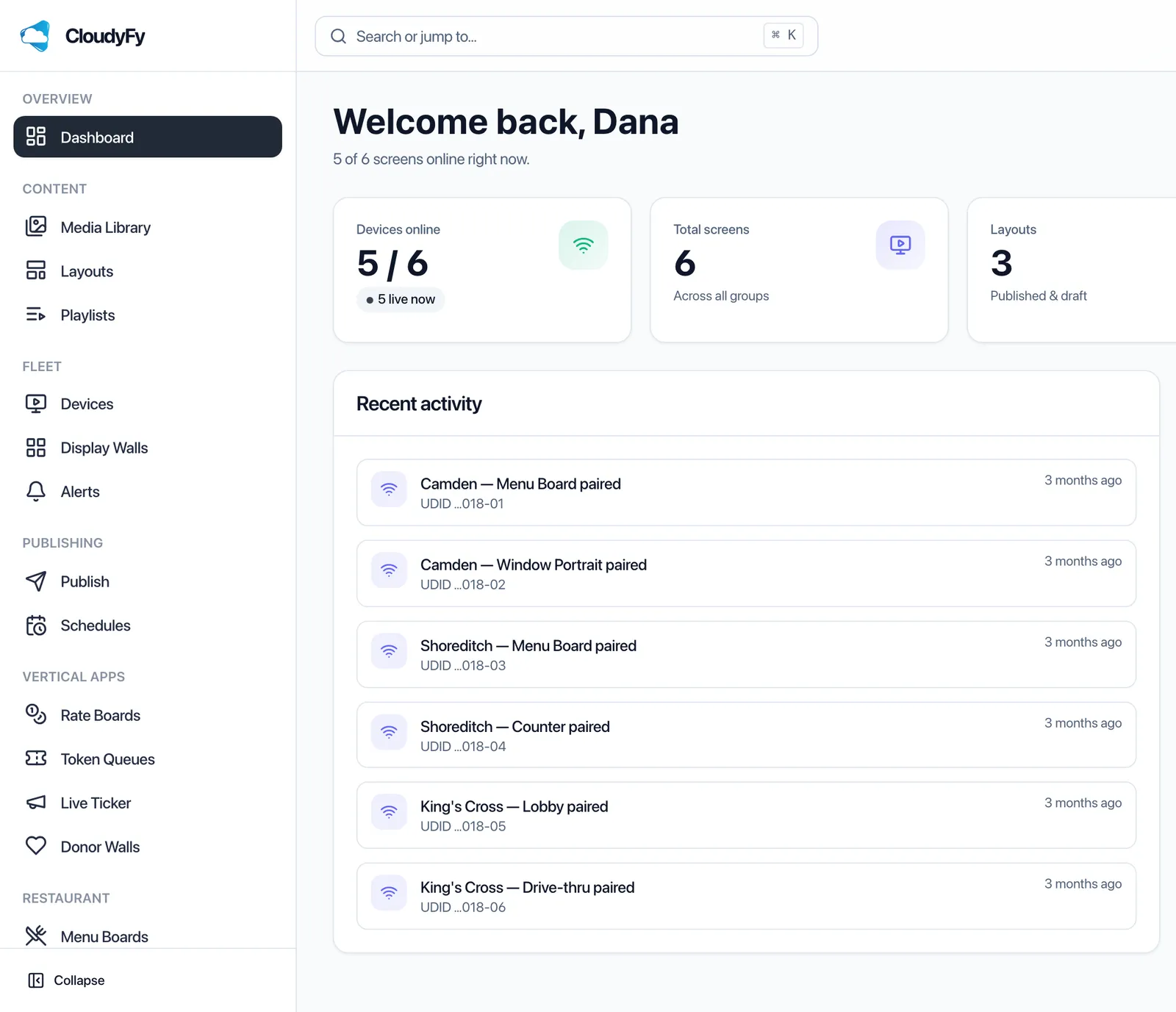
Start from the shared catalogue of 93 layout templates: passenger information layouts, concession menu boards, and ticket-counter queue-display layouts. Every template opens in the same block-based canvas, so a station’s screens can be rebranded quickly to match a network-wide standard. A transit authority that wants a consistent look across every station can build a small set of approved templates once and let each station’s local team publish from that set only.
Why transit operators choose CloudyFy TV
Per-device pricing across every station
Every device is billed at the same ₹550 or $7$7 or ₹550 per device a month rate on Starter, so a growing station network adds predictable per-device cost instead of a new contract negotiated per station.
Offline-first playback
Screens keep playing from local cache through the connectivity dips common on underground platforms and rural stations, with no visible interruption to passengers.
Content-addressed delta sync
Each screen downloads only the bytes it does not already have, which matters on bandwidth-constrained station links and reduces how much data a station’s connection needs to carry.
One-click emergency alerts
A one-click takeover reaches every screen in the network in about a second over MQTT, with an HTTP pull and legacy polling fallback if a screen’s realtime connection is down.
Support while you set up
Every trial includes the full publish wizard, the layout canvas and the token and queue display module, so your operations team can put a first station’s screens live before the 7-day trial ends. Most transit operators start with one pilot station, confirm offline behavior on the actual platform hardware, then roll the same layouts out to the rest of the network.
FAQs
Put your first station's screens live this week
Start a 7-day free trial on the plan that matches your facility, no commitment required.