

What is a media player in digital signage?
"Media player" gets used two ways in this industry: as a generic term for whatever plays your content, and as a specific box some vendors sell separately from their software. Here’s the precise definition and how the role works in CloudyFy TV.
- Media player
- A media player is the hardware and software that receives a screen’s assigned content and plays it. It runs on a device such as a TV, streaming stick or tablet, downloads layouts and playlists from a content management system, caches them locally, and displays them in a continuous loop. Some vendors sell the media player as separate hardware, a small box you plug into an otherwise "dumb" screen. Others, CloudyFy TV included, ship it as an app that installs directly on smart TVs, streaming sticks and tablets, so the screen itself becomes the media player with nothing extra to plug in.
Media player vs digital signage CMS
Media playervsDigital signage CMS
A media player and a digital signage CMS are not the same layer, and confusing them is common because both terms show up in the same buying conversation. The CMS is where you design layouts, playlists and schedules; the media player is the piece that receives that finished content and puts it on the actual screen. A CMS with nothing to display content on is useless, and a media player with no CMS behind it has nothing to play. In CloudyFy TV, the media-player role is filled by the CloudyFy TV player app itself, called simply the player. It is not a separate purchase or a separate box: install it on a supported device, pair it with a code generated in the CMS, and that device is now a media player under CloudyFy TV’s control.
What Digital signage CMS means
How does the media player work in CloudyFy TV?
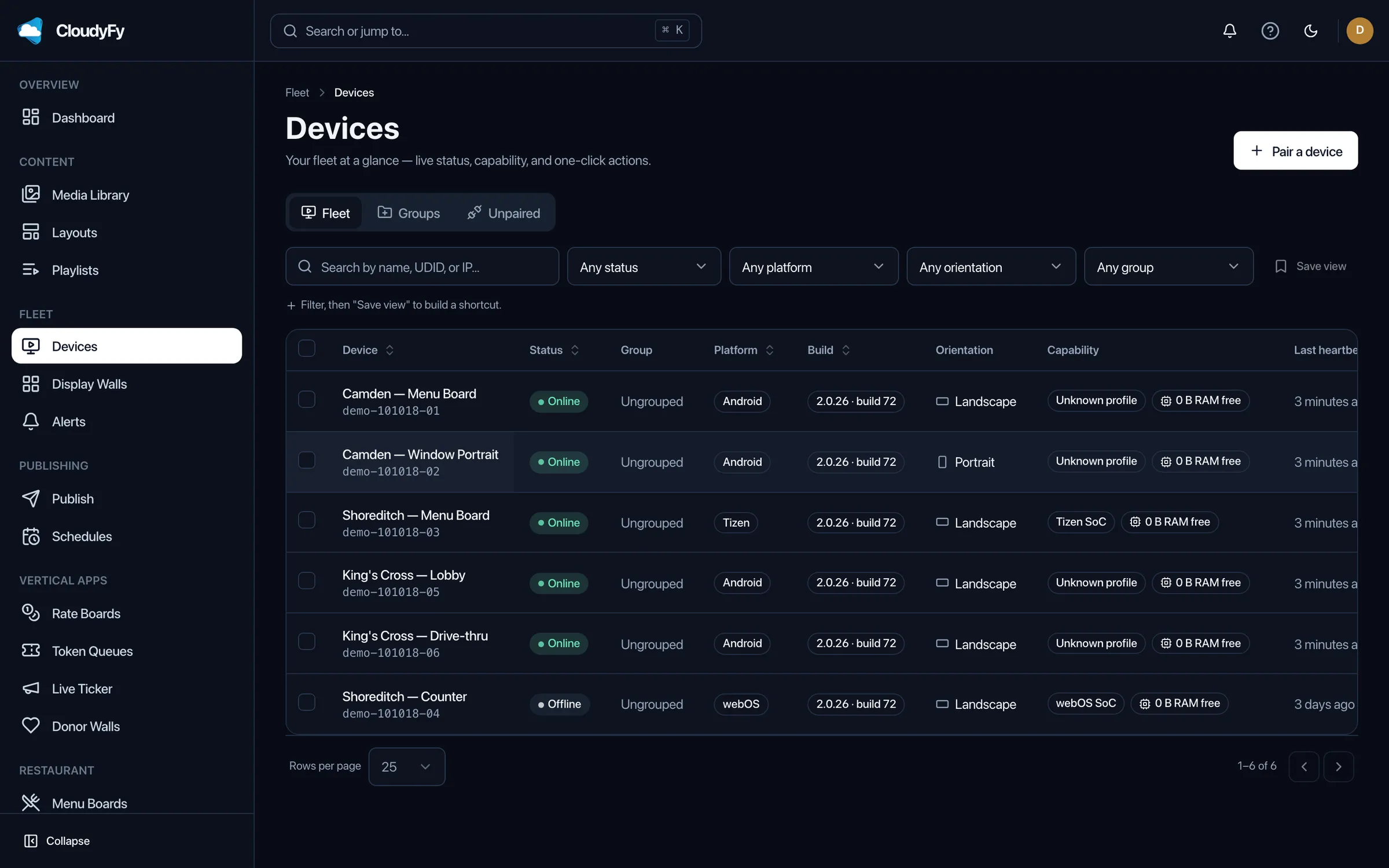
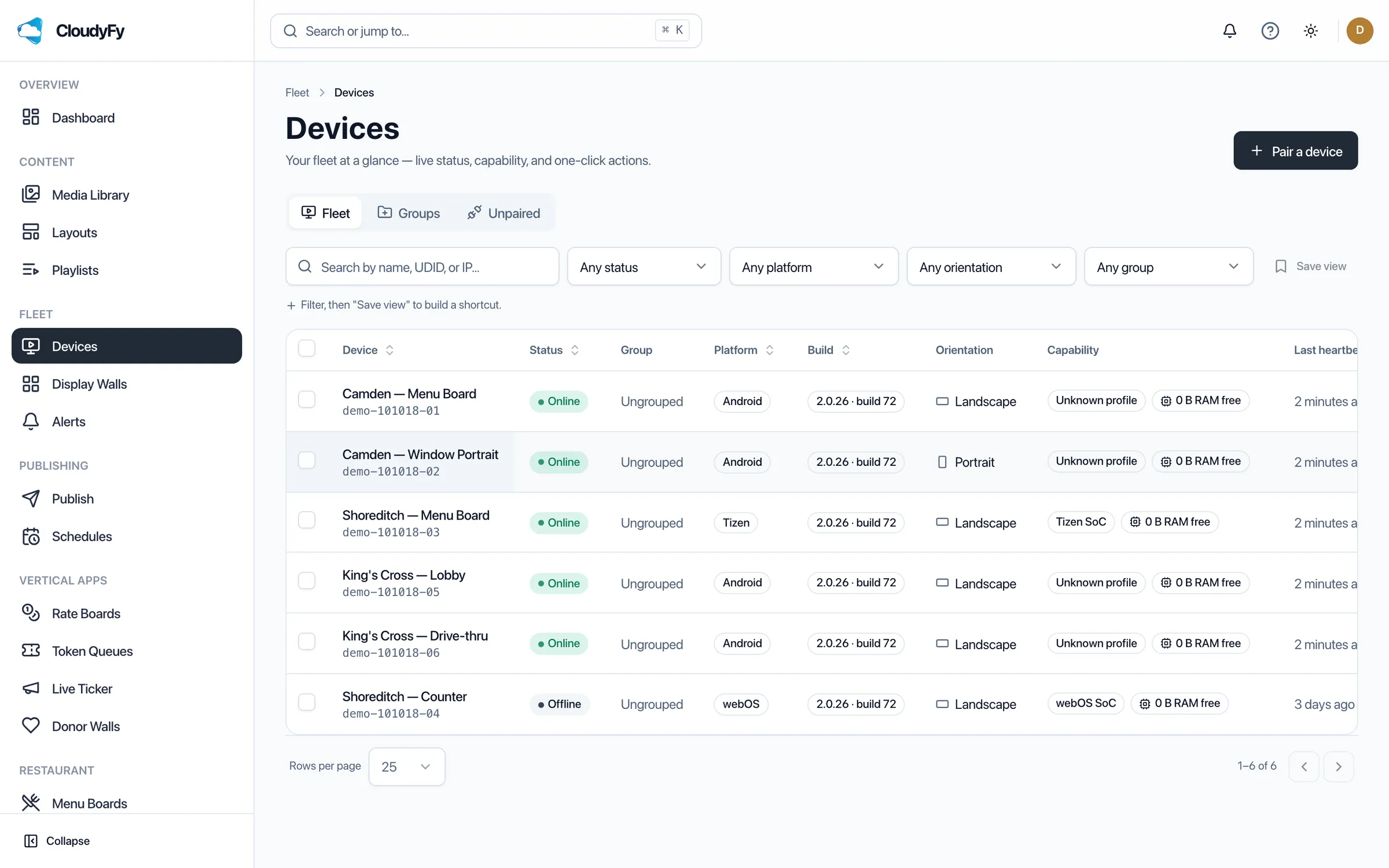
CloudyFy TV runs one shared rendering engine across every supported platform: Android TV and Fire TV, Samsung Tizen 6.0 and later, LG webOS 6.0 and later, and any Chromium 71+ browser. Once paired to a device with a one-time code generated in the CMS, the player downloads its assigned layouts and playlists, caches the files it needs locally, and keeps playing from that cache if the network drops. Content updates arrive automatically the next time the player syncs, with no reinstall, no USB stick, and no separate media-player hardware to buy or manage.